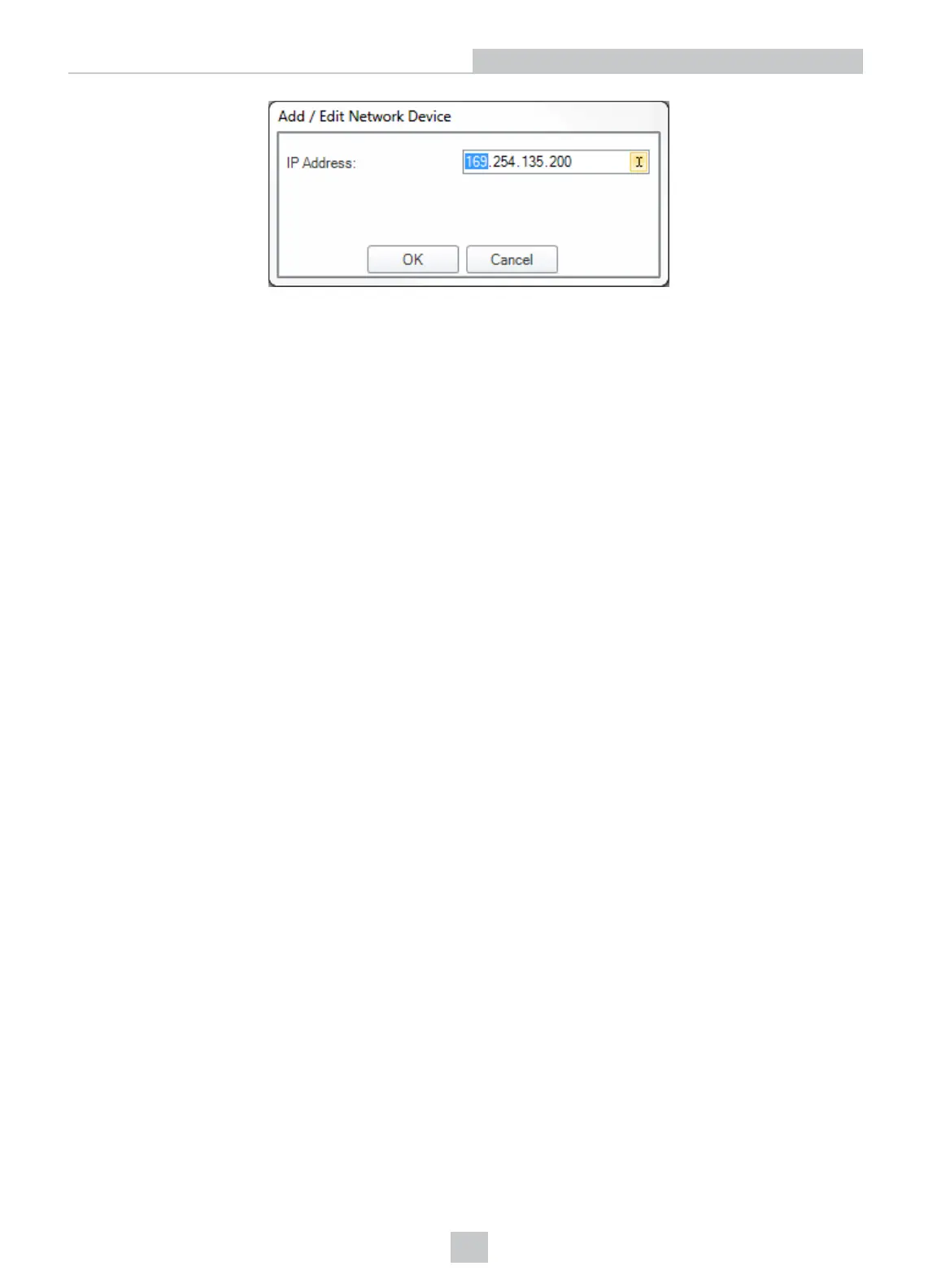
3. Click OK. The reader appears under the Network node. Double click the new node or select it and click the
Connect button. If the device is available, the reader will be connected.
Troubleshooting a Network Connection
Based on your network configuration, the DataMan Setup Tool may not be able to communicate with the reader and it
will not appear in the list of Network devices. If you know the IP address of the reader, use the Add Network Device
option in the DataMan Setup Tool. This method allows your DataMan reader to appear in the list of Network devices so
that you can connect to it through the DataMan Setup Tool and your USB connection.
17
Networking











 To Next Page