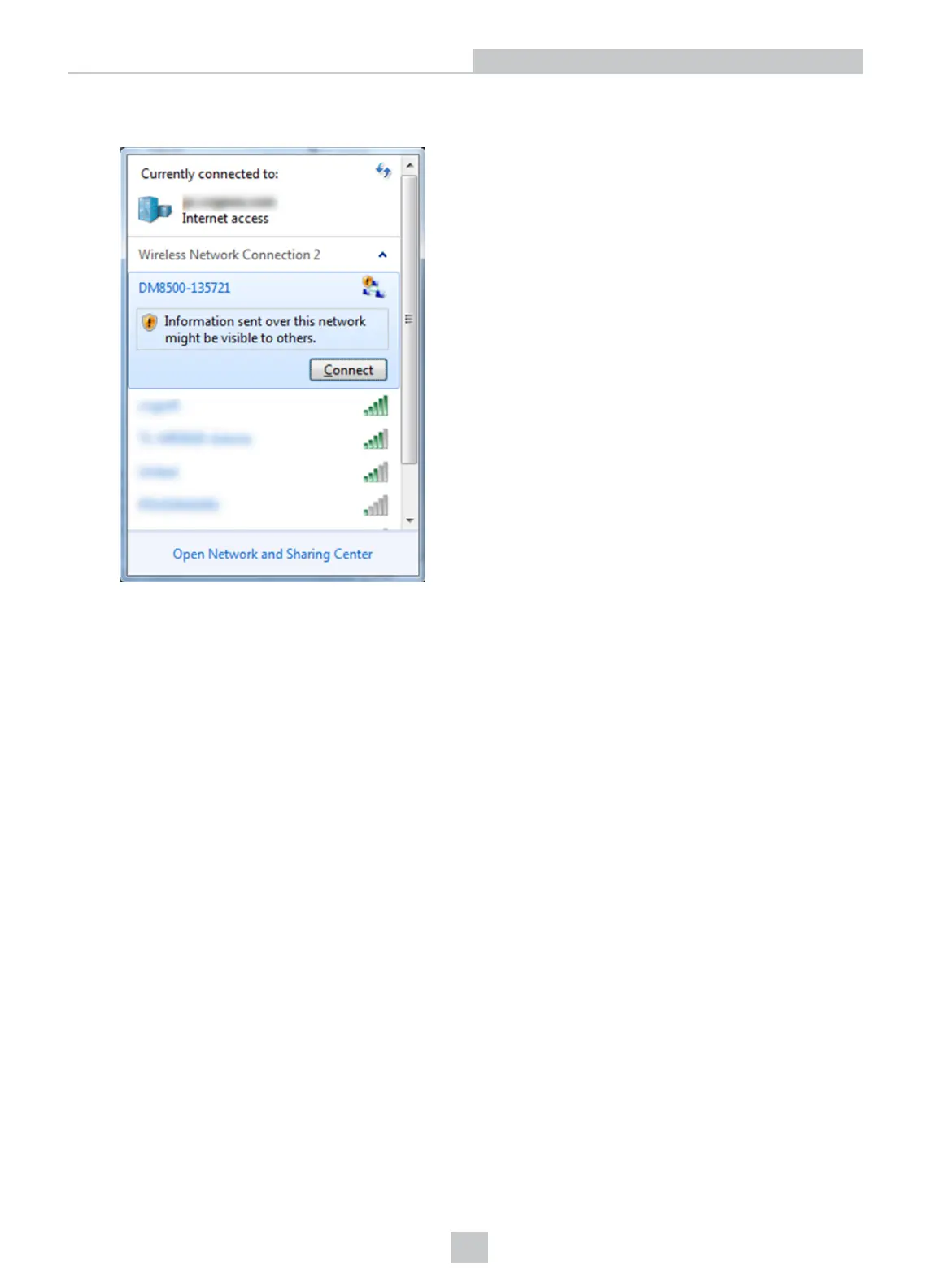
1. Make sure that the DataMan device is (re)set to factory settings.
2. Search for the DataMan device among the available wi-fi connections and connect to it.
3. Open the DataMan Setup Tool.
4. Search for the device and connect to it.
5. Once you are connected to your DataMan device in the DataMan Setup Tool, you can configure the wireless
connection.
a. Authentication: only Open Mode can be selected.
b. Encryption method: WEP-40 and WEP-104. You can enter a passphrase for these methods.
Infrastructure Mode
You can set Wireless Infrastructure mode in the DataMan Setup Tool as well.
1. Connect to your device in the DataMan Setup Tool.
2. In the WiFi tab of Communication Settings, select Infrastructure mode from the Network Type combo box. A
warning appears if the SSID name is identical to the device name, as this results in the misconfiguration of the
device.
8
Networking











 To Next Page