user1
boolean True if user event 1 is raised.
user2
boolean True if user event 2 is raised.
* Only changing between good read and validation failure is supported.
Code Completion and Snippets
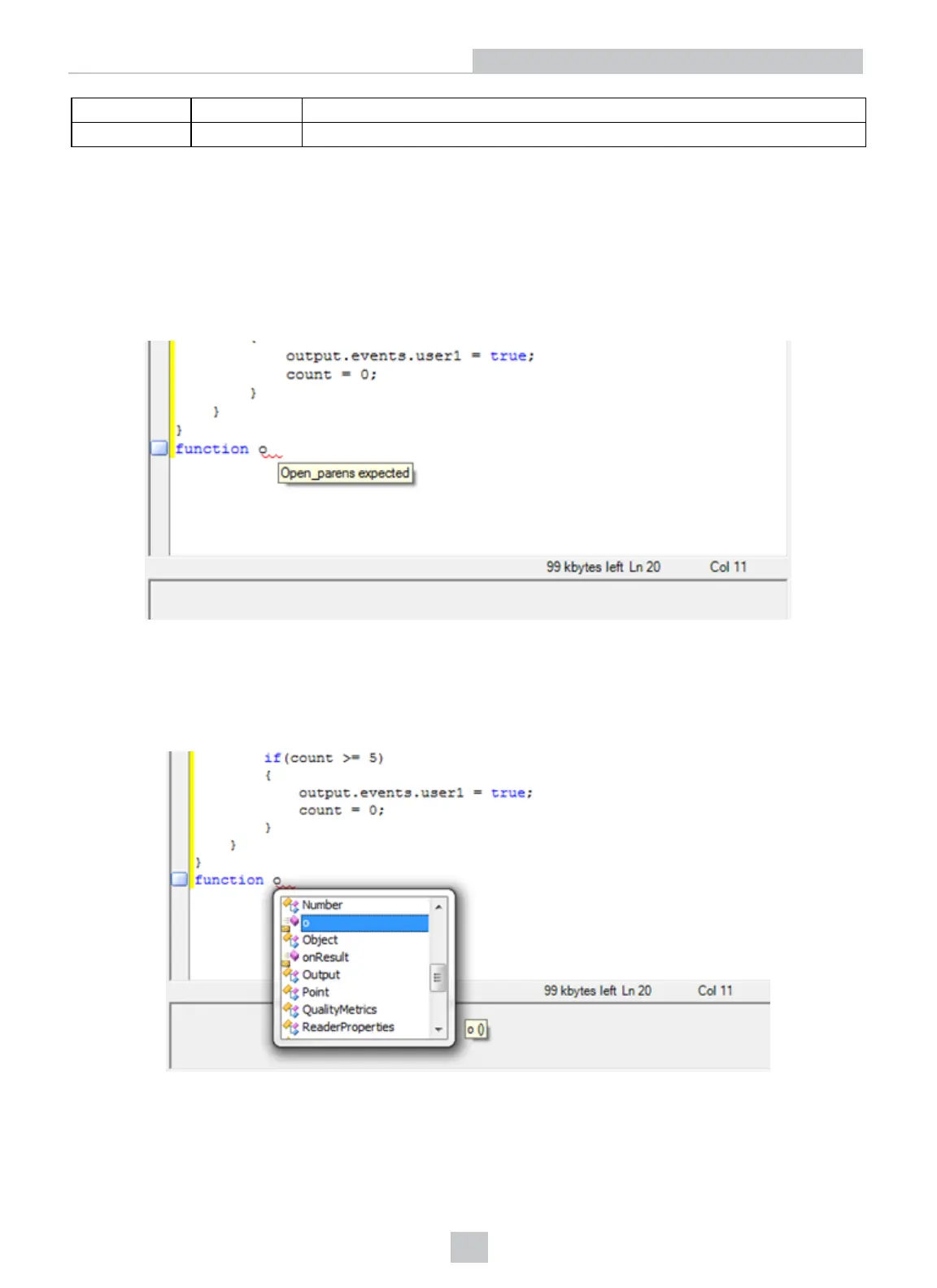
The script editor features automatic code completion, which shows pop-up messages with information regarding the
code that is being written. Pop-up messages usually appear when typing special characters, for example period,
opening or closing brackets, and so on. These messages can also be used manually with the Ctrl+Space key
combination.
Code completion works in the following scenarios:
l complete a code fragment (Ctrl-Space)
l provide function list (Ctrl-Shift-Space)
The toolbar at the top of the editor collects the following actions available within the editor:
l Cut (Ctrl-x)
l Copy (Ctrl-c)
51
DataMan Application Development











 To Next Page