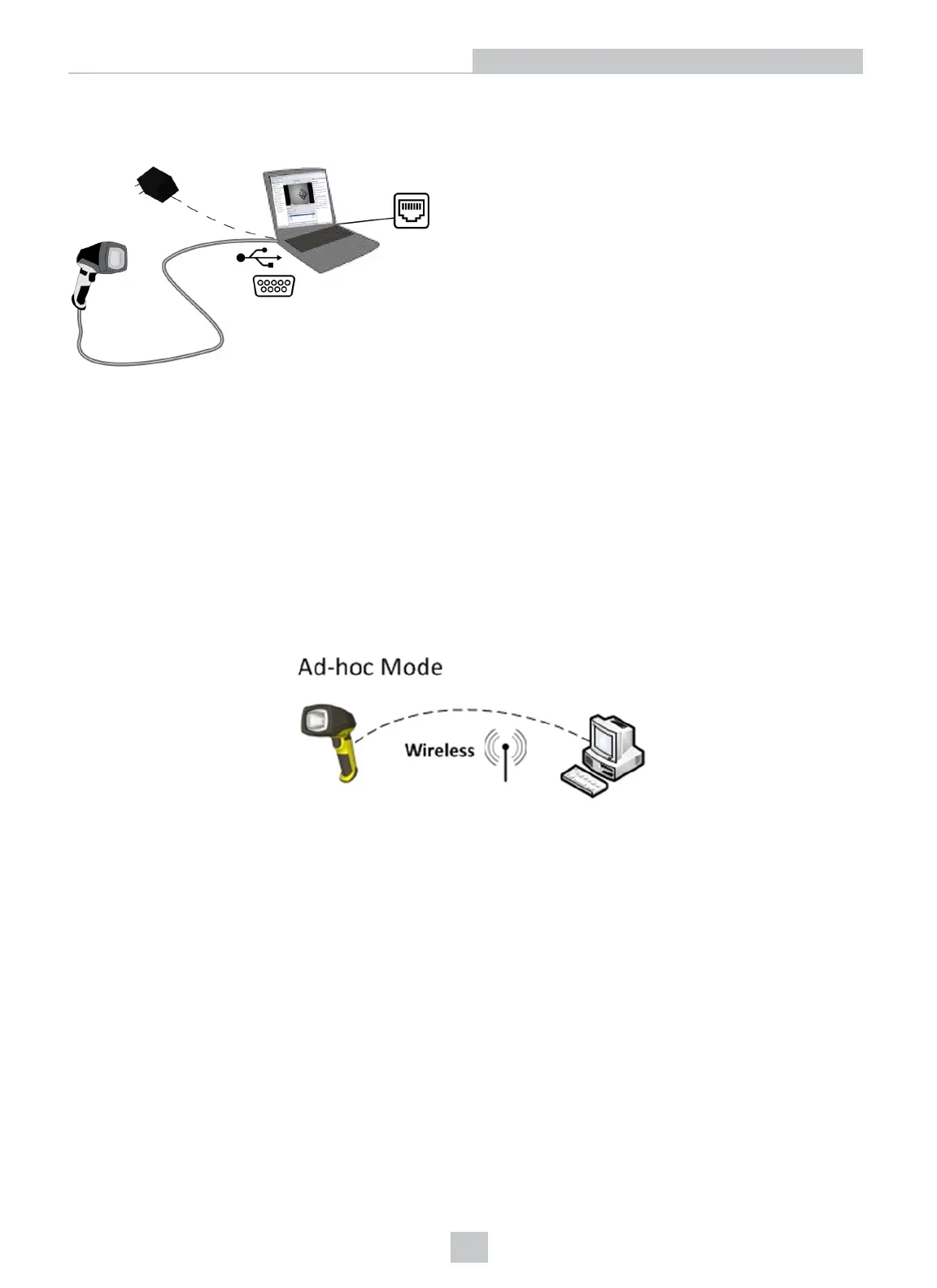
If you are using a serial slide-in with your handheld DataMan reader, connect the serial cable to your PC, power your
reader through an external power supply and connect your PCto the network.
Connecting Your DataMan to the Network Wirelessly
You can connect to your DataMan reader via the wireless network as well. For this, you need to use the Wi-Fi slide-in
with the device.
Ad-hoc Connection
The default factory settings for the wireless configuration of the device are:
l ad-hoc connection
l no encryption and no authentication
l SSID: the name of the device
This means that you can connect to your DataMan without the base station or a router.
To connect to your DataMan reader in ad-hoc mode, perform the following steps:
7
Networking











 To Next Page