Chapter 4 Setting Delay Values
© 2010 Colby Instruments. PDL-100A Operating and Programming Manual Page 13
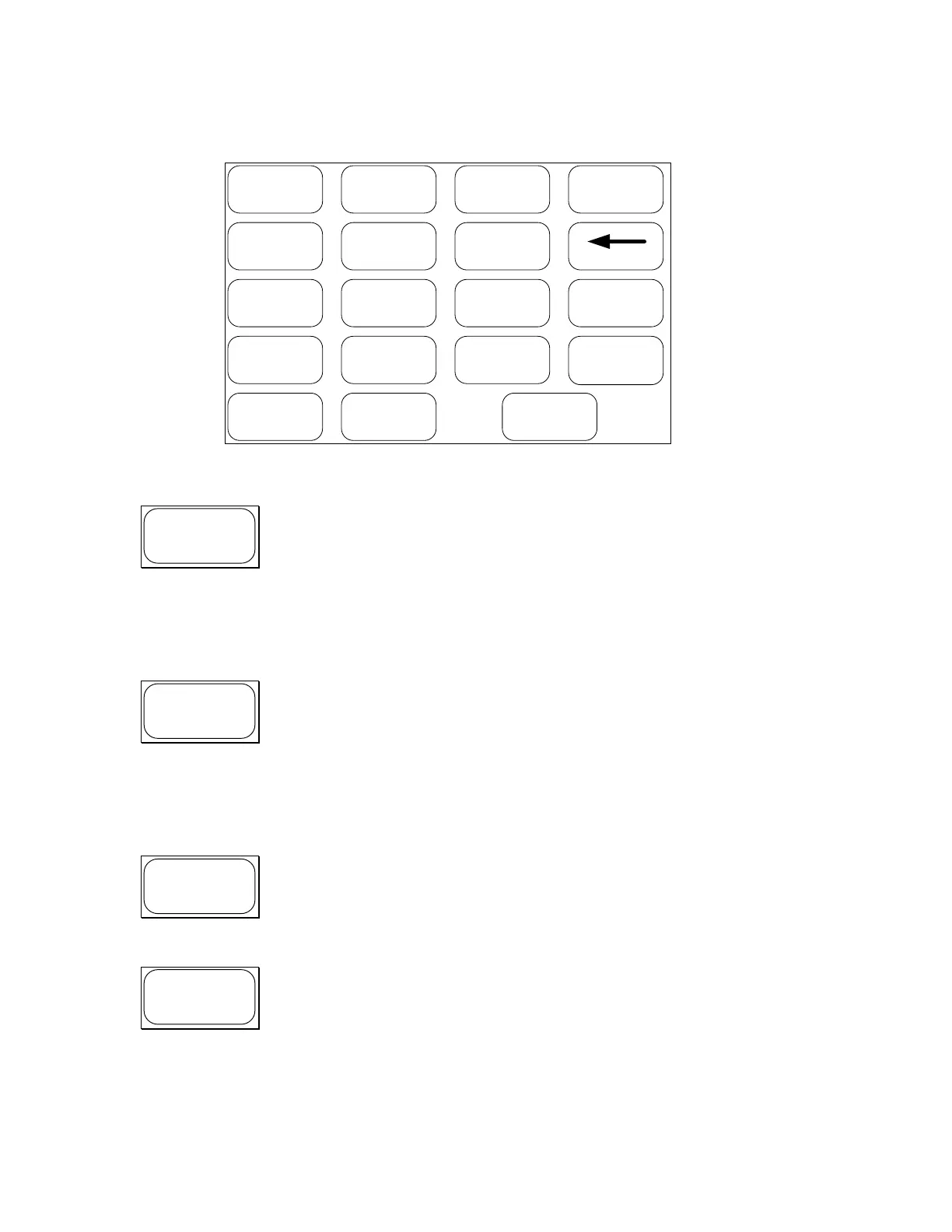
4.1.2 Working with the MT-100A Microterminal Keypad
SETUP DIAG ns/ps CLEAR
7 8 9
4 5 6
-
=
1 2 3
. 0 ENTER
+
=
MT-100A Keyboard
SETUP Menu. The SETUP Menu offers these options:
1. Display GPIB Address and Set/Display Network address
2. Set Series Connected or Parallel Connected Mode
3. Turn OFF/ON Terminal or MT-100A mode
See Section 4.2.0 The MT-100A Menu Keys - SETUP
DIAG Menu. The DIAG Menu offers these options:
1. Turn ON/OFF any or all relays if installed
2. Perform Calibration and self-test
3. Reset the PDL-100A
See Section 4.2.0 The MT-100A Menu Keys – DIAG
Toggles between display delay setting values in nanoseconds(ns)
or picoseconds(ps) units.
Clear the last entry and return to normal operating mode
Artisan Technology Group - Quality Instrumentation ... Guaranteed | (888) 88-SOURCE | www.artisantg.com



 To Next Page