Chapter 4 Setting Delay Values
© 2010 Colby Instruments. PDL-100A Operating and Programming Manual Page 19
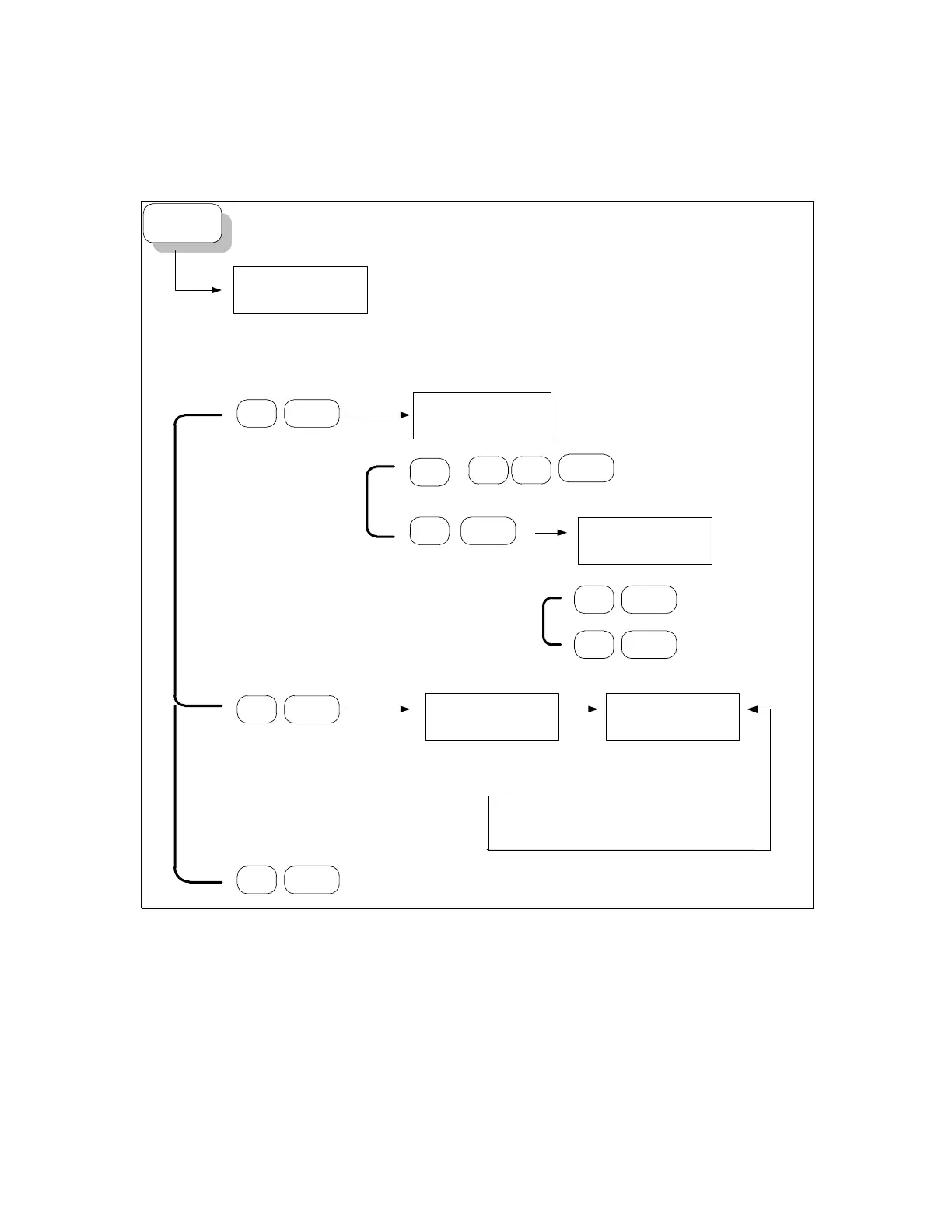
4.4.0 The MT-100A Menu Keys – DIAG
DIAG
1=REL,2=CAL,
3=RESET ?
1 ENTER
0000000000001111
REL=?
Diagnostics
1 = Relays
2 = Device Calibration
3 = Reset Device
DIAG button
Relay Diagnostics
1 ENTER
CALIBRATION
SELF-TEST...
Performs calibration and self-test.
Error Code:
0 = PASS
3 = FAIL. Requires Service.
2 ENTER
Enter RELAY# to toggle state.
ENTER
Toggles RELAY #
ON to OFF or
OFF to ON
ON,1=ON,2=OFF?
Turn ALL
RELAYS ON
2 ENTER
Turn ALL
RELAYS OFF
0.0000ns |S|0
3 ENTER
RESET Instrument.
All NETWORK address changes take effect and
initializes instrument.
0
1
1
...
ENTER
6
NOTE: Enter 0 to select all relays.
Enter any value above 16 to specify
number of cycles to immediately
TOGGLE all relays off-on-off.
4.4.1 About the DIAG Menu options
The DIAG Menu allows you to perform basic diagnostics on the microwave
relays (if delay extensions are attached), perform a device calibration, or to reset
the PDL-100A instrument.
Artisan Technology Group - Quality Instrumentation ... Guaranteed | (888) 88-SOURCE | www.artisantg.com



 To Next Page