Chapter 4 Setting Delay Values
© 2010 Colby Instruments. PDL-100A Operating and Programming Manual Page 17
4.3.1 The MT-100A Menu Keys – SETUP cont.
2
1
ENTER
TROMBONE ONLY
1=SER,2=PAR ?
ENTER
2
Setup Device Mode
ENTER
Set SERIES connected Trombone Mode
PORT = 1234 ?
Display PORT and enter
new PORT address
5 ENTER
Set PARALLEL connected Trombone Mode
3 ENTER
Toggle Terminal or MT-100A Mode
0.0000ns |S|0
0.0000ns |P|0
MAC_ID=
0070-ABCD-ABCD
6 ENTER
Display MAC_ID
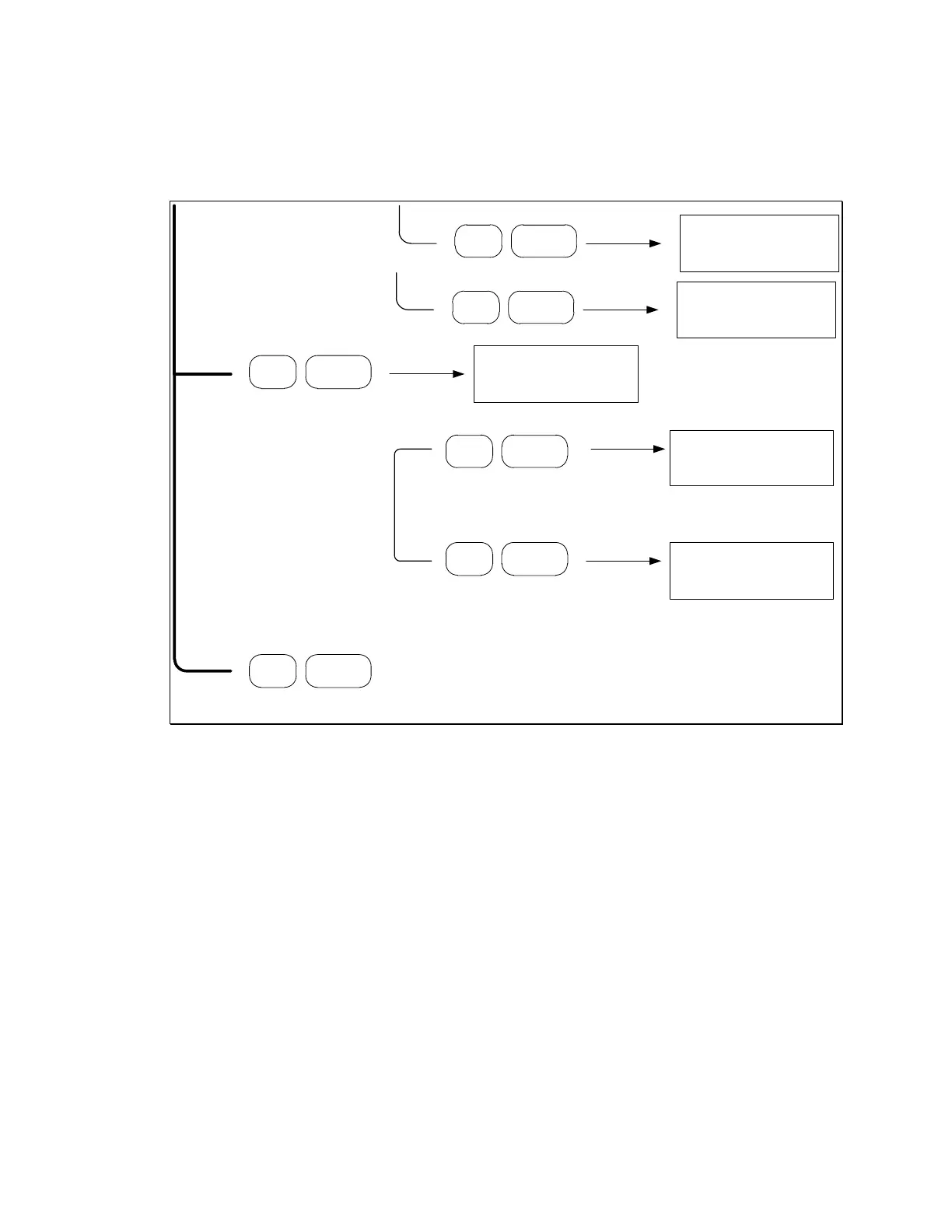
4.3.2 About the SETUP Menu options
The Setup Menu allows you to configure your PDL-100A by specifying the GPIB
instrument device address, the network device address, and to specify whether the
RS-232 port is connected to the MT-100A Microterminal or a PC.
4.3.3 SETUP Menu – GPIB Address
The current GPIB address is displayed. Valid GPIB addresses must be from 1
through 31 and are specifed by setting the GPIB device address switches located
on the instrument backpanel. See Section 7.0 Backpanel.
Artisan Technology Group - Quality Instrumentation ... Guaranteed | (888) 88-SOURCE | www.artisantg.com



 To Next Page