Chapter 4 Setting Delay Values
© 2010 Colby Instruments. PDL-100A Operating and Programming Manual Page 16
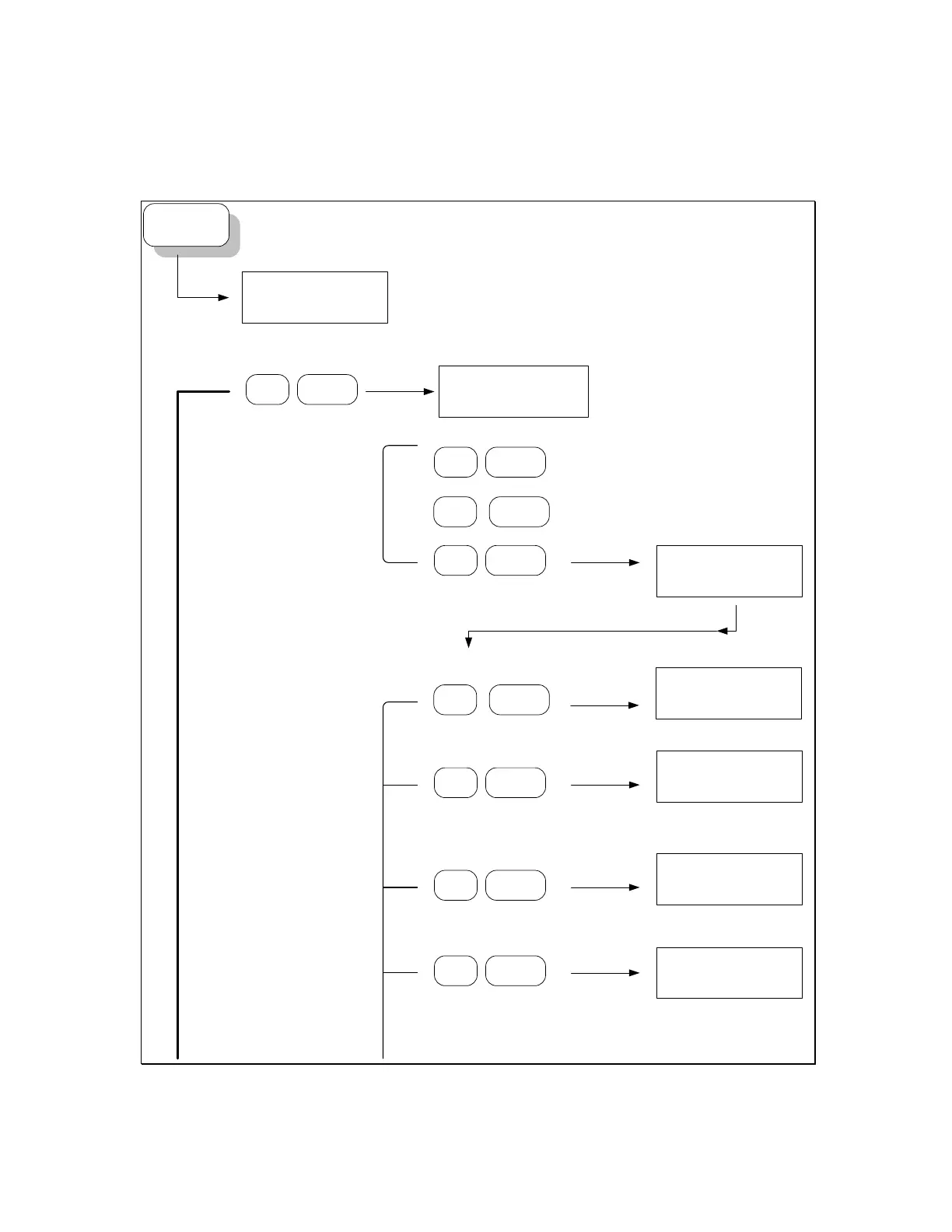
4.3.0 The MT-100A Menu Keys – SETUP
SETUP
1=ADDR, 2=MODE
3=TERM ?
1
1
ENTER
1=GPIB, 2=VER
3=NET ?
ENTER
3
1=IP,2=GW,3=NM
4=DHCP,5=PORT ?
Setup PDL-100A Device Addressing
1 = Setup Device Address
2 = Set Device Mode
3 = Toggle Terminal Mode
SETUP button
Setup Device Address
ENTER
Display current GPIB Address
Setup Network Address
1 ENTER
192.168.100.8 ?
Display current TCP/IP address and enter new address.
2 ENTER
192.168.100.1 ?
Display current GATEWAY address and enter new address.
3 ENTER
255.255.255.0 ?
Display current NETMASK and enter new NETMASK
4 ENTER
OFF,1=ON,2=OFF?
Display DHCP mode and enter new DHCP mode
2 ENTER
Display current SW version
Artisan Technology Group - Quality Instrumentation ... Guaranteed | (888) 88-SOURCE | www.artisantg.com



 To Next Page