Chapter 4 Setting Delay Values
© 2010 Colby Instruments. PDL-100A Operating and Programming Manual Page 29
connector TO the PC. See Section 7.0 Backpanel for diagram. RS-232
Port speed is 9600 baud, 8 data bits, and 2 stop bits.
4.7.2.1 Programming over the RS-232 connection
When programming the instrument over the RS-232 Serial connection,
characters are echoed (sent from the PDL-100A) back to the PC when
sending the command string. For example, from your application program
if you send the character string:
*IDN?<CR><LF>
the PDL-100A will respond with:
*IDN?<CR><LF>
Colby Instruments,PDL-100A-
625.0PS,07061234,V1.70<CR><LF>
Command[ 0.00ps |S|0]:
4.7.2.2 Error Checking
After every command sent to the instrument, you should check the Error
Return code in the Command Prompt to ensure the command was
executed correctly.
Input Buffer Overflow (RS-232)
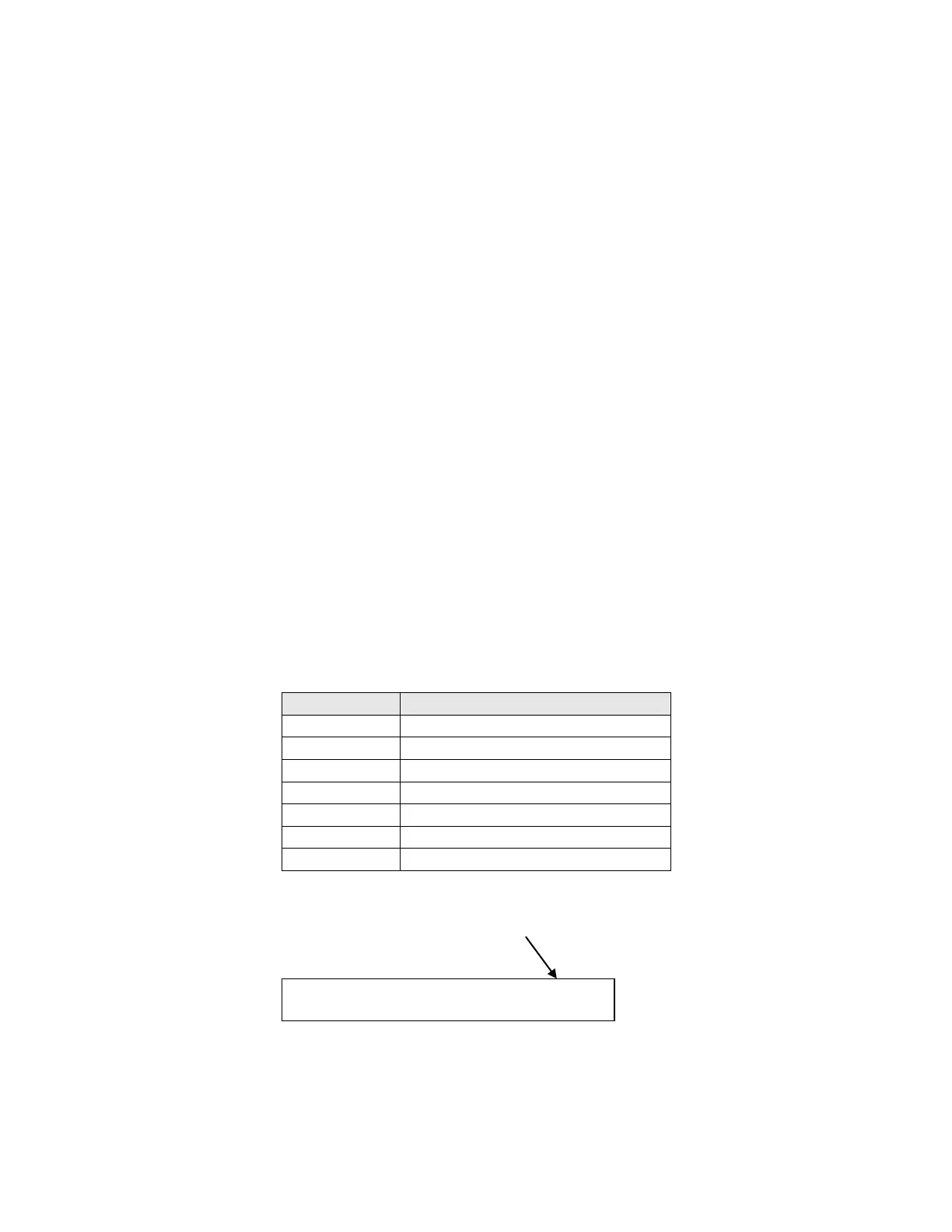
The Error Return code is a one character field that is the second to last
character in the command prompt.
Artisan Technology Group - Quality Instrumentation ... Guaranteed | (888) 88-SOURCE | www.artisantg.com



 To Next Page