Chapter 4 Setting Delay Values
© 2010 Colby Instruments. PDL-100A Operating and Programming Manual Page 30
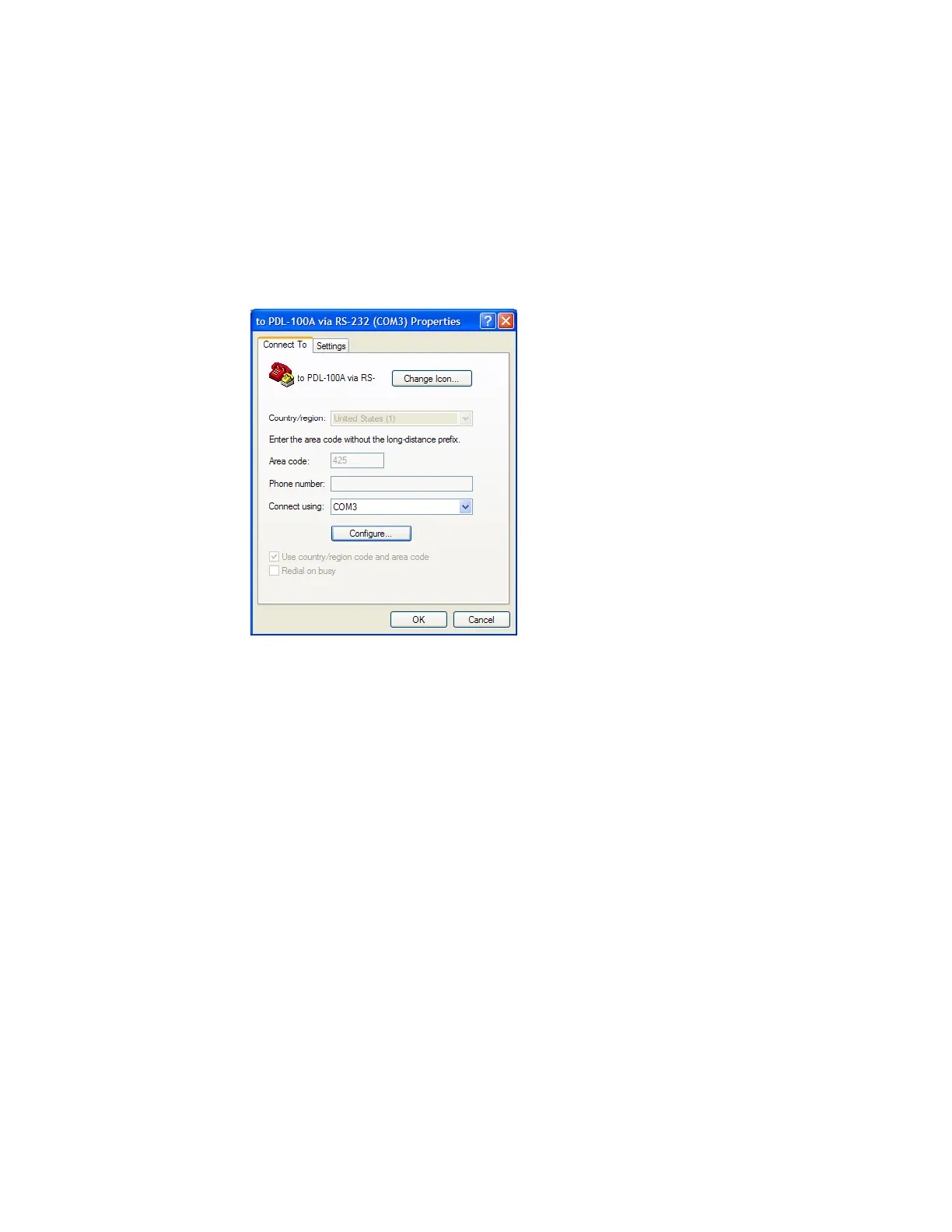
4.7.3 Using HyperTerminal and RS-232 connection
From Windows Desktop, click on the Windows Start button, click on All
Programs, click on Accessories, click on Communications, and click on
HyperTerminal to start the HyperTerminal application.
1. Click on File, and click on Properties:
Artisan Technology Group - Quality Instrumentation ... Guaranteed | (888) 88-SOURCE | www.artisantg.com



 To Next Page