Chapter 4 Setting Delay Values
© 2010 Colby Instruments. PDL-100A Operating and Programming Manual Page 31
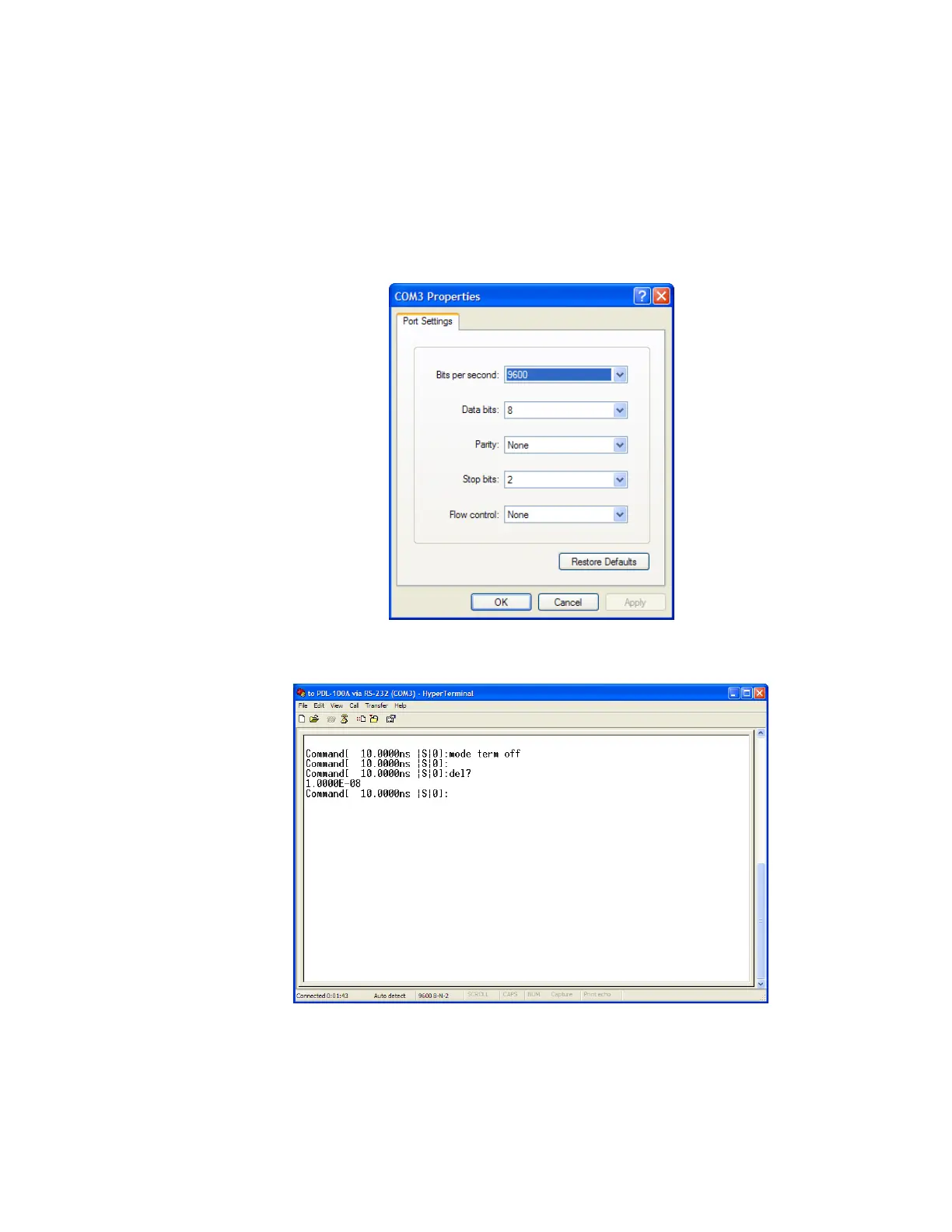
2. Click on the Settings Tab to set the Port Settings.
3. Select 9600 bits per second to connect to the PDL-100A.
4. Select 2 Stop bits.
5. Select None for Flow Control
6. Press OK button to continue.
Artisan Technology Group - Quality Instrumentation ... Guaranteed | (888) 88-SOURCE | www.artisantg.com



 To Next Page