Version 1.03 35 Global Scanning UK Ltd © 2017
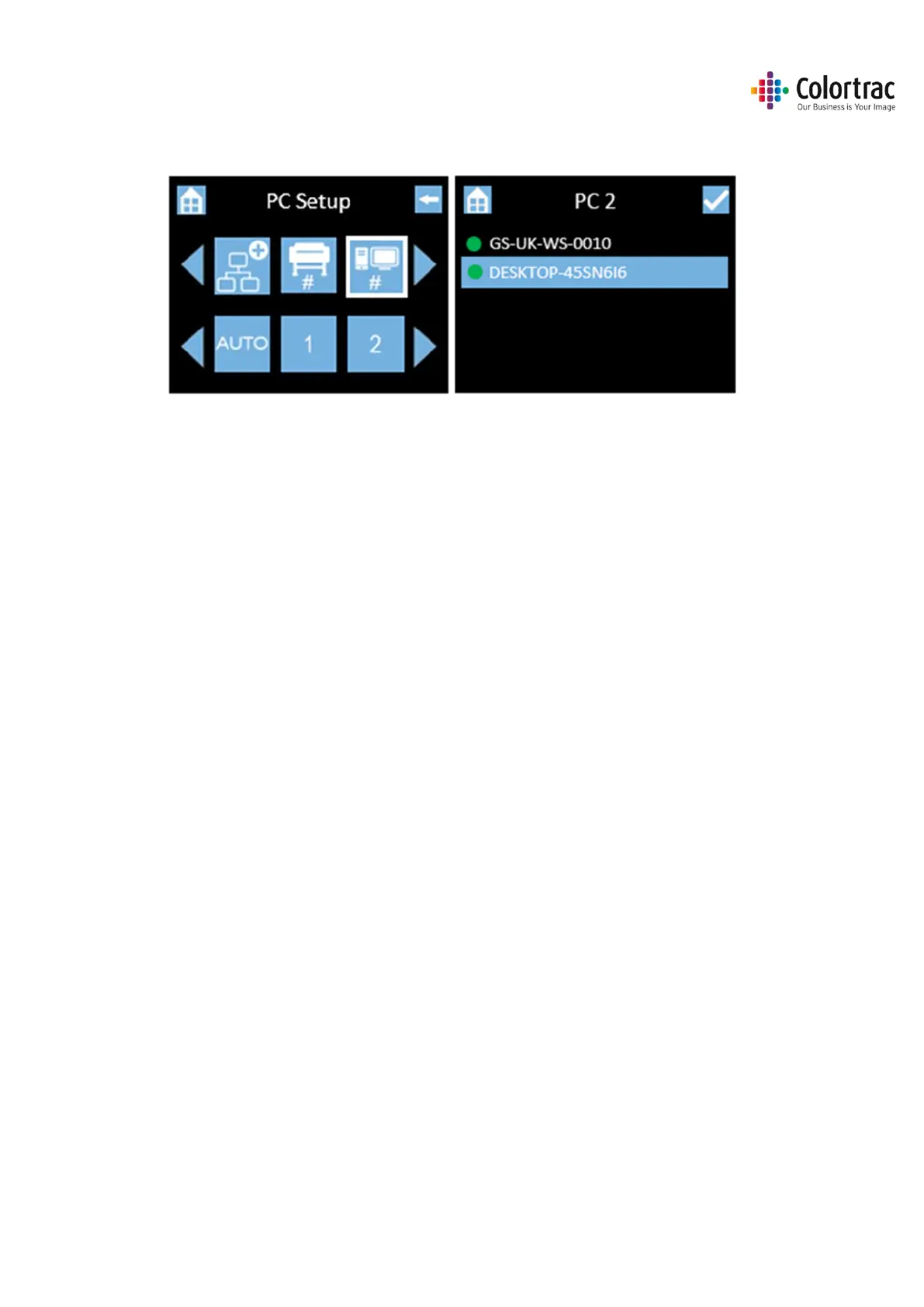
• Go back up to the PC Setup menu to define PC numbers. Select “2”, then from the list, select
the PC you wish to be assigned #2.
In this example, we have 2 available PCs running the ScanApp Le and we have set as follows:
• Plus PC = GS-UK-WS-0010
• PC 1 = GS-UK-WS-0010
• PC 2 = DESKTOP-45SN6I6












 To Next Page