Version 1.03 48 Global Scanning UK Ltd © 2017
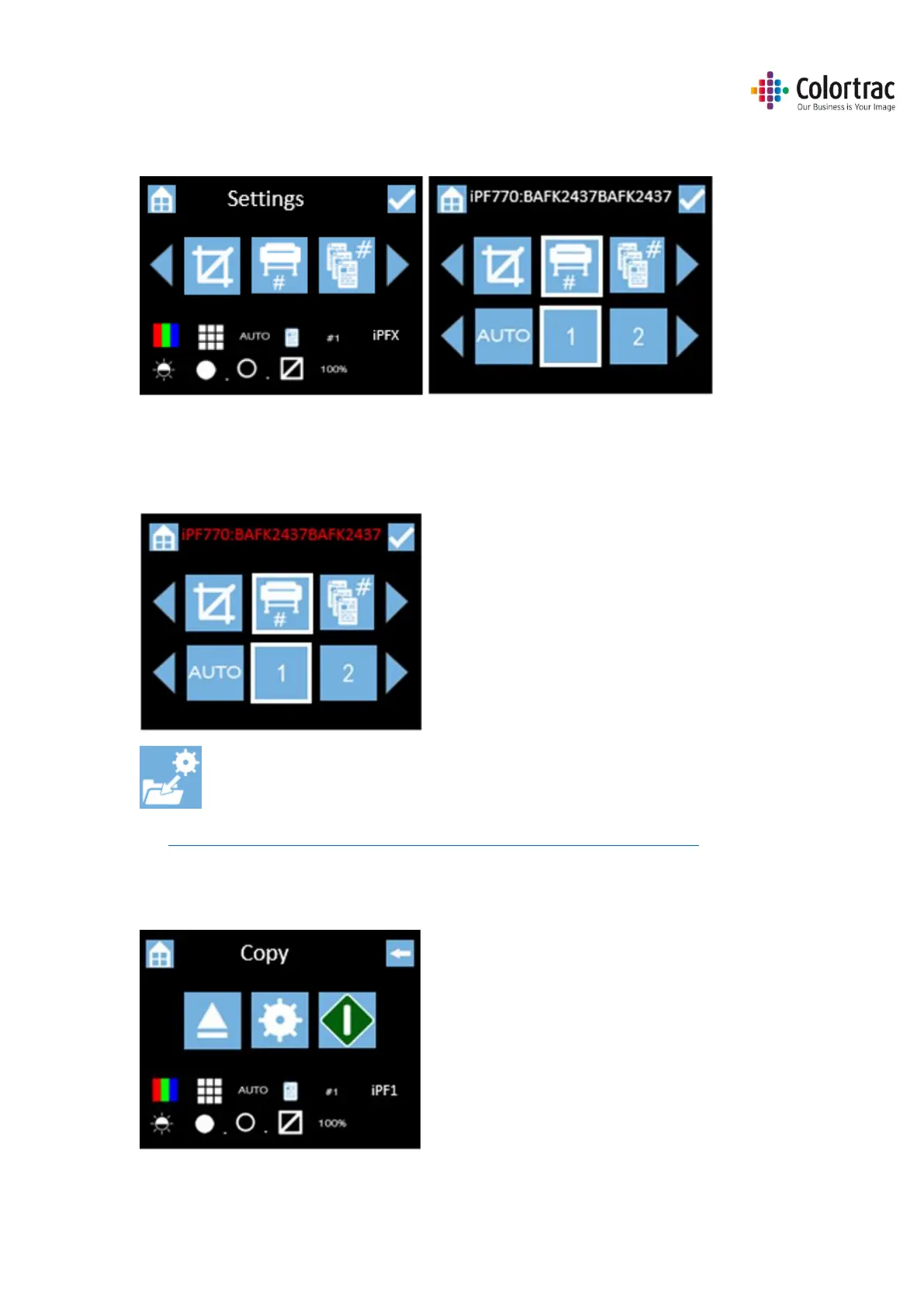
• To change the iPF# select the Copy Settings. Scroll to iPF#, and press it. Select the iPF# you wish
to use and select it.
Note: The Serial Number of the assigned PC# is displayed at the top of the screen. If the Serial
Number is displayed in Red, then that Printer is not available. The status of the connection is
updated only when you enter the menu.
Save this as your default Function Settings in the Scanner Settings menu.
See Functionality – Saving your preferred Function Settings as power on Defaults
• Leave the remaining Copy Settings at default: Colour mode, Standard Resolution, Auto-size.
Brightness=0, BP=1, WP=1, Crop off, Scale=100%, Copies=1.












 To Next Page