Version 1.03 49 Global Scanning UK Ltd © 2017
• Press the Green button to start the function.
Cancel: Pressing the Red Stop button will stop the scanner immediately.
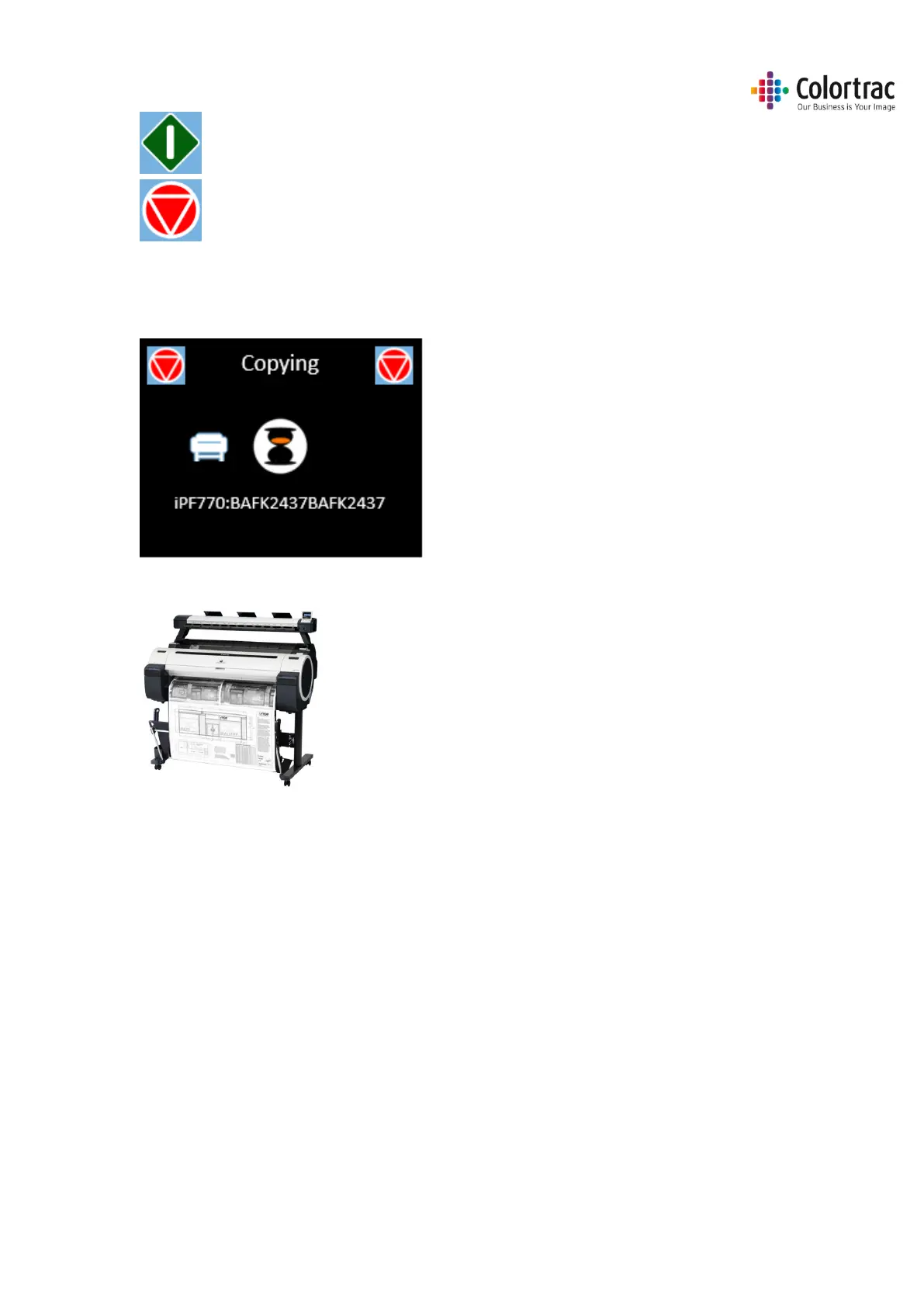
• The document will be scanned to internal memory and the document will be ejected. The
scanner will then transfer the scan data to the printer. Wait for the scan data to complete the
transfer to the printer.
• Collect your copy from the printer.












 To Next Page