ID-FLX Lite Global Guide
14
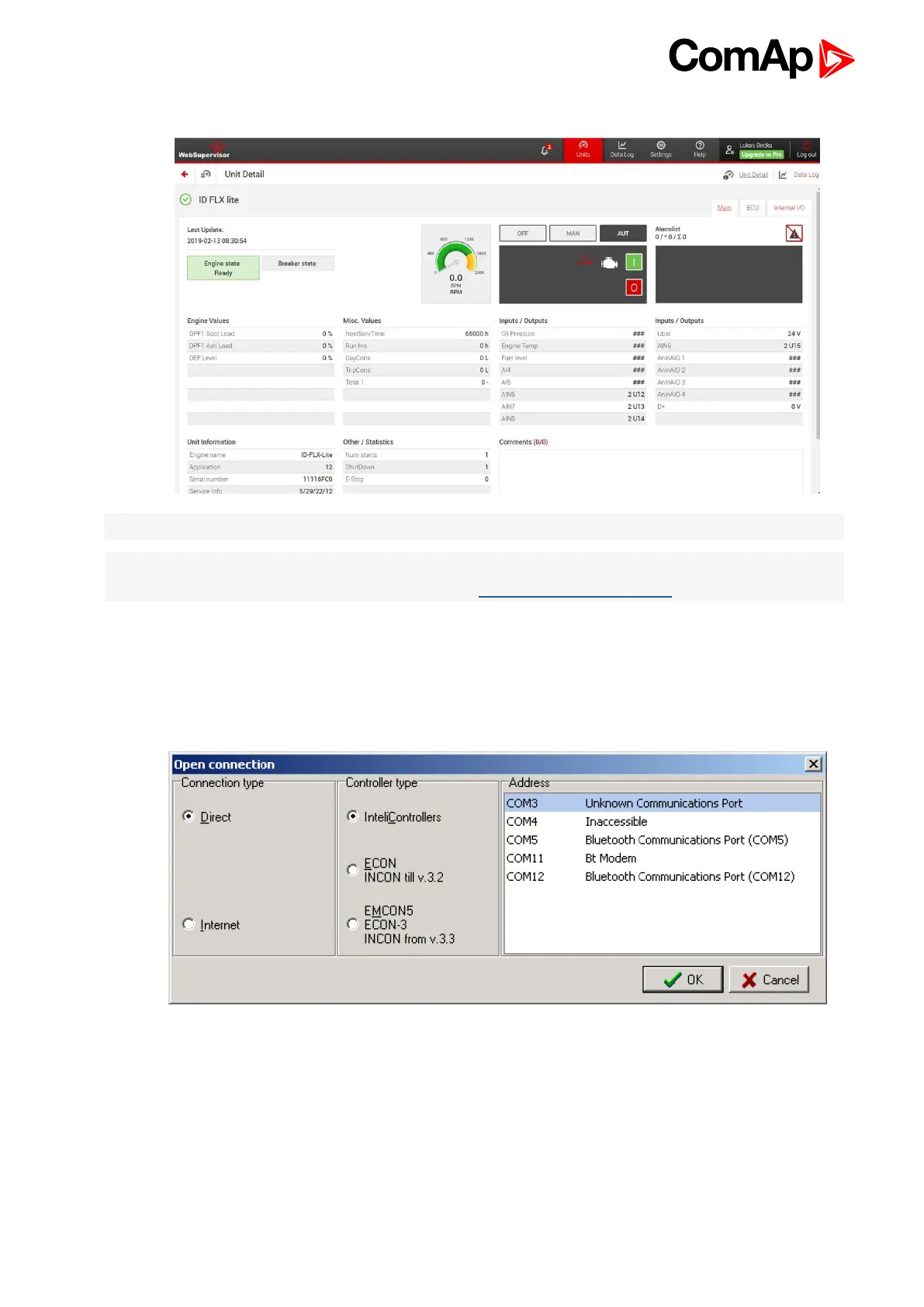
4. Enter access code and Scada page appears
Note: You can try the Web Server from ComAp webpage. The access code is 0.
Note: WebSupervisor is possible to use as a control and monitor tool. For access is necessary to be registered.
Connection setting and other information you can find in WebSupervisor Global Guide.
2.3.3 Open connection from WinScope
WinScope is powerful PC tool for observation of controller’s states and measurements.
1. Go to menu Connection -> Open connection... and select the type of connection you desire in Open
connection window (Inteli controllers).










 To Next Page