Operation Instructions
5-14
The IP number in ftp://root:comen@192.168.2.217 is the same as the local IP number of the
ECG machine. If the local IP number of the ECG machine is 192.168.2.217, please input
ftp://root:comen@192.168.2.217 as the IP address in “My Computer”.
This IP number should not conflict with that of any other computer connected to LAN or WAN,
or the system could be halted.
6) Use the printer connected to your computer to print the case data saved as an image file: connect the
ECG machine to your computer, select a case data and copy it to a new folder in another disk of the
computer, and right click this image file to select „Open‟ or „Open With‟ → „ACDSee Viewer‟ or
„Windows Image and Fax Viewer‟ → „Print‟.
In this way you can only print the case data identified with ID+“G”.
Please select [System] → [Printer Select] → [Image] of the ECG machine.
Suggestion:
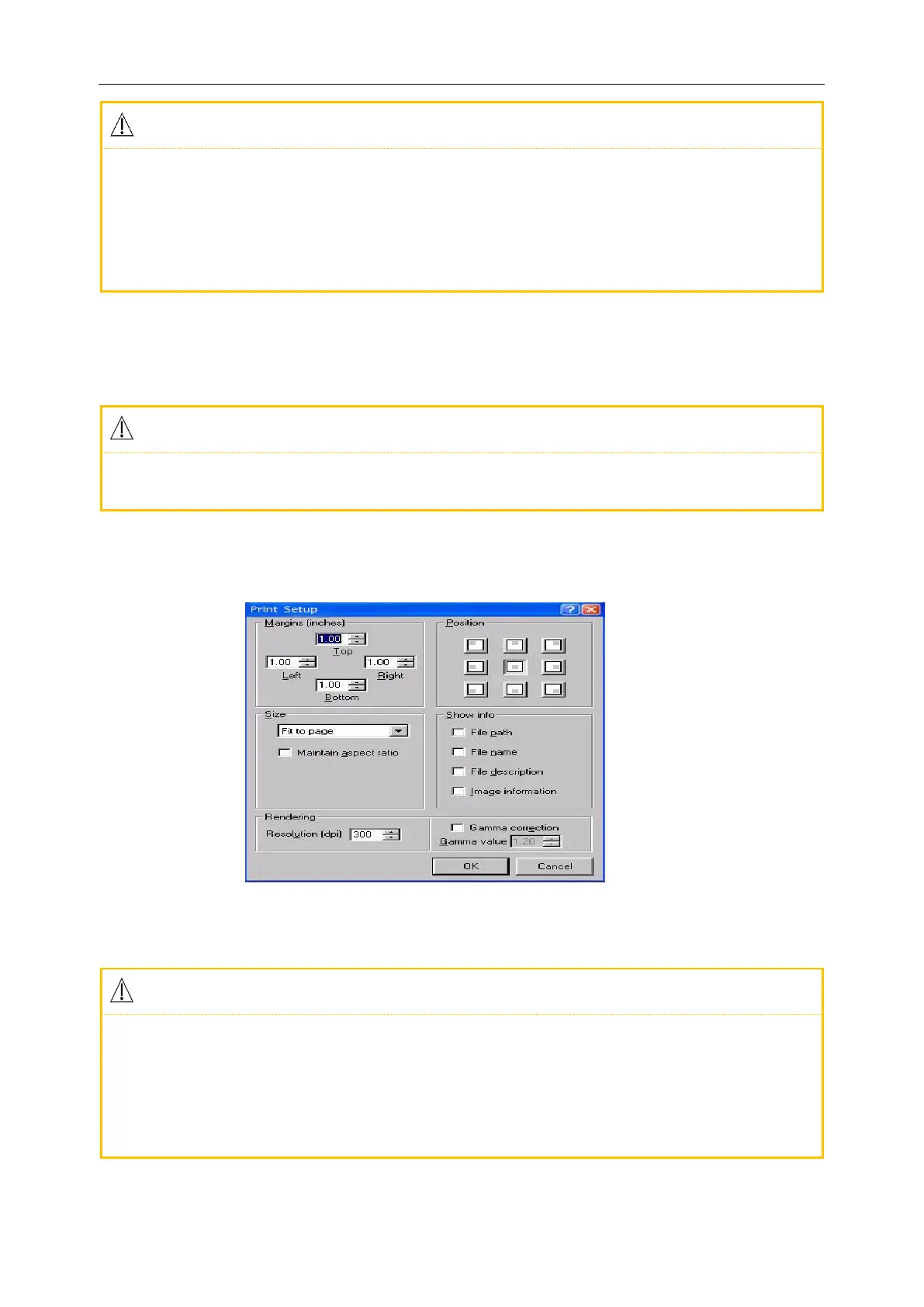
You are suggested to use the ACDSee Viewer to print the image file so that you can set the
width of the printed page more flexibly as shown in the following Figure.
Figure 5-13 Print Setup in ACDSee Viewer
To print the image file, the computer accesses the window “File Management” of the ECG
machine and copies the image file to its own disk.
The case data copied from the USB Flash Drive and the data from computer should be stored in
two files with different file names, or there could be ID confusion, resulting in failure to be
recognized by the ECG machine.



 To Next Page