System Settings
4-7
[Display Format]: the display formats of ECG waveform on the main screen
include [3×4] and [6×2]. This option is merely available under automatic
mode and manual mode.
[Lead Sequence]: [Standard ]and [Cabrera].
[Sample Mode]: [Real time] and [Pre-sampling]
[Real-time]: ECG data of 10 seconds after pressing key will be
sampled and output.
[Pre-sampling]: Once the lead wires are connected with the patient, the
Electrocardiograph starts to sample ECG data automatically. ECG data of 10
seconds before pressing key will be output.
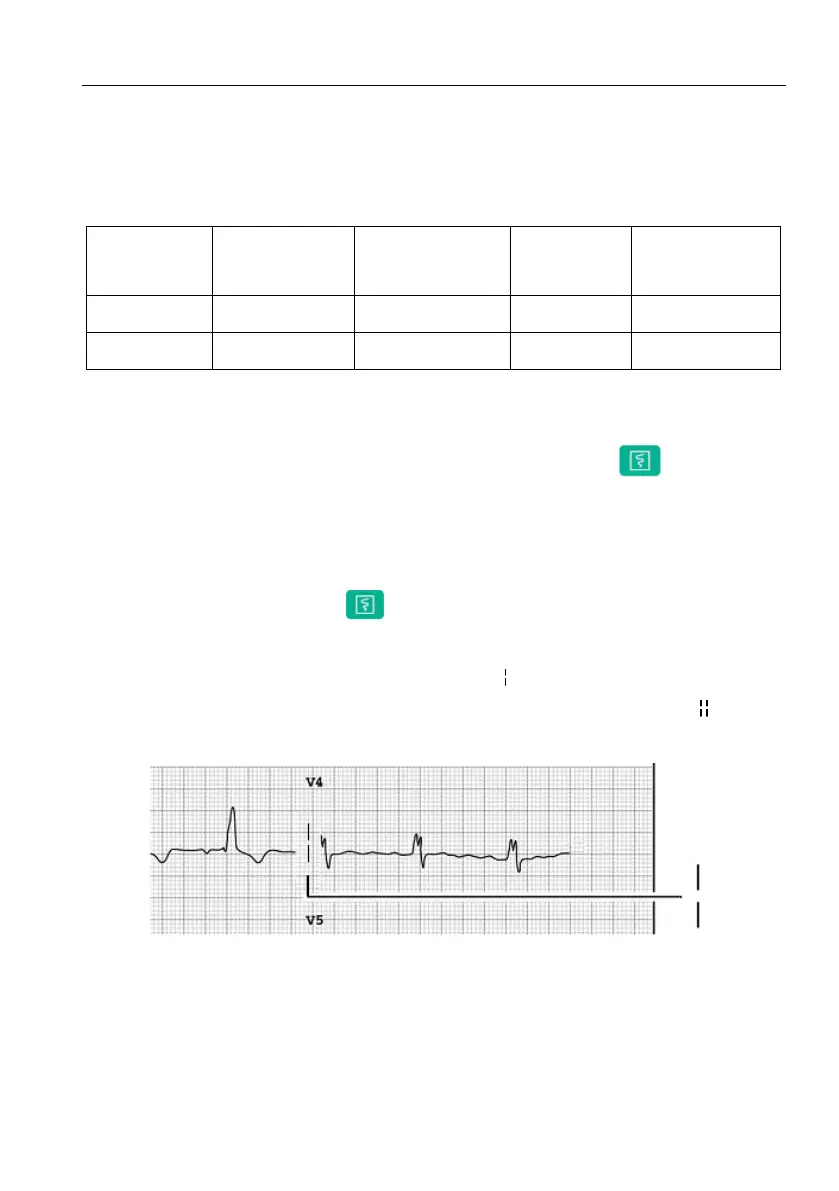
[Sample Order]: [Sequential ]and [Simultaneous]
In the sequential sampling of each group, “ ” shows in the place of printing
lead waveform; and in the Simultaneous sampling of each group, “ ” shows
in the place of the printing lead waveform. As shown in the following figure:
Figure 4-3 Sequential Sampling of Each Group



 To Next Page