39
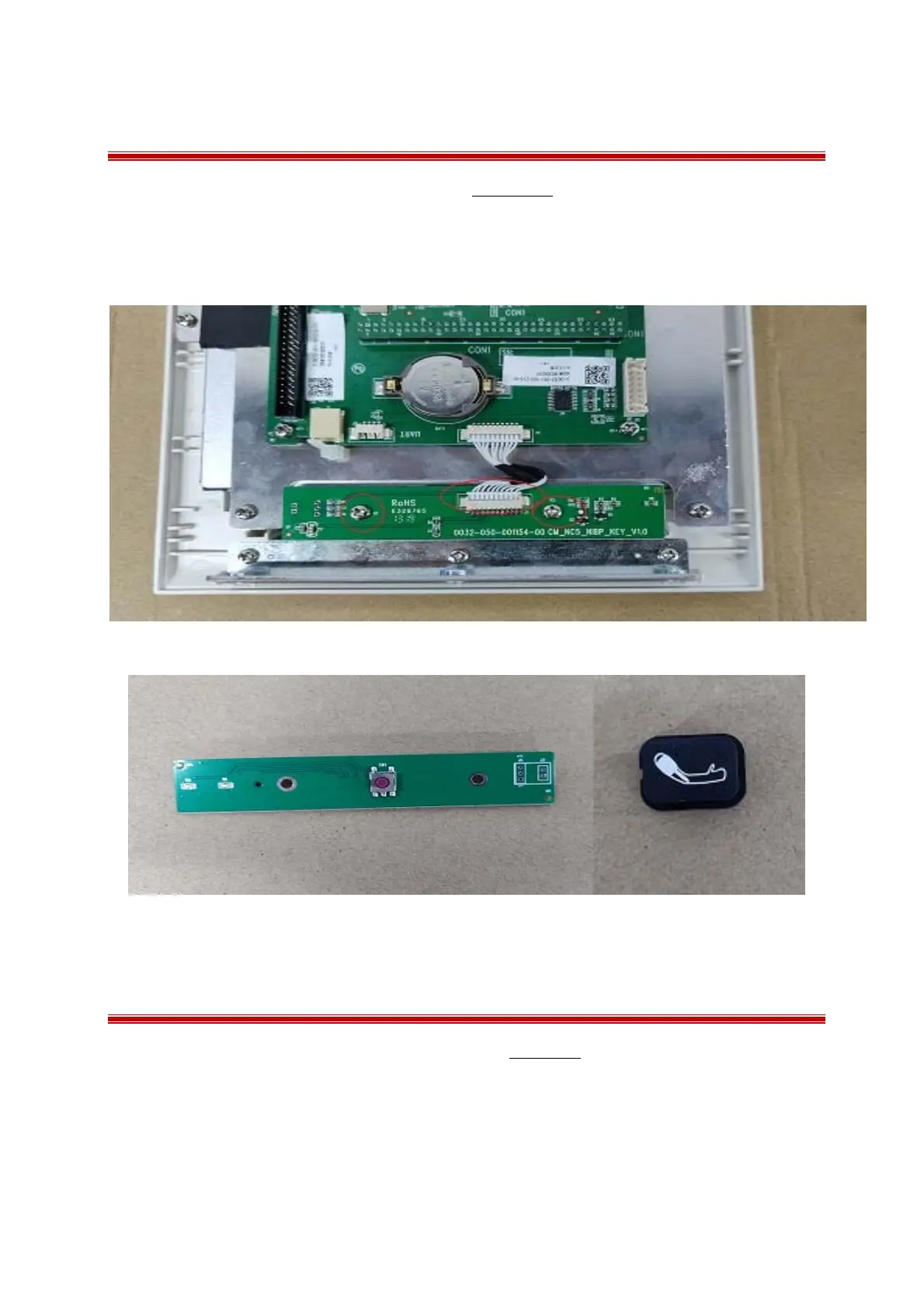
7.5 Removing keyboard
1 Separate the front and rear housing as described in Chapter7.2;
2 Remove the cable from keypad and remove the 2PB 3.0×6.0mm screws from keypad;
3 Take out the NIBP rubber pad.
7.6 Removing the thermometer wireless receiver board
1 Separate the front and rear housing as described in Chapter7.2;
2 Remove the cable from the thermometer wireless board and remove the 2 PB 3.0×6.0mm screws
from the board.



 To Next Page