41
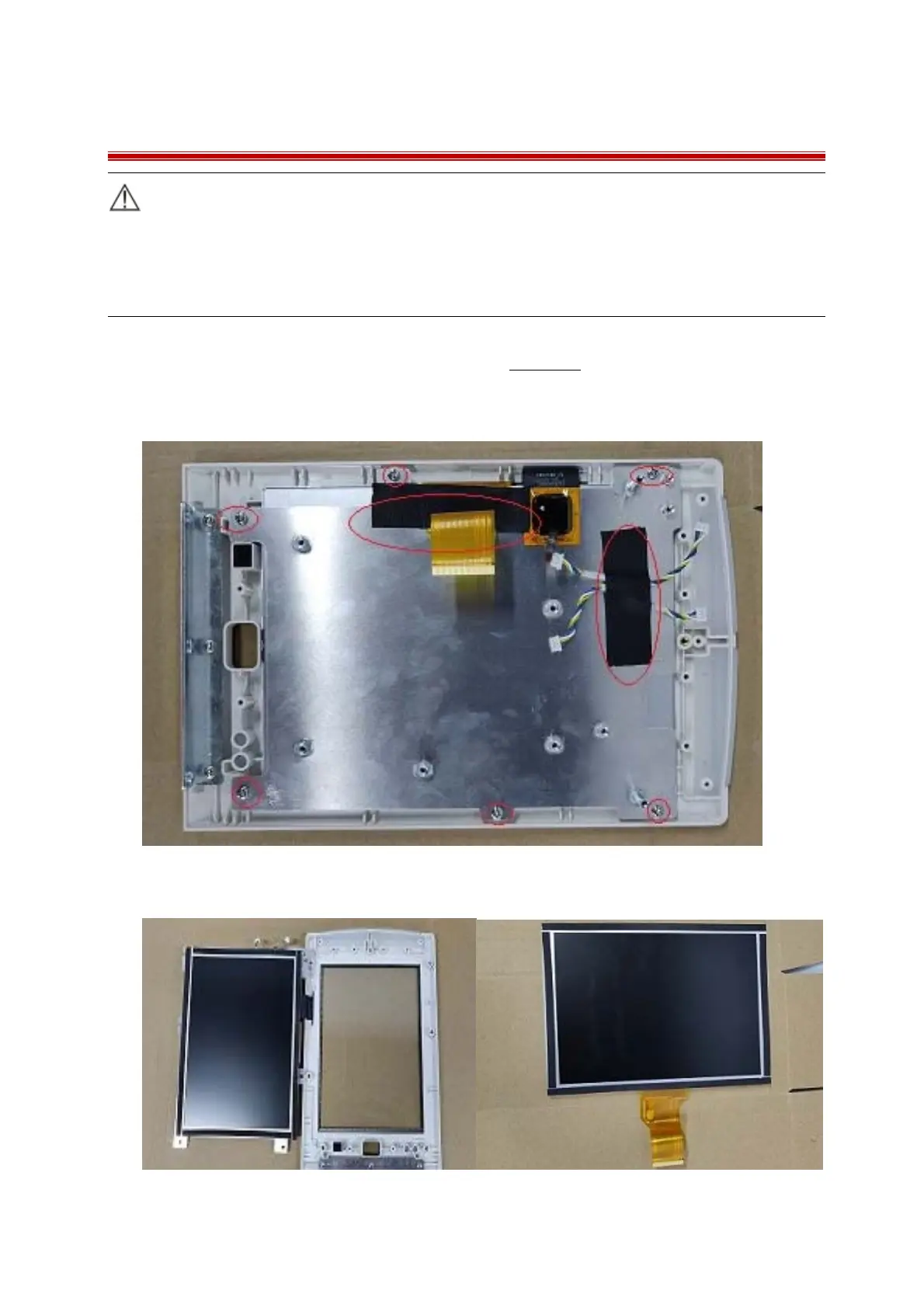
7.8 Removing the LCD Screen & Touch Screen LED
Caution:
Do not touch the LCD & touch screen panel
Disassemble the LCD in an environment as dust-free as possible
Touch screen panel is fragile, be careful in installation or disassembly
1 Separate the front and rear housing as described in Chapter7.2;
2 Disconnect the cables from main board and LCD control board;
3 Unscrew 6 PB3.0×6.0mm screws and take off the cable securing tape to remove the LCD Frame;
4 Remove the steel plate and take out the LCD screen.



 To Next Page