48
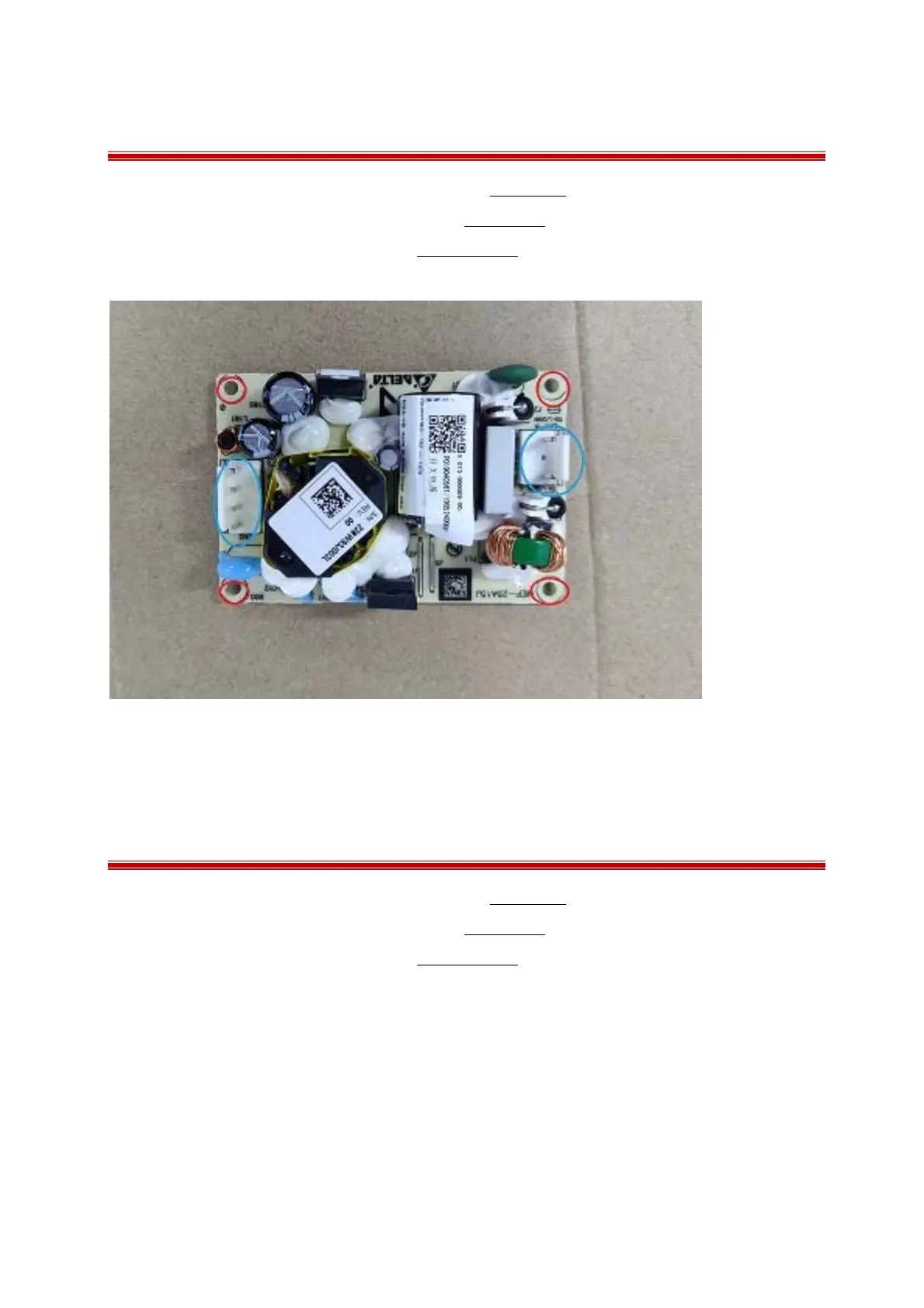
7.17 Removing the AC power supply module
1 Separating the front and rear housing as described in Chapter 7.2;
2 Removing the power switch board as describe in Chapter 7.9;
3 Remove the function block as describe in Chapter 7.10.1;
4 remove the cable connection and unscrew 4PB3.0×6.0mm screws.
7.18 Removing the AC power socket
1 Separating the front and rear housing as described in Chapter 7.2;
2 Removing the power switch board as describe in Chapter 7.9;
3 Remove the function block as describe in Chapter 7.10.1;
4 Unscrew the 2PB 3.0×6.0mm screws and then take off the socket out.



 To Next Page