Contacting CommScope
This chapter tells you how to contact CommScope for addional informaon or for assistance.
Hardware to Software Mapping Information
1. To view or download a document that lists the minimum soware requirements for ERA and ION-E
hardware, do one of the following:
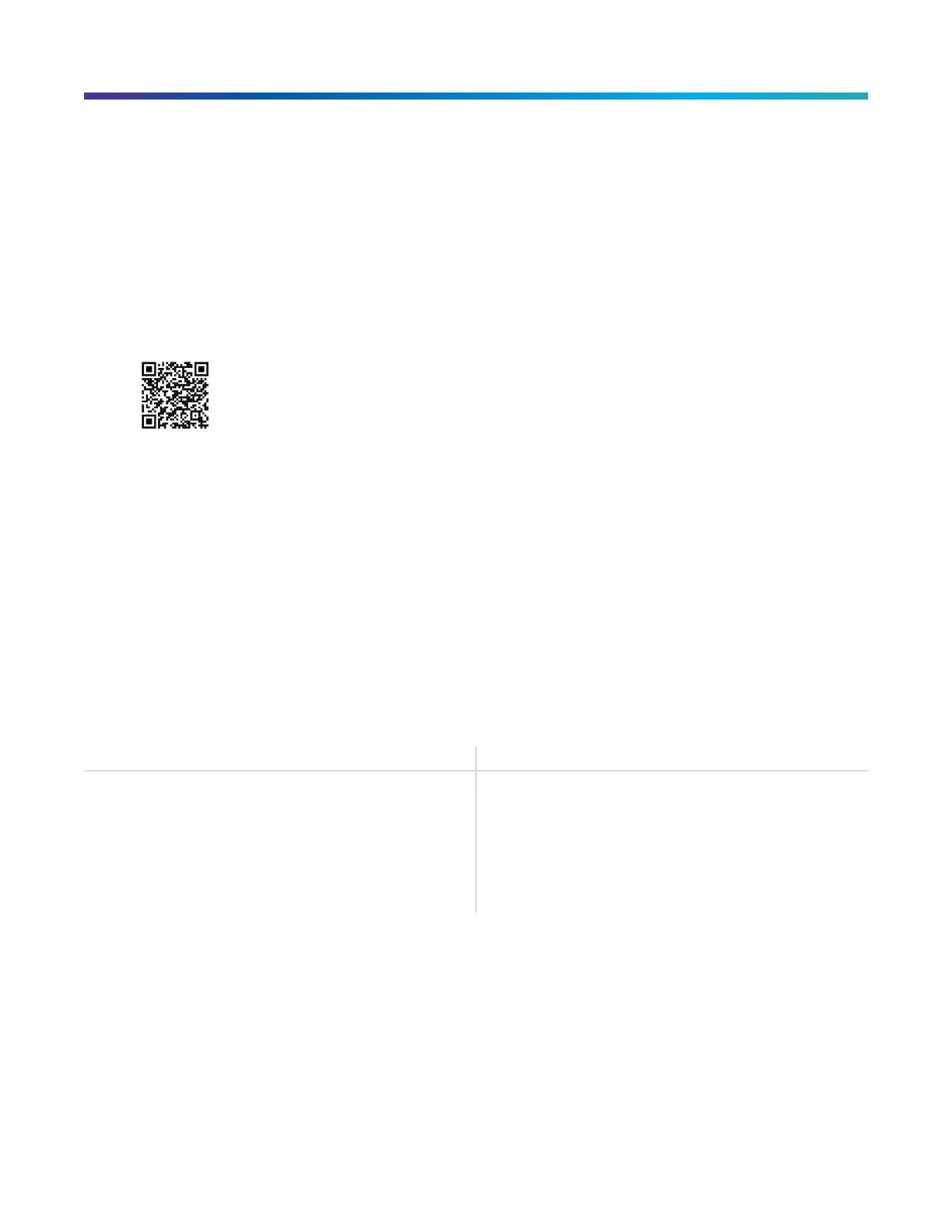
■ Scan the QR Code below.
■ If viewing this document online as a PDF, click on the following URL link: hp://
www.commscope.com/resources/in-building-wireless/era
2. Click on the ERA SW to HW Mapping document link to open it, or right click on the link and select the
Save Target as... opon from the contextual menu.
DAS and Small Cell Technical Support
The following secons tell you how to contact the DAS and Small Cell Technical Support team. Support is
available 7 days a week, 24 hours a day.
Telephone Helplines
Use the following Helpline telephone numbers to get live support, 24 hours a day:
24x7
+1 888-297-6433 (Toll free for U.S. and Canada)
EMEA 8:00-17:00 (UTC +1) + 800 73732837 (Toll free for parts of EMEA and
Australia)
+ 49 909969333 (Toll charge incurred)
Calls to an EMEA Helpline outside of the 8:00 to 17:00
me frame will be forwarded to the 24x7 Helpline.
Online Support
To go to the CommScope Wireless Support Request web site from which you can iniate a Technical Support
cket, do one of the following:
■ Scan the QR Code below.
DRAFT: CONFIDENTIAL
CommScope ERA
®
UAP2 with Fiber Interface Installaon Guide , Release
P/N M0203AB, DRAFT Rev D 40










 To Next Page