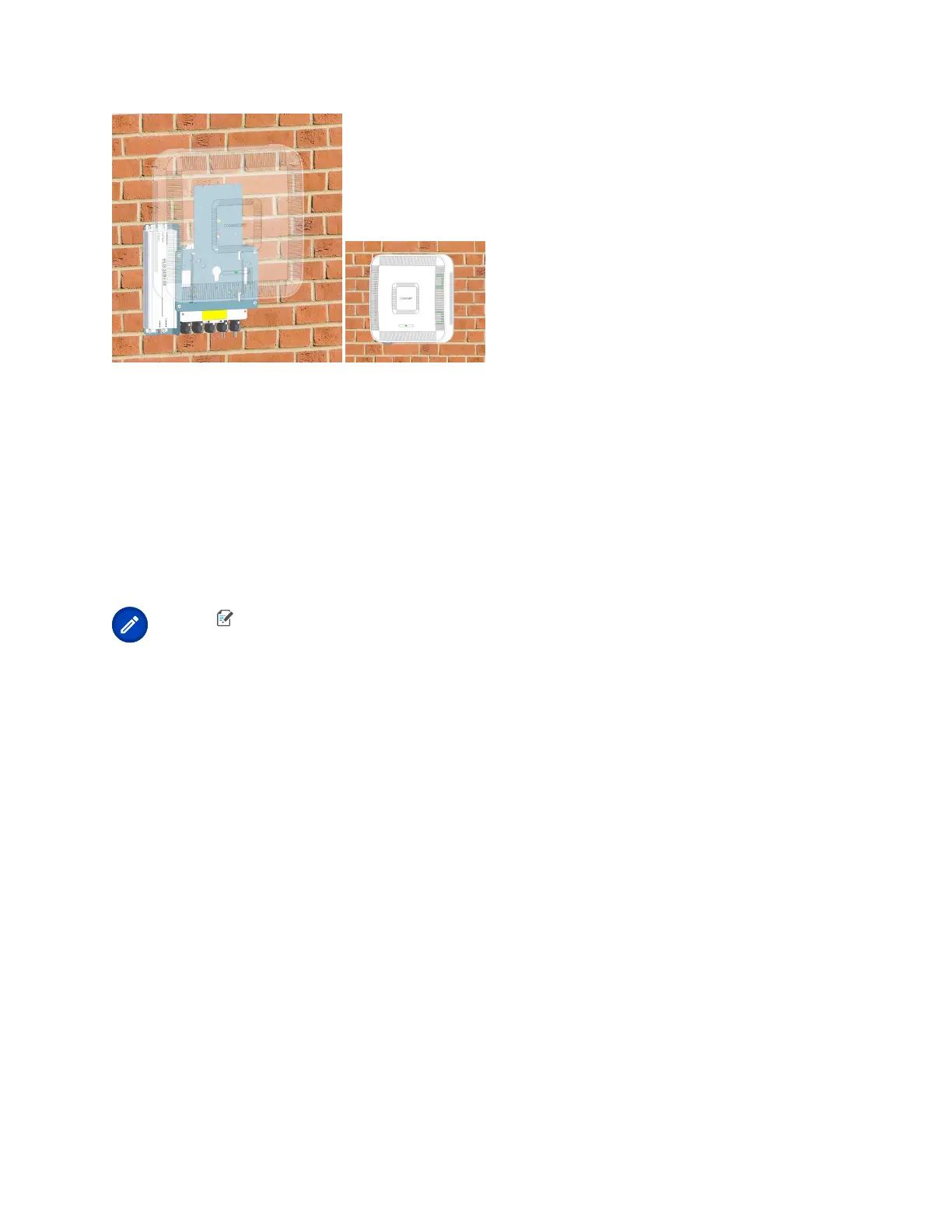
Connect the Fiber UAP2 to a Classic CAN or TEN
1. Connect the UAP2 Primary (red) Port for this installaon.
2. Clean the connectors on the SMF or MMF following the ber supplier’s recommendaons.
3. Install the SFP+ connector on the end of the SMF or MMF that will connect to the UAP2 .
Follow the limitaons per the maximum range described in SFP+ Modules.
4. Connect the other end of the SMF or MMF to a matching SFP+ in an open port on an OPT Card installed
in Slots L1-L4 in the TEN or Classic CAN. WCS Slots L5-L8 cannot be used to connect APs.
Note:
If installing a UAP2 with the Hybrid Fiber Splice Box Kit (PN 7781091-xx), the ber
opcal cable will be hanging from the Hybrid Fiber Splice Box.
5. To support more than 320MHz RF Bandwidth, repeat Step 1 (page 38) to Step 4 (page 38) using the blue
Secondary port on the UAP2 and an adjacent port on the same OPT card.
DRAFT: CONFIDENTIAL
Chapter 4: Mount the Fiber UAP2
CommScope ERA
®
UAP2 with Fiber Interface Installaon Guide , Release
P/N M0203AB, DRAFT Rev D 38










 To Next Page