CommScope Era
™
Fiber Low Power Carrier Access Point Installation Guide M0201ANC_uc
Page 30 © June 2019 CommScope, Inc.
Mount the Fiber CAP L
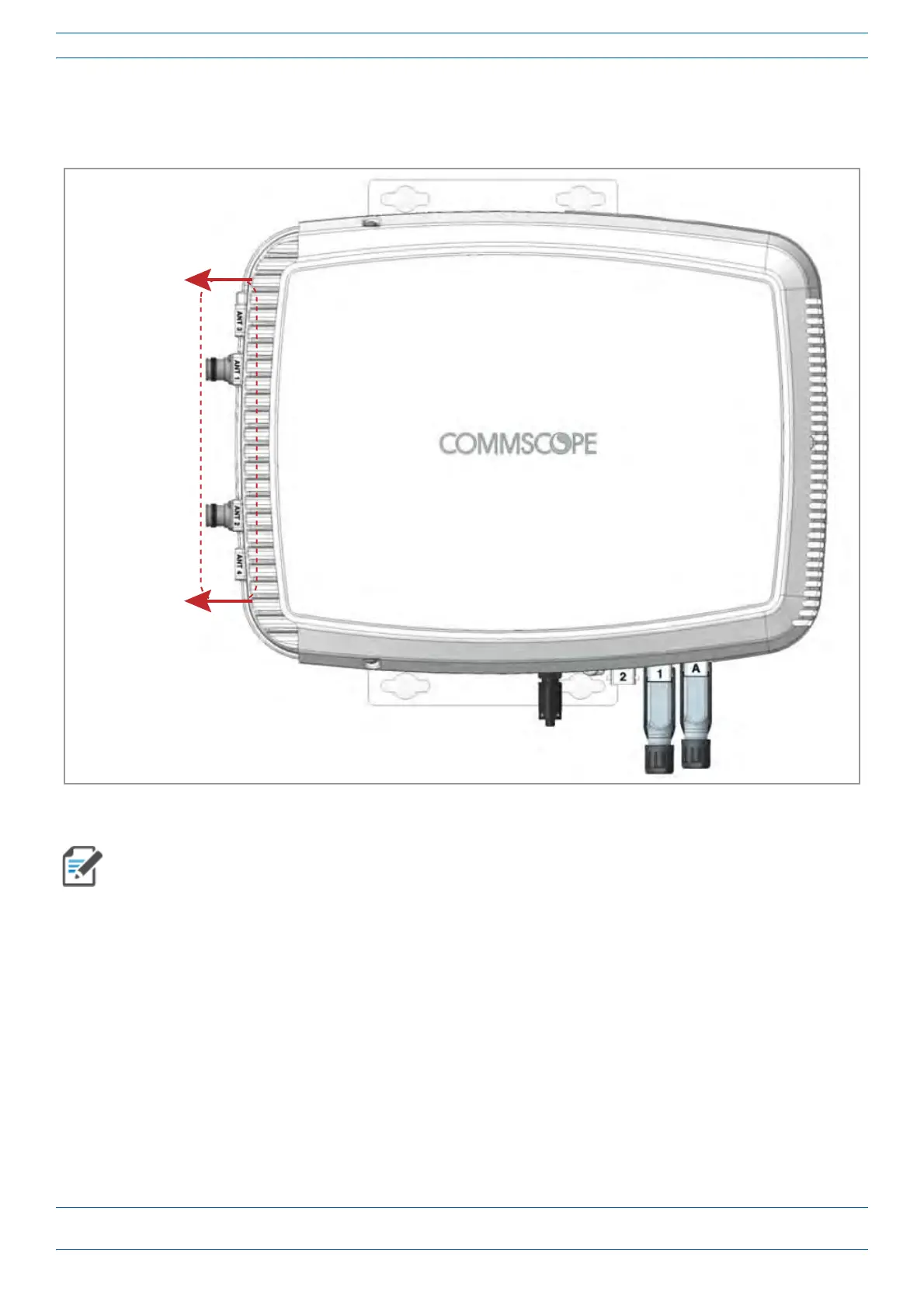
• WallMountOrientationforaCAPLwithaFanKit—To allow for optimal access to the CAP L cables, it
is recommended that a Fiber CAP L with the Fan Kit option be mounted with the ANT ports are pointing
to the left; se
e Figure 10.
ANT connectors
poinng to the le
Figure 10. Mounting Orientation for a CAP L with the Optional Fan Kit (Flat Mounting Bracket Shown)
Mounting requirements for flat surfaces are described in "Flat-Surface Mount a CAP L” on page 27.
Ceiling-mount requirements are described in "Ceiling Mount a CAP L with a Fan Kit” on page 54.
Wall Mount a CAP L Using a Flat Mounting Bracket Kit
1 Use "Plan and Prepare for a Fiber CAP L Installation” on page 10 to identify the installation site and
installation requirements, and to prepare for the installation.
2 Refer to and observe all cautions listed in "Gener
al Mounting Cautions” on page 24.
3 Follow the steps in "Attach the Flat Mounting Brack
et Kit to the CAP L” on page 26.
4 Refer to "Mo
unting Orientation for Wall Mounts” on page 29 to determine the mounting orientation of the
Fiber CAP L.










 To Next Page