M0201ANC_uc CommScope Era
™
Fiber Low Power Carrier Access Point Installation Guide
© June 2019 CommScope, Inc. Page 31
Mount the Fiber CAP L
5 Use four 5/16-inch or M8 lag screws (or whatever screw type is appropriate for the material to which the
Fiber CAP L is to be mounted on) to mount the CAP L to the wall.
6 After you mount the Fiber CAP
L on a flat surface, follow the steps in
• "Ground the Fiber CAP L (Optional)” on page 55 (if grounding is required or preferred)
• "Connect the Passive RF Antenna” on page 59.
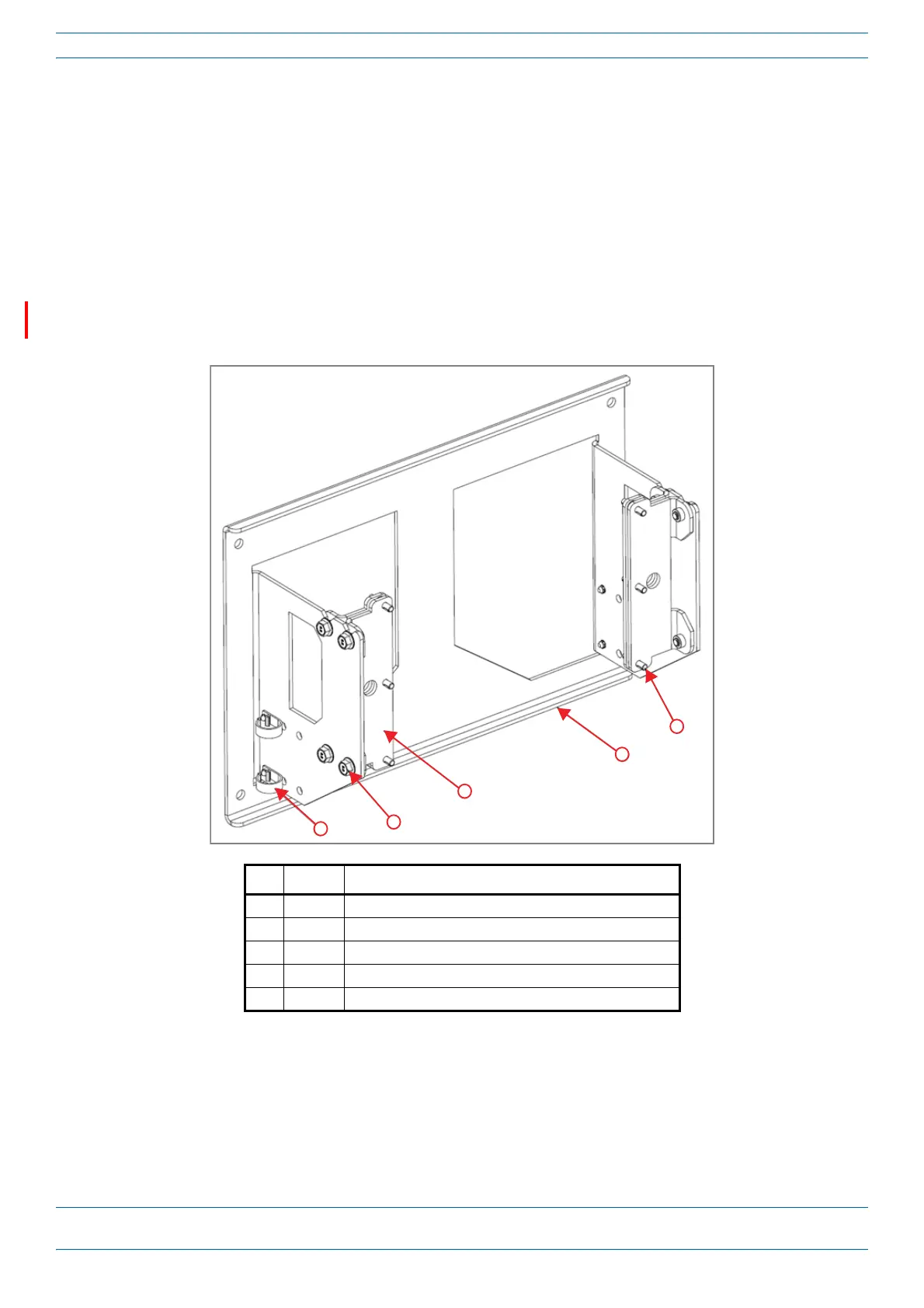
Mounting Two CAP Ls with a Dual Mounting Kit
Figure 11 shows the Dual Mounting Kit (CommScope PN 7815440-xx). The Dual Mounting Kit is capable of
mounting two CAP Ls with or without fan kits.
Ref # Quantity Component
1 4 Nylon Cable Clamps (preattached, do not remove)
2 8 M8x16 screws
3 4 Mounting Adapters
4 1 Dual Wall Mount Bracket
5 12 M6-1.0 x14mm screws
Figure 11. Dual Mounting Kit (PN 7815440-xx)










 To Next Page