CommScope Era
™
Fiber Low Power Carrier Access Point Installation Guide M0201ANC_uc
Page 32 © June 2019 CommScope, Inc.
Mount the Fiber CAP L
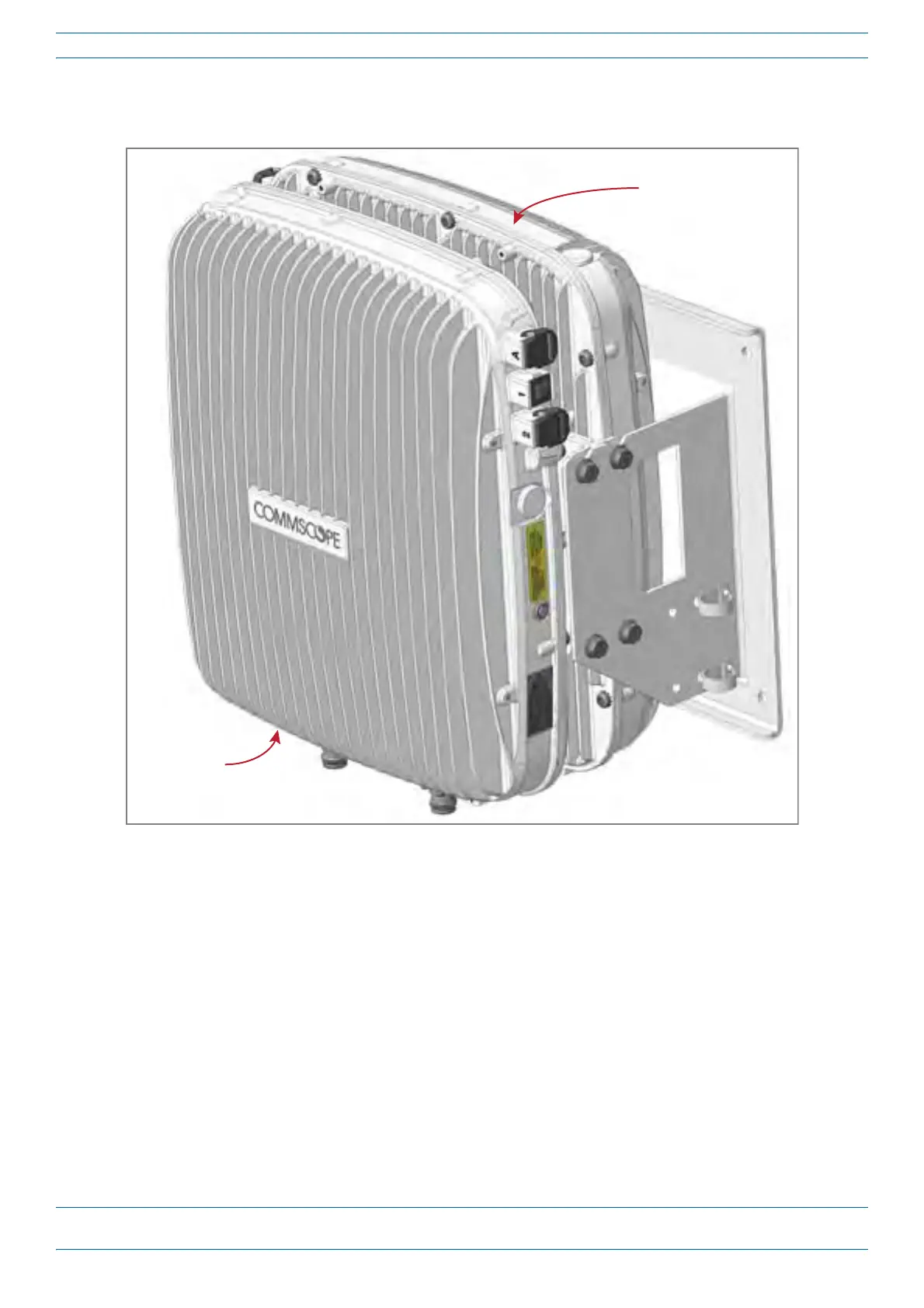
In this procedure you will mount two Fiber CAP Ls back-to-back in a single mounting bracket. The steps in
this procedure will identify the two CAP Ls as CAP L-1 and CAP L-2, as shown in Figure 12.
CAP L-1
(front of the CAP L-1
faces the mounng surface)
CAP L-2
(back-to-back with
the CAP L-1)
Figure 12. Two CAP Ls Back-to-Back in a Dual Mounting Bracket
Do the following to mount two Fiber CAP Ls in a Dual Mounting Bracket.
1 Use "Plan and Prepare for a Fiber CAP L Installation” on page 10 to identify the installation site and
installation requirements, and to prepare for
the installation.
2 Refer to and observe all cautions listed in "Gener
al Mounting Cautions” on page 24.
3 Refer to "Determine the CAP L Installation Site” on page 17 to determine the mounting location, which
must be able to support the weight and dimensions of the CAP
L.
4 Refer to "Mo
unting Orientation for Wall Mounts” on page 29 to determine the mounting orientation of the
CAP L.










 To Next Page