ComNav G3 GPS Compass
Document PN 29010092 V2.3
1.7 Getting Start
Turning on/off
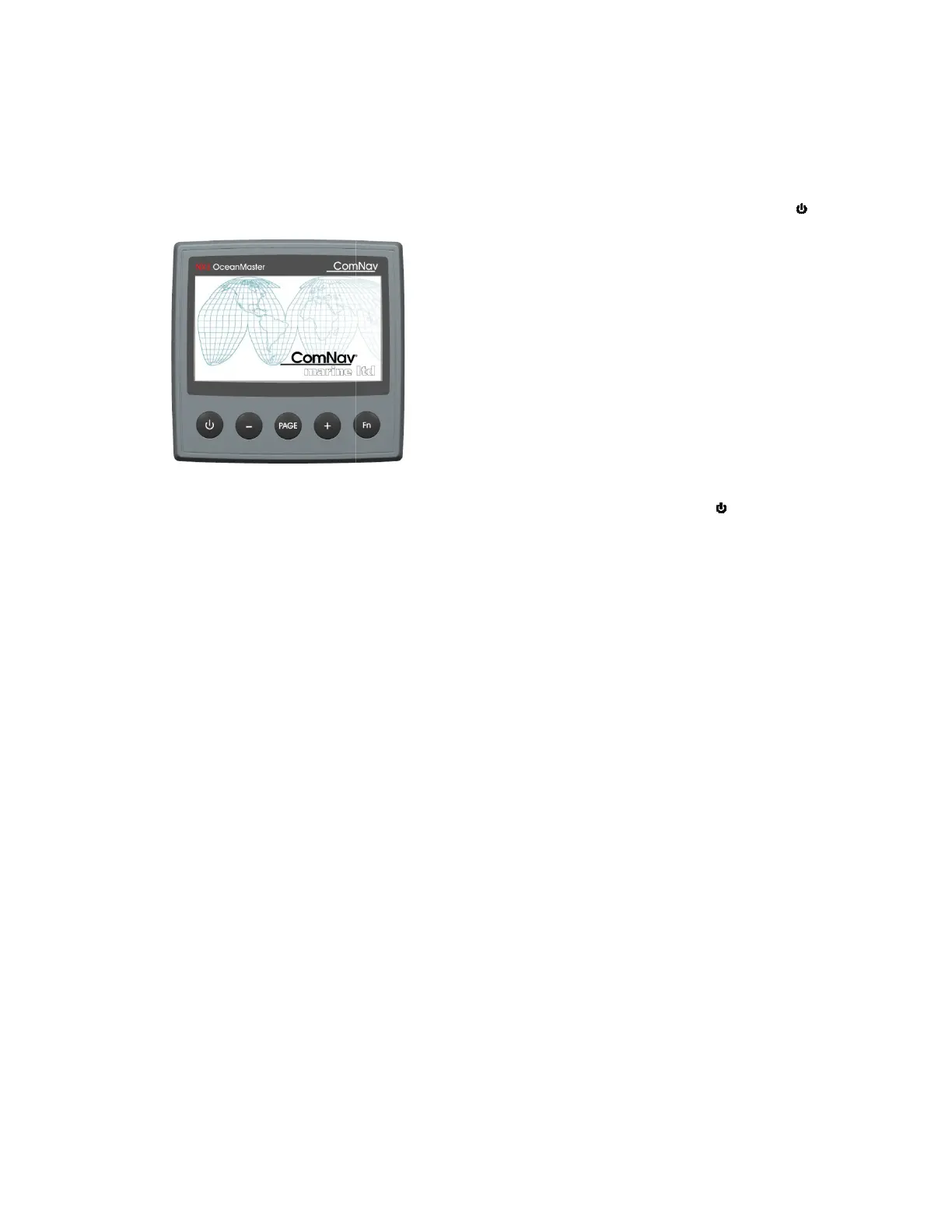
After connecting to a powered network, you can turn on your G3 by press and hold the
until the splash screen is on.
Figure 5 –
Once the unit is
turned on, you can turn off G3 by pressing and hold
screen is off.
Keep in mind
that when you turn off your G3, you only switch off the display not the transducers
the display associated with. For example, if you use the G3 as a GPS display, when your G3 is
off, your GPS may keep wor
It is also important to know that G3 will draw power from the network even
but at a much reduced level (10%). To complete
disconnect the network power line from
Capture data sources in a small network
Make sure your transducer has been connected correctly and powered on before you turn o
your G
3. The reading from your transducers will be properly displayed on the
whenever the transducer is on.
In a network where there is more than one sensor of the same type, for example 2 heading
sensors
, turn on the sensor you want G3 to monitor before turning on G3, and
sensors after turnin
- 11 -
After connecting to a powered network, you can turn on your G3 by press and hold the
until the splash screen is on.
turned on, you can turn off G3 by pressing and hold
ing
that when you turn off your G3, you only switch off the display not the transducers
the display associated with. For example, if you use the G3 as a GPS display, when your G3 is
off, your GPS may keep wor
king until it is powered off.
It is also important to know that G3 will draw power from the network even
but at a much reduced level (10%). To complete
ly
unload G3 from your battery, you must
disconnect the network power line from
your battery, or disconnect G3 from the network.
Capture data sources in a small network
Make sure your transducer has been connected correctly and powered on before you turn o
3. The reading from your transducers will be properly displayed on the
whenever the transducer is on.
In a network where there is more than one sensor of the same type, for example 2 heading
, turn on the sensor you want G3 to monitor before turning on G3, and
After connecting to a powered network, you can turn on your G3 by press and hold the
button
button until the
that when you turn off your G3, you only switch off the display not the transducers
the display associated with. For example, if you use the G3 as a GPS display, when your G3 is
the display is off,
unload G3 from your battery, you must
your battery, or disconnect G3 from the network.
Make sure your transducer has been connected correctly and powered on before you turn o
n
3. The reading from your transducers will be properly displayed on the
appropriate screen
In a network where there is more than one sensor of the same type, for example 2 heading
, turn on the sensor you want G3 to monitor before turning on G3, and
then turn on other


 To Next Page