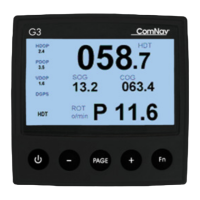
ComNav G3 GPS Compass In
Document PN 29010092 V2.3
2 Operation
2.1 Keypad operation
Keypad Home function
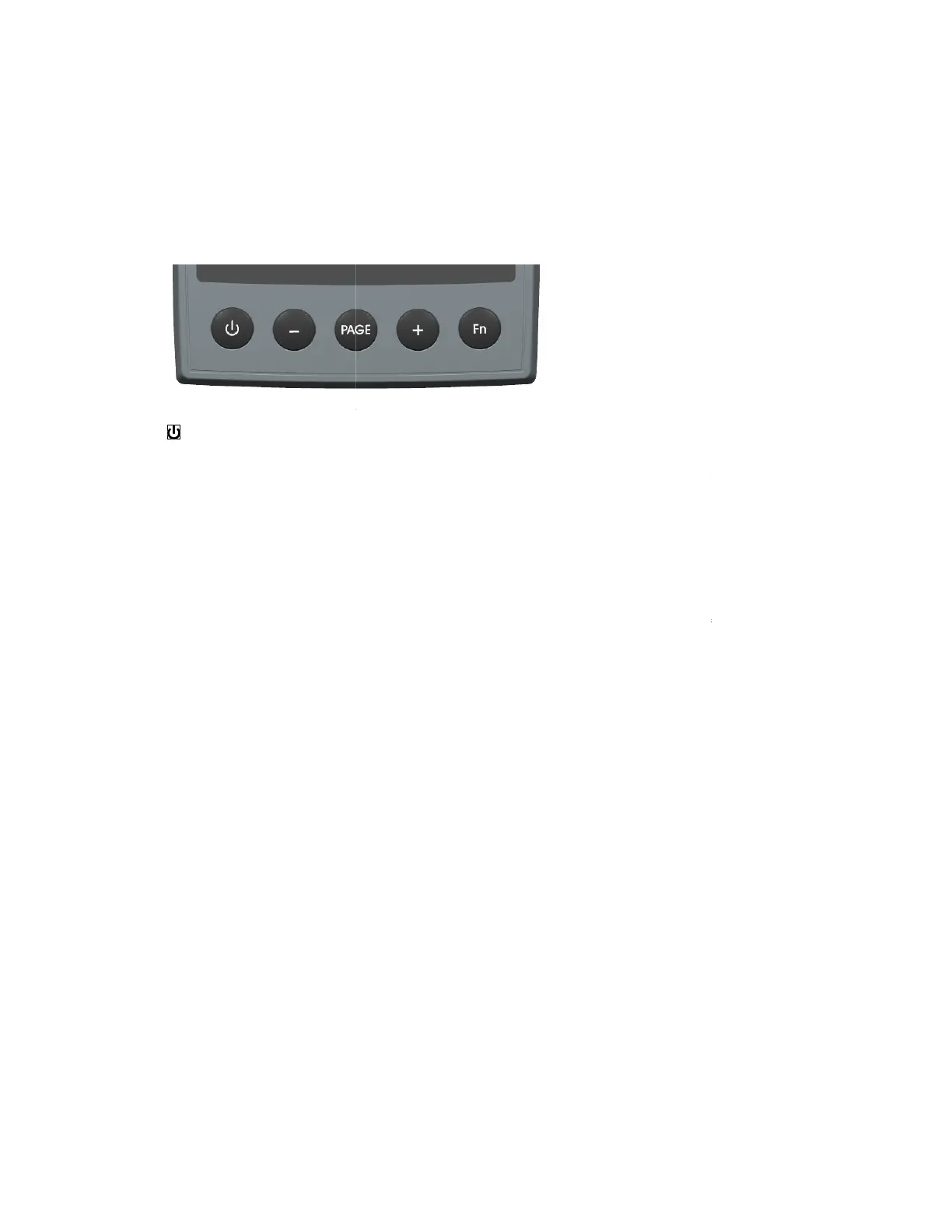
G3 Display has 5 buttons. Each button is labeled by its home function. The home function is
immediately available
what the button is used for immediate after the unit is powered on, or after
other soft functions has expired (see Soft button functions).
Figure 6 –
–
This button is used to turn on or turn off your display. A short press will turn on the unit
if it is off; press and hold for 3 seconds will turn off the unit.
The power on/off function only applies to
are not affected by this operation.
PAGE
–
screen in different layouts. Each layout is called a Page. This button
through all layouts you have selected or built (see Display concept). Click PAGE button the
screen will change to the next layout in your Page List.
You can also change to the previous layout in your Page List by press the “
the PAGE button.
Fn
–
this is a multifunction button. This button will initiate the main menu and place the keypad
in Soft Keypad function (see Soft Keypad function) state.
“+”
–
In menu operation (initiated by Fn), this button is used
menu.
“-“
–
A press of this button will change the next PAGE button press to circle to the previous page
instead of the next page. In menu operation (initiated by Fn), this button is used to scroll up items
in current menu.
Soft Keypad function
All buttons have content sensitive multiplex functions. When any button has a function other than
its home function (see above), the keypad is deemed as in Soft Keypad function.
Soft Keypad function is typically indicated by the ke
Figure 7
shows an instance of Soft Keypad function. In this ex
as “Select” key, the “+” and “
button is the key for E
- 13 -
G3 Display has 5 buttons. Each button is labeled by its home function. The home function is
what the button is used for immediate after the unit is powered on, or after
other soft functions has expired (see Soft button functions).
This button is used to turn on or turn off your display. A short press will turn on the unit
if it is off; press and hold for 3 seconds will turn off the unit.
The power on/off function only applies to
the display unit itself; the other devices in the network
are not affected by this operation.
3 are organized in groups so that they can be shown on the
screen in different layouts. Each layout is called a Page. This button
through all layouts you have selected or built (see Display concept). Click PAGE button the
screen will change to the next layout in your Page List.
You can also change to the previous layout in your Page List by press the “
this is a multifunction button. This button will initiate the main menu and place the keypad
in Soft Keypad function (see Soft Keypad function) state.
In menu operation (initiated by Fn), this button is used
to scroll down items in current
A press of this button will change the next PAGE button press to circle to the previous page
instead of the next page. In menu operation (initiated by Fn), this button is used to scroll up items
All buttons have content sensitive multiplex functions. When any button has a function other than
its home function (see above), the keypad is deemed as in Soft Keypad function.
Soft Keypad function is typically indicated by the ke
ypad status bar at the bottom of the screen.
shows an instance of Soft Keypad function. In this ex
ample, the PAGE button behaves
as “Select” key, the “+” and “
-
“ buttons are keys for scrolling down and up the menu, while Fn
.
G3 Display has 5 buttons. Each button is labeled by its home function. The home function is
what the button is used for immediate after the unit is powered on, or after
This button is used to turn on or turn off your display. A short press will turn on the unit
the display unit itself; the other devices in the network
3 are organized in groups so that they can be shown on the
through all layouts you have selected or built (see Display concept). Click PAGE button the
You can also change to the previous layout in your Page List by press the “
-“ button before press
this is a multifunction button. This button will initiate the main menu and place the keypad
to scroll down items in current
A press of this button will change the next PAGE button press to circle to the previous page
instead of the next page. In menu operation (initiated by Fn), this button is used to scroll up items
All buttons have content sensitive multiplex functions. When any button has a function other than
its home function (see above), the keypad is deemed as in Soft Keypad function.
ypad status bar at the bottom of the screen.
ample, the PAGE button behaves
“ buttons are keys for scrolling down and up the menu, while Fn


 To Next Page