ComNav G3 GPS Compass Installation & Operation
Document PN 29010092 V2.3 - 17 -
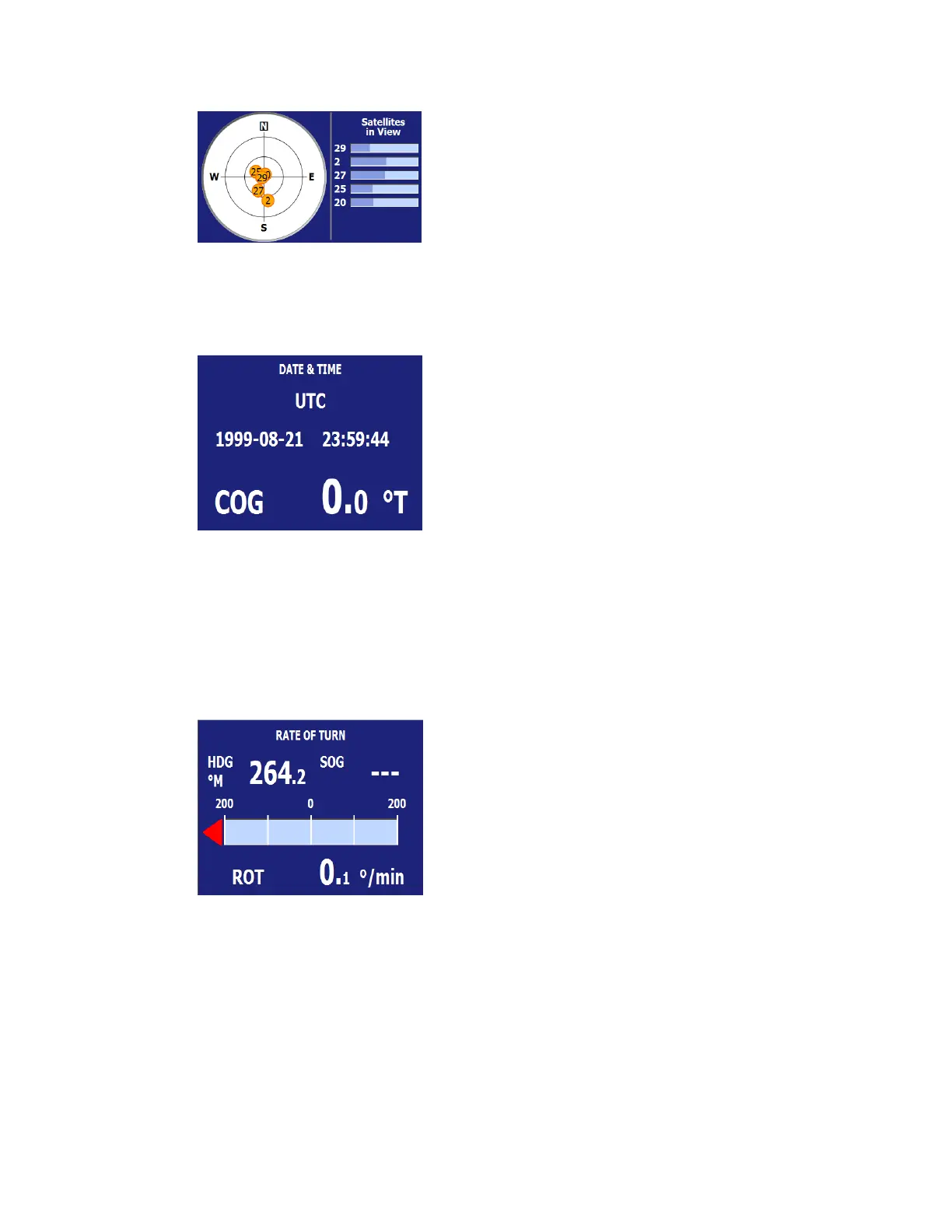
Figure 13 - Satellites in View screen
Date and Time
This layout shows the universal time.
Figure 14 – Date and Time screen
Rate of Turn
This layout presents the rate of turn in a scaled bar to give an easy visual display for the rate of
turn of the vessel the GPS mounted on. It will also show a left or right arrow to indicate the
direction of turn.
On the up side of the screen, you can pick two different data to be shown in digits. The example
here has the heading and course-over-ground displayed at the up screen.
Figure 15 – Rate of Turn screen
Position
This layout presents the latitude and longitude of the GPS in the large digital form. Two
additional fields at the bottom of the screen is optional.


 To Next Page