ComNav G3 GPS Compass Installation & Operation
Document PN 29010092 V2.3 - 21 -
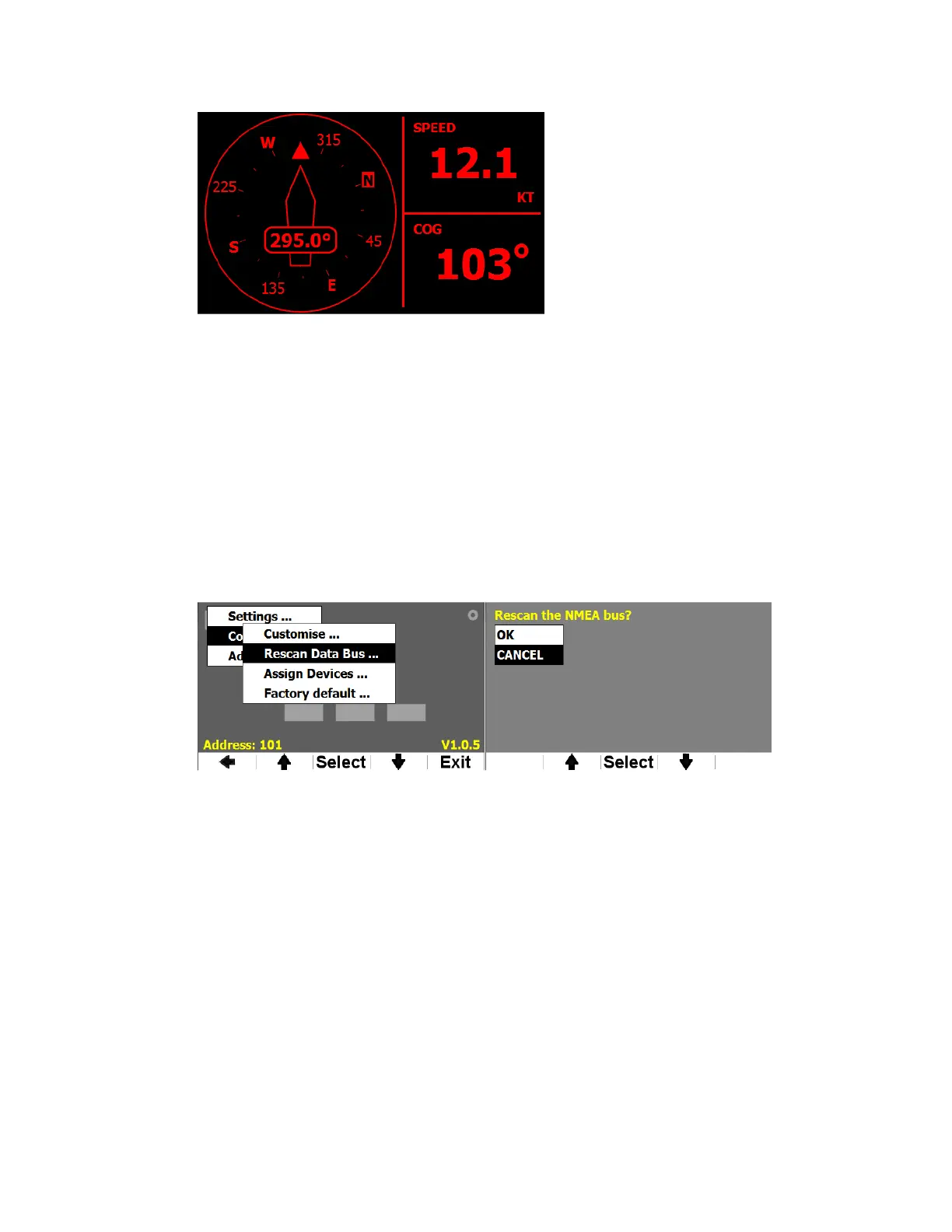
Figure 20 – Example of G3 night vision mode
Change data sources
You may have more than one heading sensors in your network. If so, you can change which
sensor you want the data for a screen come from.
G3 will use the 1
st
sensor it detects for the data type when it starts. If this sensor is turned off, or if
it stops sending data out, the correspondent fields on the screen become invalid (display --- for
digits). There are 2 ways you can let G3 pick another sensor.
If you have only 2 sensors in the network and one stops working, the easiest way to use the 2
nd
sensor is by letting G3 detect automatically again the sensor that is working. Or Select “Rescan
Data Bus…” from the configure menu to trigger this process. You will be asked to confirm that
you do want a re-scan before the procedure starts (Figure 11).
Figure 21 – Detect data sources through menu
Rescan Data Bus may change all detected transducers. Therefore if you have other transducers
such as depth sensors or speed sensors you may not want to do so. In such case you may want
to point a specific device for a PGN. Figure 20 shows how to use Assign Devices menu to do so.
After Assign Devices … is selected, G3 searches for all the NMEA 2000 devices. Then it lists all
data G3 may monitoring on the left and all available devices on the right of the screen. Using “+”
& “-“ buttons you can scroll over the data list and select one. Once a data item is selected, the
cursor moves to the device list for you to pick the one you want for the selected data. Follow the
menu scripts to save or cancel your selections.


 To Next Page