ComNav G3 GPS Compass Installation & Operation
Document PN 29010092 V2.3 - 18 -
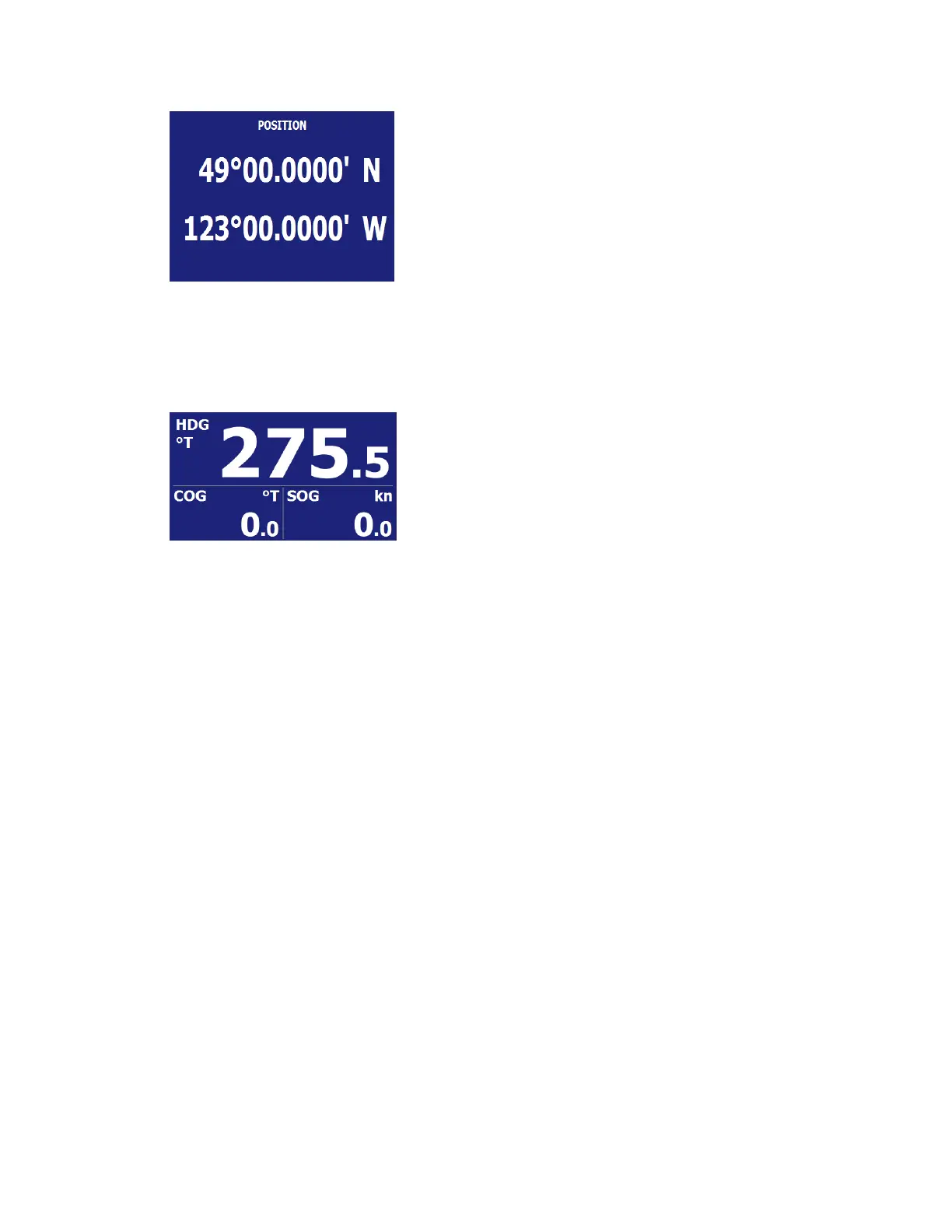
Figure 16 – Position screen
Digital Display
Digital screen layout can be in one field, two fields, three fields, four fields. In this layout data
fields are presented in digits along with their label and unit.
Figure 17 – Digital layout with 3 fields
Scrolling through display pages in two directions
A click of PAGE button will switch the screen to the next Page. If you click the “-“ before click the
PAGE button, the screen will switch to the previous one.
2.4 Menu operation
General Menu frame
The menu is used to change settings that will alter the way your data are displayed. For example,
you may want to change the unit a data is shown, or you may want to switch the display to Night
Vision at night.
The menu is triggered by a quick press of Fn button in Normal operation. Figure 18 shows the
menu tree.
Many menu items are self-explained, such as the units for different data types or time format.
There are some items that may not immediately intuitive.


 To Next Page