JHT01 Service Manual
6-2
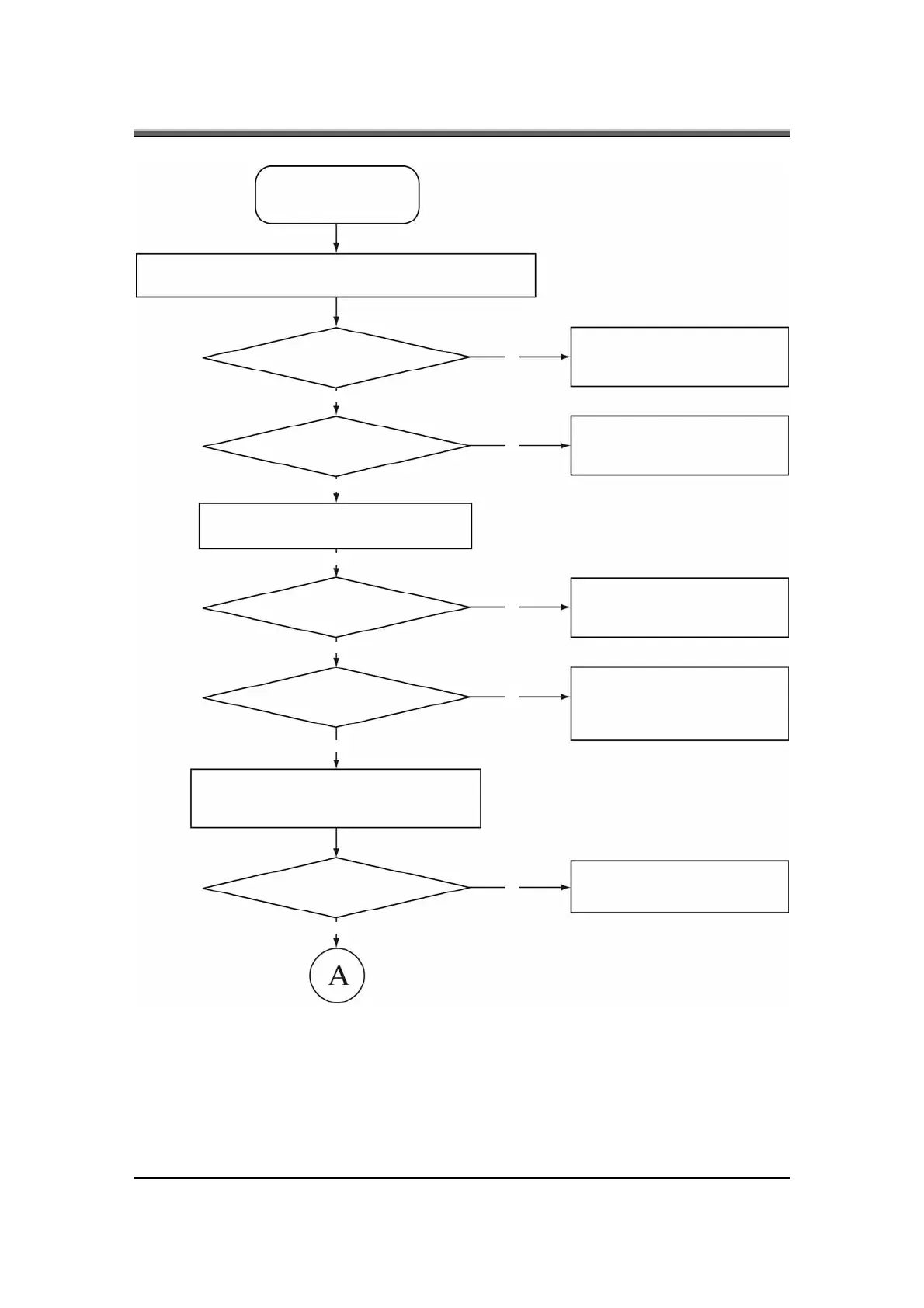
Figure 6-1 Troubleshooting flowchart (1/2)
START
Connect the AC adapter to the DC-IN socket
Is the DC-IN LED on?
No
No
No
No
No
Yes
Yes
Yes
Yes
Yes
Yes
Perform the Power Supply
Troubleshooting procedures in
section 6-2
Is the Battery LED on?
Perform the Power Supply
Troubleshooting procedures in
section 6-2
Turn the Power switch on
Is the Power On LED on?
Perform the Power Supply
Troubleshooting procedures in
section 6-2
Is the logo message display?
Perform the Display
Troubleshooting procedures in
section 6-3
If the password message displays, type the
password, then press Enter
Is Windows being loaded?
Perform diagnostics program



 To Next Page