JHT01 Service Manual
6-3
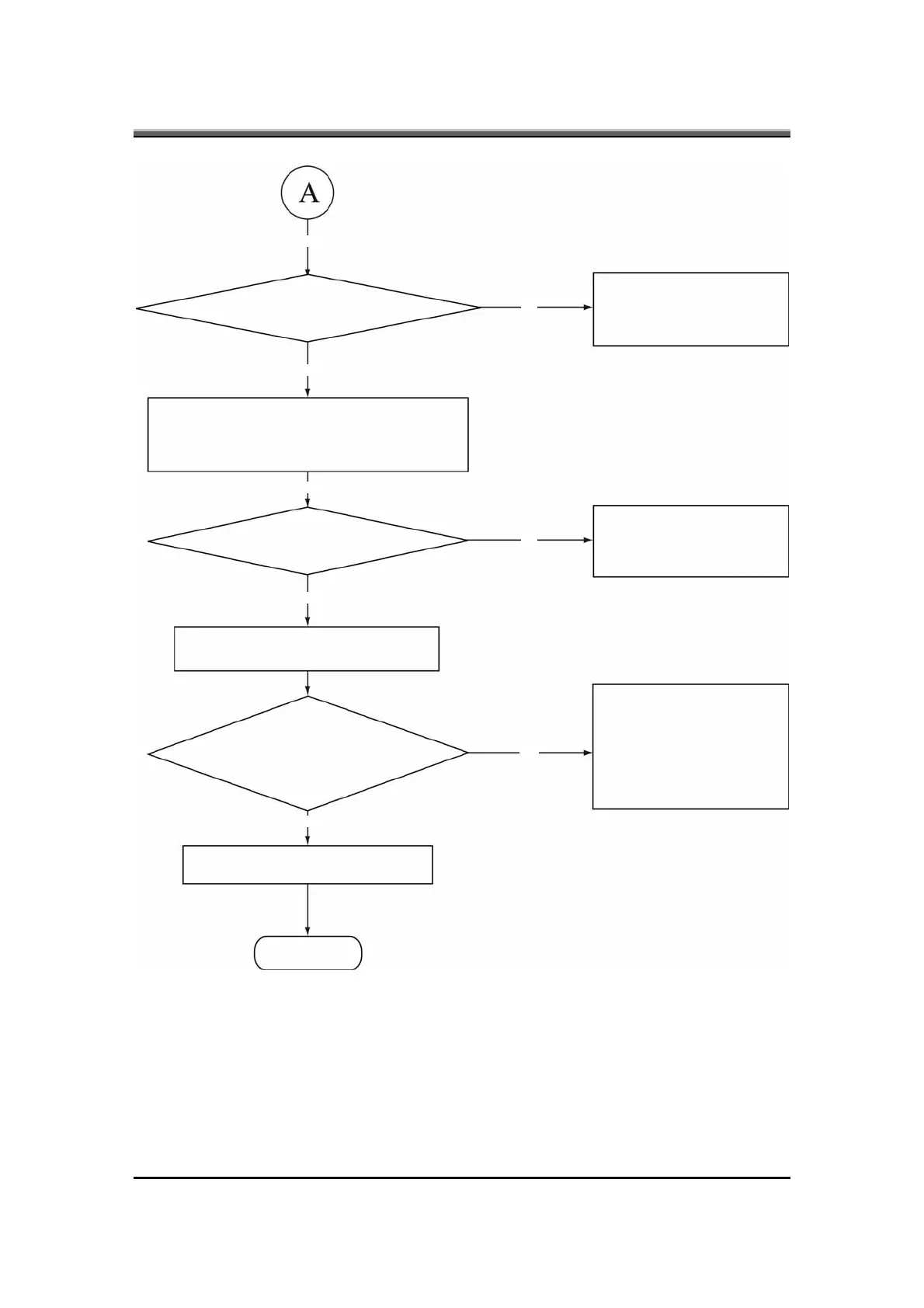
Figure 6-1 Troubleshooting flowchart (2/2)
Yes
Yes
Yes
Yes
No
No
No
Yes
Does typed characters appear correctly?
Perform the keyboard
Troubleshooting procedures
in section 6-5
Insert the diagnostics disk into FDD.
Then run the diagnostics test program.
Is the diagnostics test loaded?
Perform the FDD
Troubleshooting procedures
in section 6-4
Allow each test to perform automatically
Is an error detected by any of the
diagnostics tests?
After confirming which
diagnostics test has detected
an error, perform the
appropriate procedure as
outlined below.
System is normal
End



 To Next Page