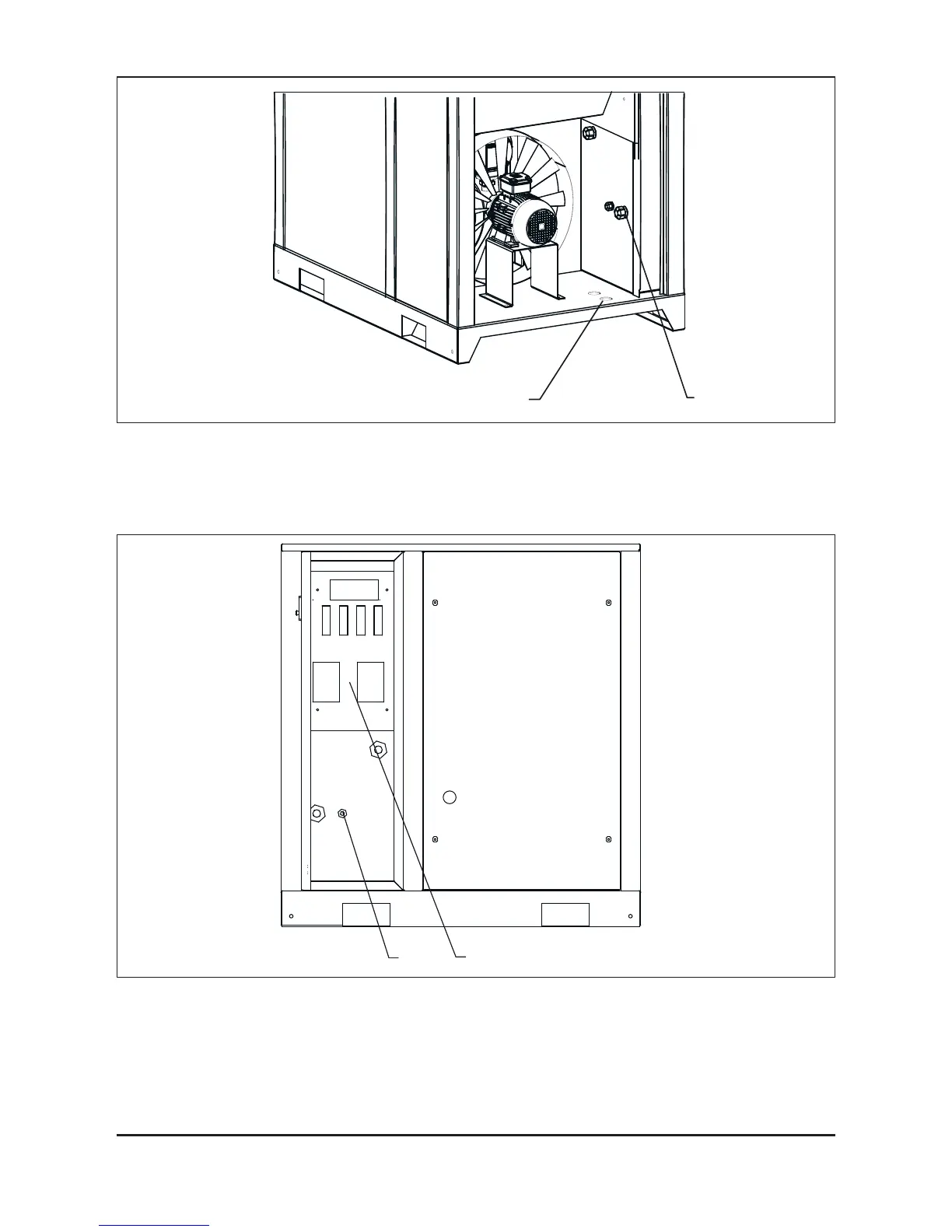
Fig. 3.5.1 Power cable connection
Remove the left side panel, pass the cable under the compressor into the orice (1) and
cable gland (2).
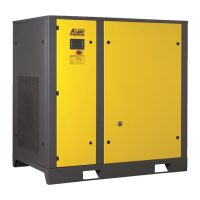
Fig. 3.5.2 Power cable terminal
connection
Connect the power supply cables to the terminal 4.
The earth wire of the power cable must be connected to the corresponding earthing bolt 3.



 To Next Page