3-11
Chapter 3: Installtion
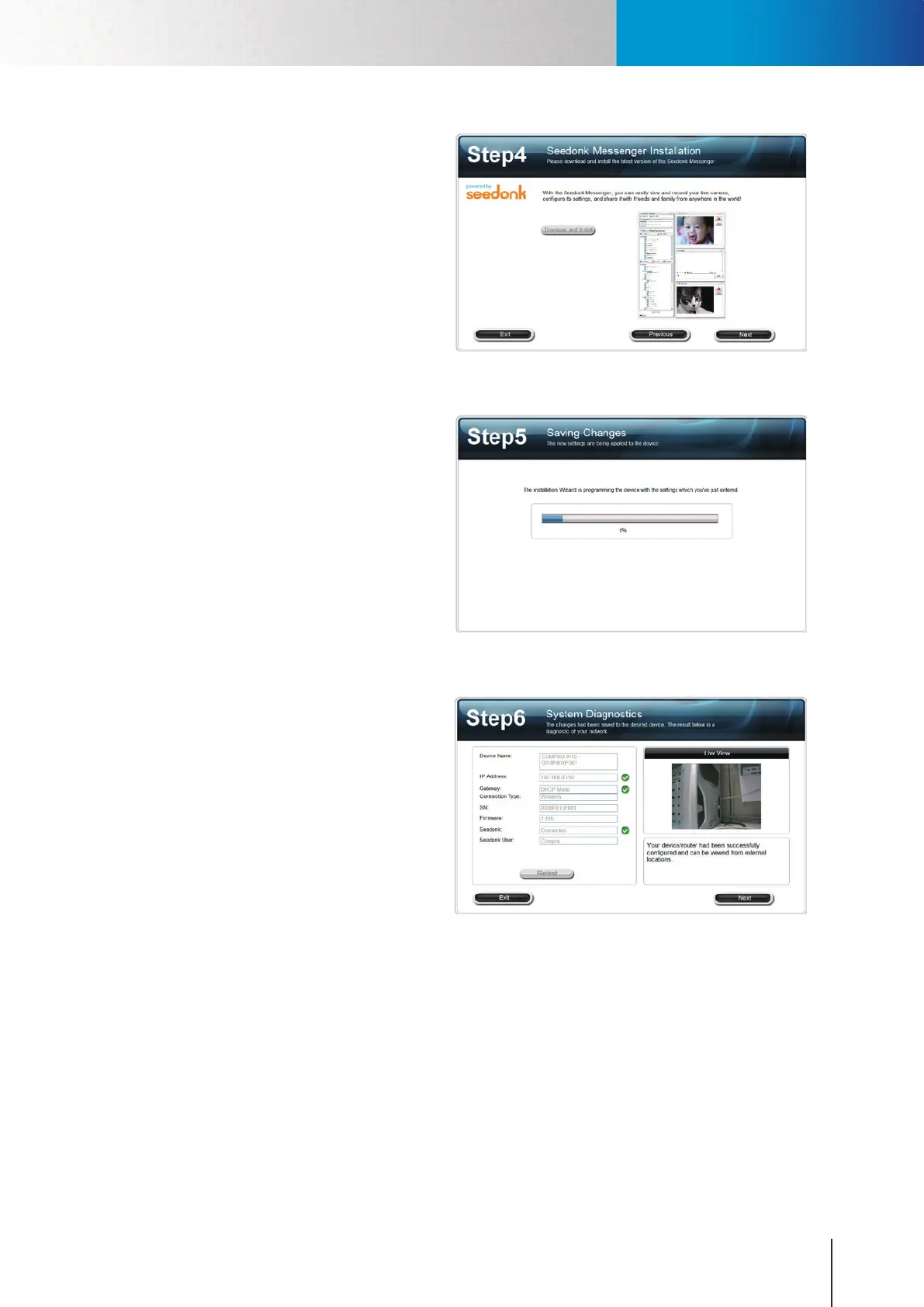
11. (Skip this part if you didn’t enable
Seedonk service.) After successful
login to your Seedonk account, you
may choose to download and install
Seedonk Messenger by clicking on
[Download and Install]. Click on [Next] if
you wish to do so later manually.
Figure 3-19. Installation of Seedonk Messenger
12. The iWizard starts programming your
camera based on your settings. Please
wait patiently and do not interrupt the
process.
Figure 3-20. Programming camera
13. The iWizard performs system diagnosis
based on your network settings and
alert you for inappropriate settings
(marked with an exclamation mark
icon).
Figure 3-21. System diagnosis
Installing Camera Software



 To Next Page