Connecting the Main Power
CAUTION: Always disconnect and lock out the main power sources before mak-
ing electrical connections. Electrical connections should be made only by qualified
personnel.
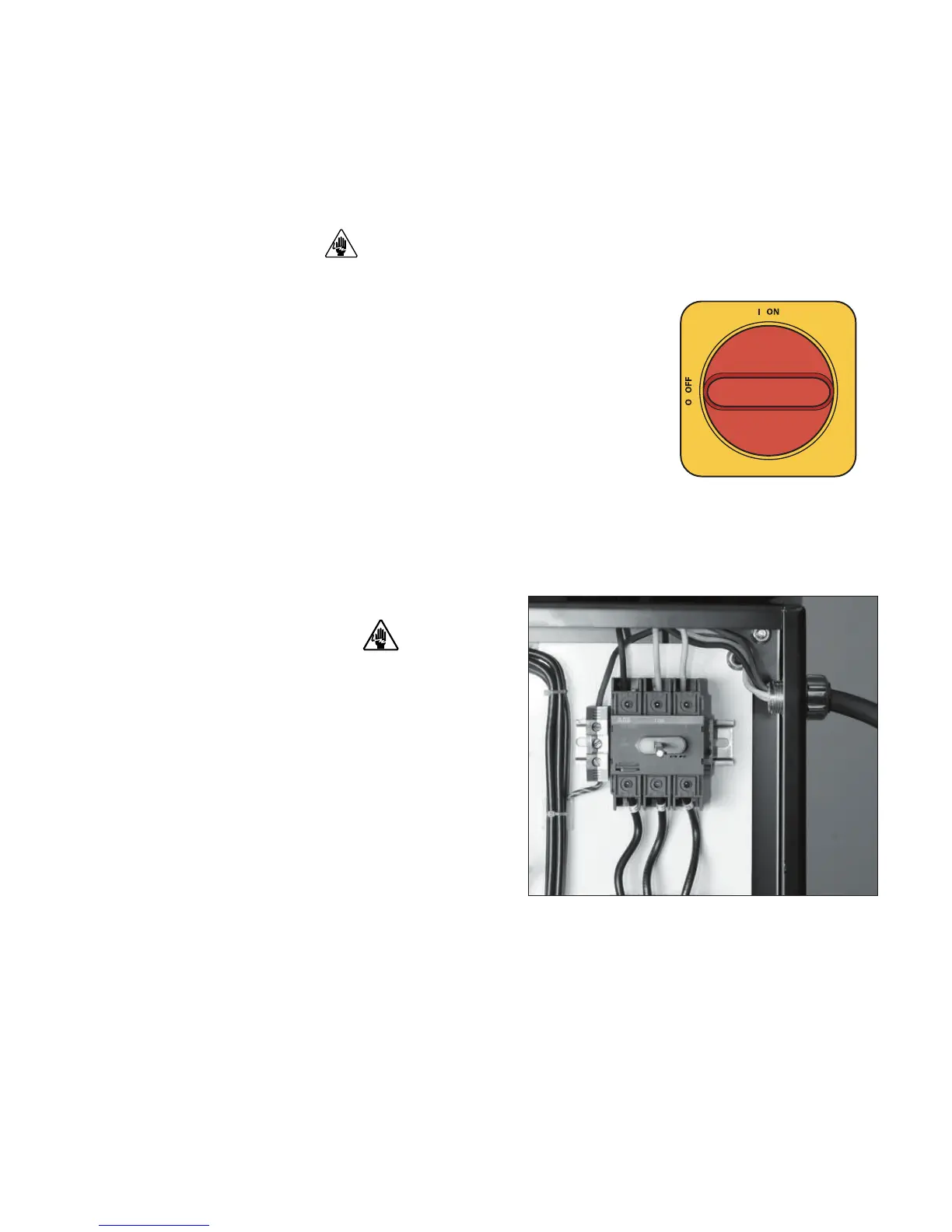
1 Open the dryer’s electrical enclosure. Turn
the disconnect dial on the dryer door to the Off
or “O” position. Lock out the main power (see
Page 1-6 for complete lock out information).
Turn the captive screw, and swing the door
open.
2
Insert the main power
wire through the knock-
out in the side of the enclosure or the rear of the dryer. (the dryer’s electrical
wire connection location was a factory option and may be connected through
the front or the rear of the dryer.) Secure the wire with an appropriate compres-
sion fitting or strain relief.
3-8 l Installa tion
IMPORTANT: Always refer to the
wiring diagrams that came with
your dryer before making electrical
connections.
3
Connect the power wires
to the three terminals at the top of the power
disconnect holder.
4 Connect the ground wire to the ground lug as shown in the photo.






 To Next Page