5-6 l Maintena nce
Cleaning the Process Filter
Clogged filters reduce air flow and dryer efficiency. Cleaning frequency depends
on how much material you process and how dusty or full of fines it is.
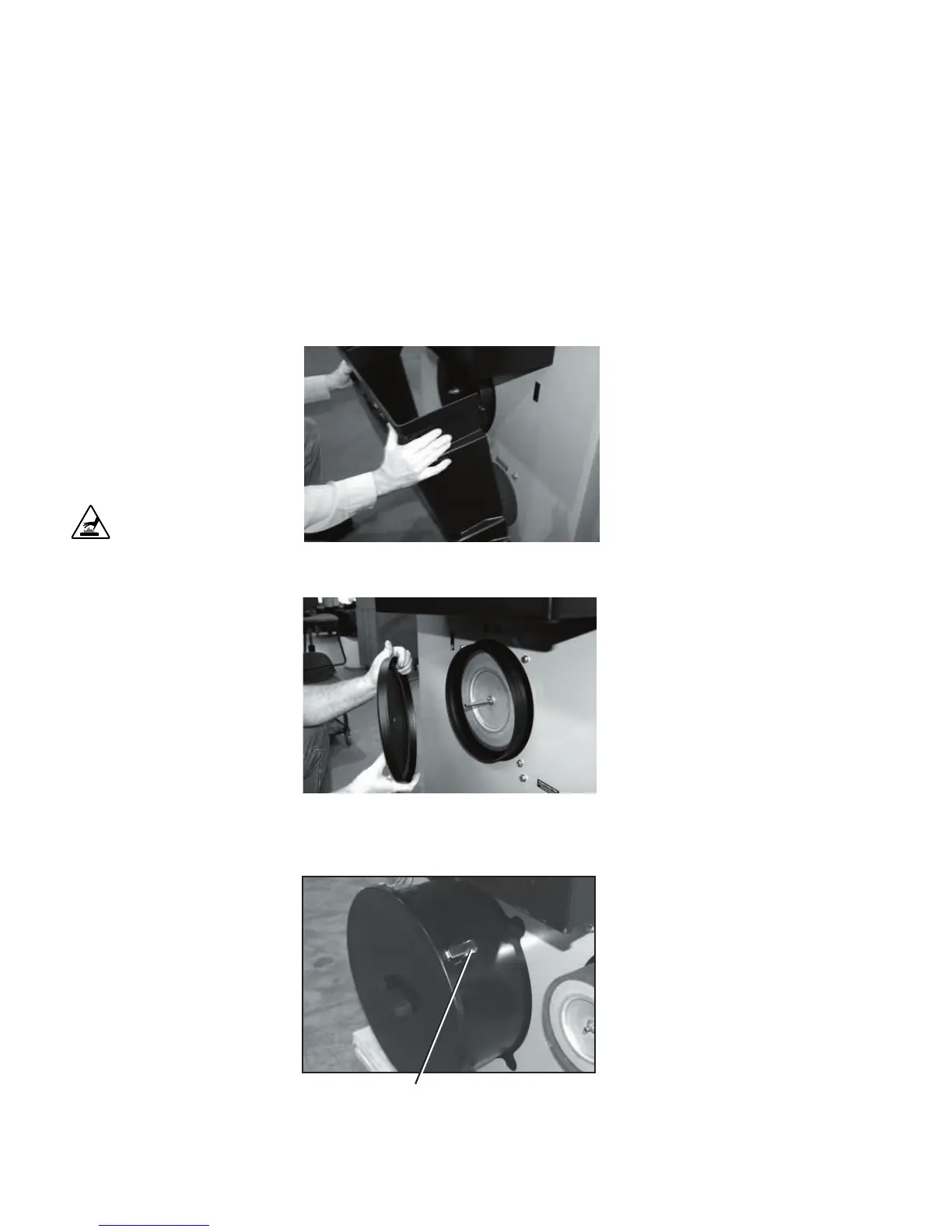
1 Push in on the sides to release the
tabs on the front cover. Remove
the cover.
NOTE: Larger dryer models
(W1600 - 5000) do not have
covers.
2 Remove the cover wing nut, then
pull the filter cap off.
2a Remove the four (4) filter cap cover
latches, then pull the filter cap off.
CAUTION: Hot surfaces.
Always protect yourself
from hot surfaces inside
and outside the dryer and
drying hopper.
✐
Process Fitter Cap Latch (4)
Carousel Plus W-series Dryers 600-1000
Carousel Plus W-series Dryers 1600-5000






 To Next Page