6
Troubleshooting
Troubleshoot ing l 6-25
Checking or Replacing Temperature
Sensors
The Carousel Plus W Series Dryer uses RTD sensors to monitor the temperatures
of the return air, air into the desiccant, the regeneration outlet, and the regeneration
inlet.
To check or replace an RTD sensors:
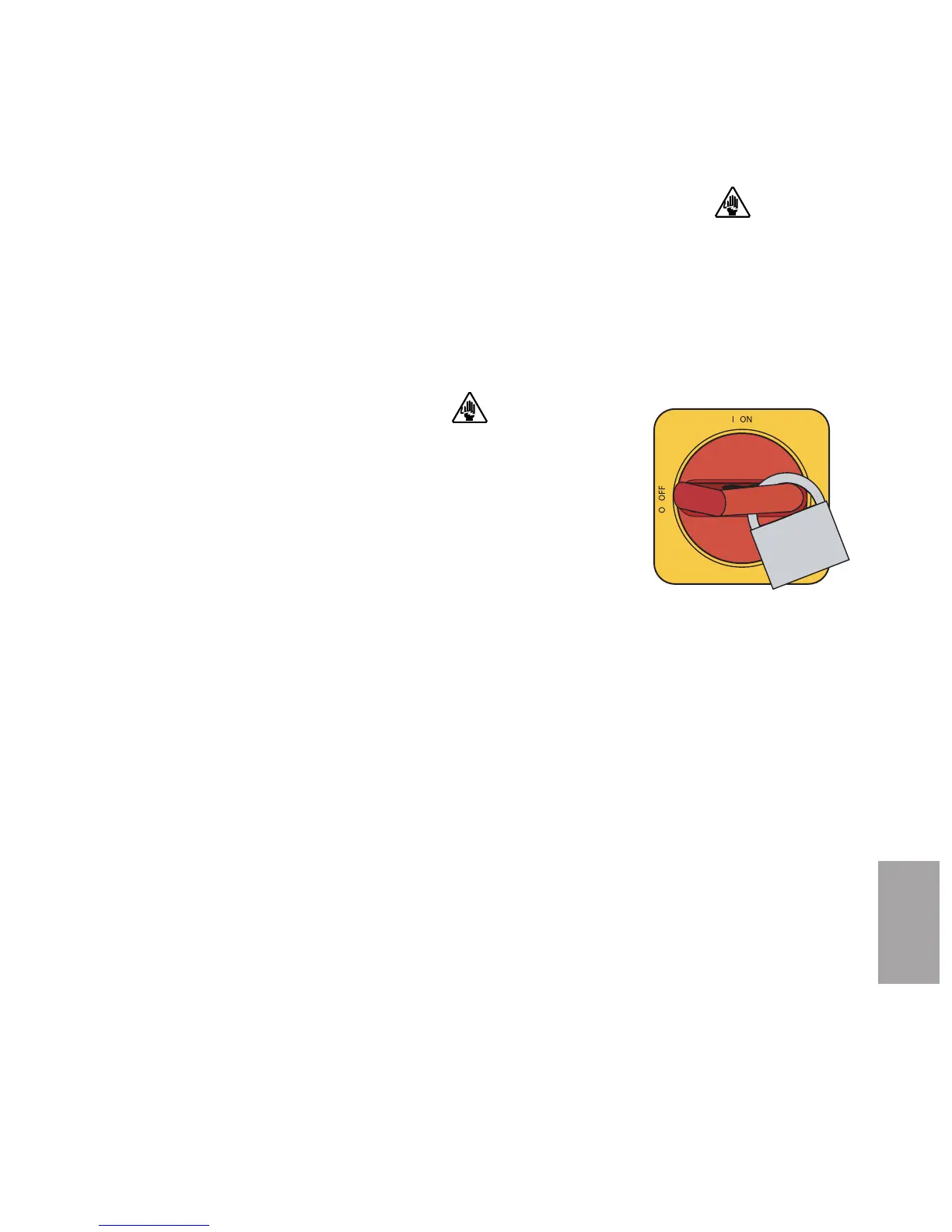
1 Disconnect and lockout the main power supply.
2 Remove dryer panels, as necessary. See Installation section entitled, Opening
the dryer doors (W1600-5000).
3 Locate the RTD sensors.
4 Check the sensor positions and conditions. Temperature readings will be
incorrect, if the sensors are touching the wall of an air hose or pipe or if the
sensor or wiring is damaged. The tip of the sensor should be centered within the
air hose or pipe. Sensor wires should be attached to the appropriate connection
points on the dryer’s electrical enclosure or microprocessor board.
5 To check with ohm meter, measure the resistance across the RTDs. The
resistance should be approximately 110 ohm at room temperature.
6 Replace the sensor, if necessary.
IMPORTANT
: Always refer
to the wiring diagrams
that came with your dryer
to locate specific electri-
cal components.
Illustrations in the User
Guide are intended to be
representative only.






 To Next Page