Chapter 8 Playback & Search
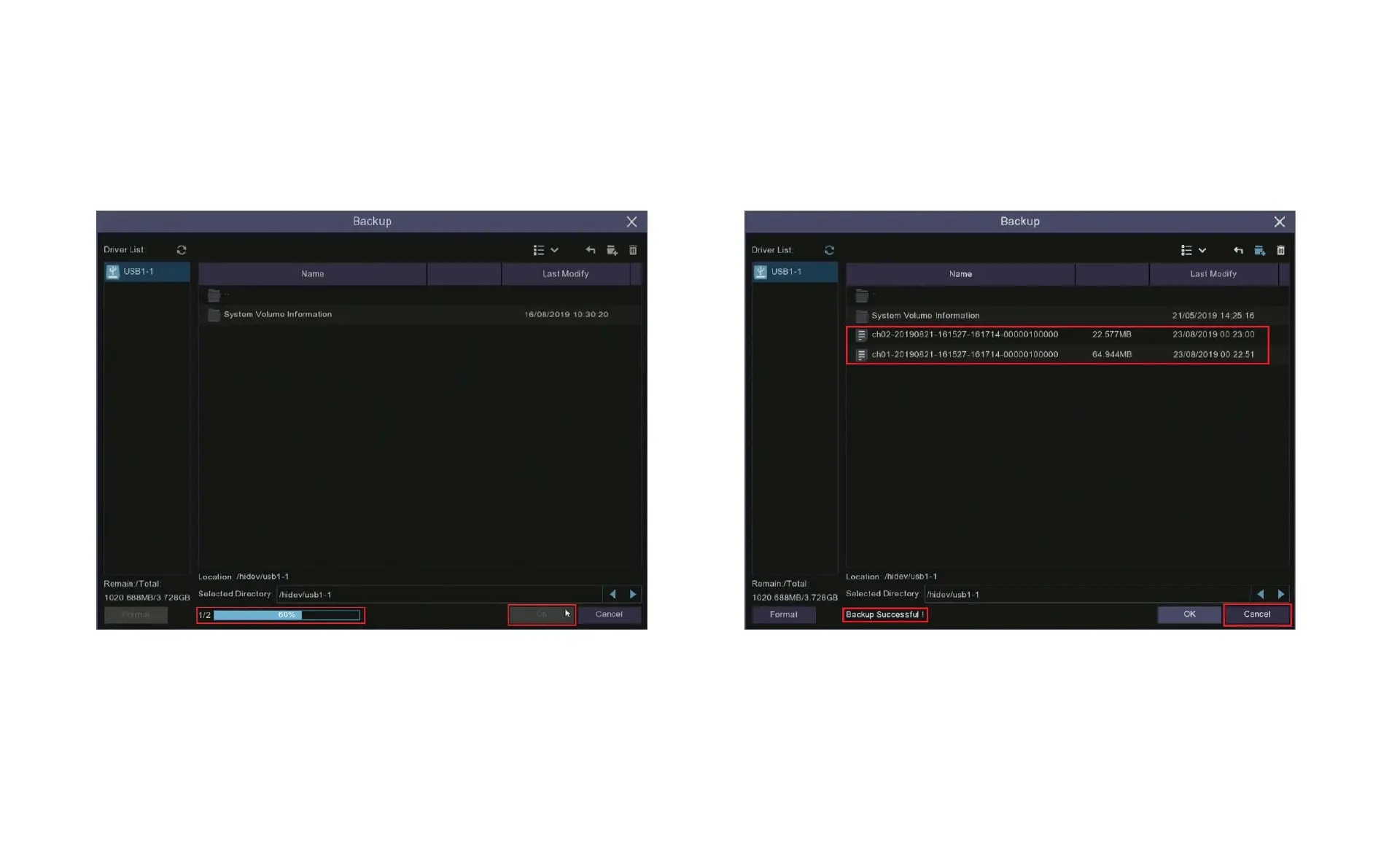
9. After clicking OK a progress bar will appear showing the
number of files uploaded and the total progress.
10. Once the files have been uploaded to your USB the progress
bar will be replaced by the message “Backup Successful”. You
can now close the Backup window by clicking Cancel.



 To Next Page