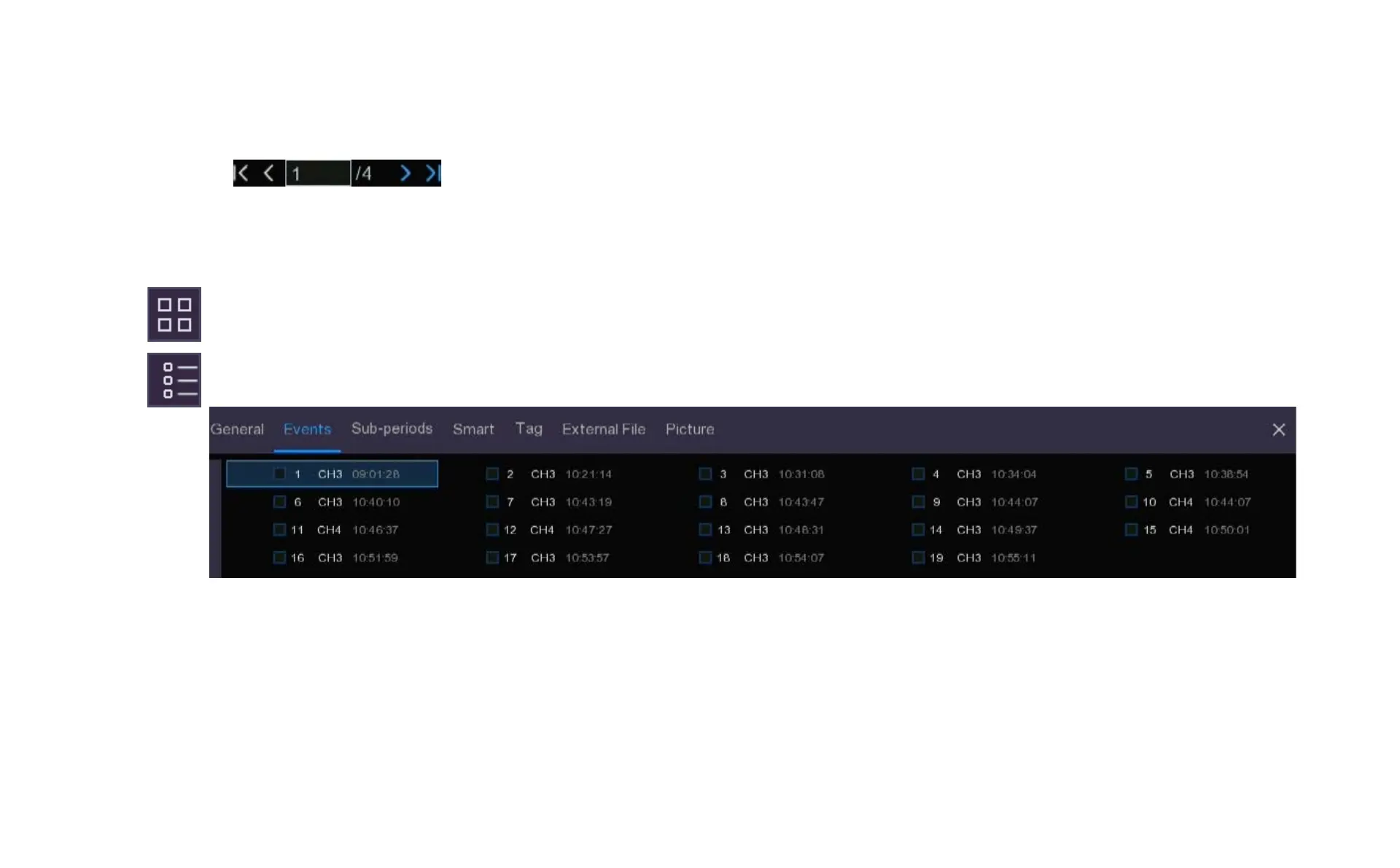
6. Click the icons in the bottom-right corner of the menu to browse between pages of events, or input the
page you want to browse.
7. You can switch the view of list form by clicking below the icons which are shown at the bottom right corner of the screen:
Thumbnail view. Shows large snapshots of the events with 20 thumbnail images per page. This is the default view as shown on
the previous page.
List view. Recorded events will be displayed in a list with the channel and the time as below.
Chapter 8 Playback & Search



 To Next Page