Chapter 8 Playback & Search
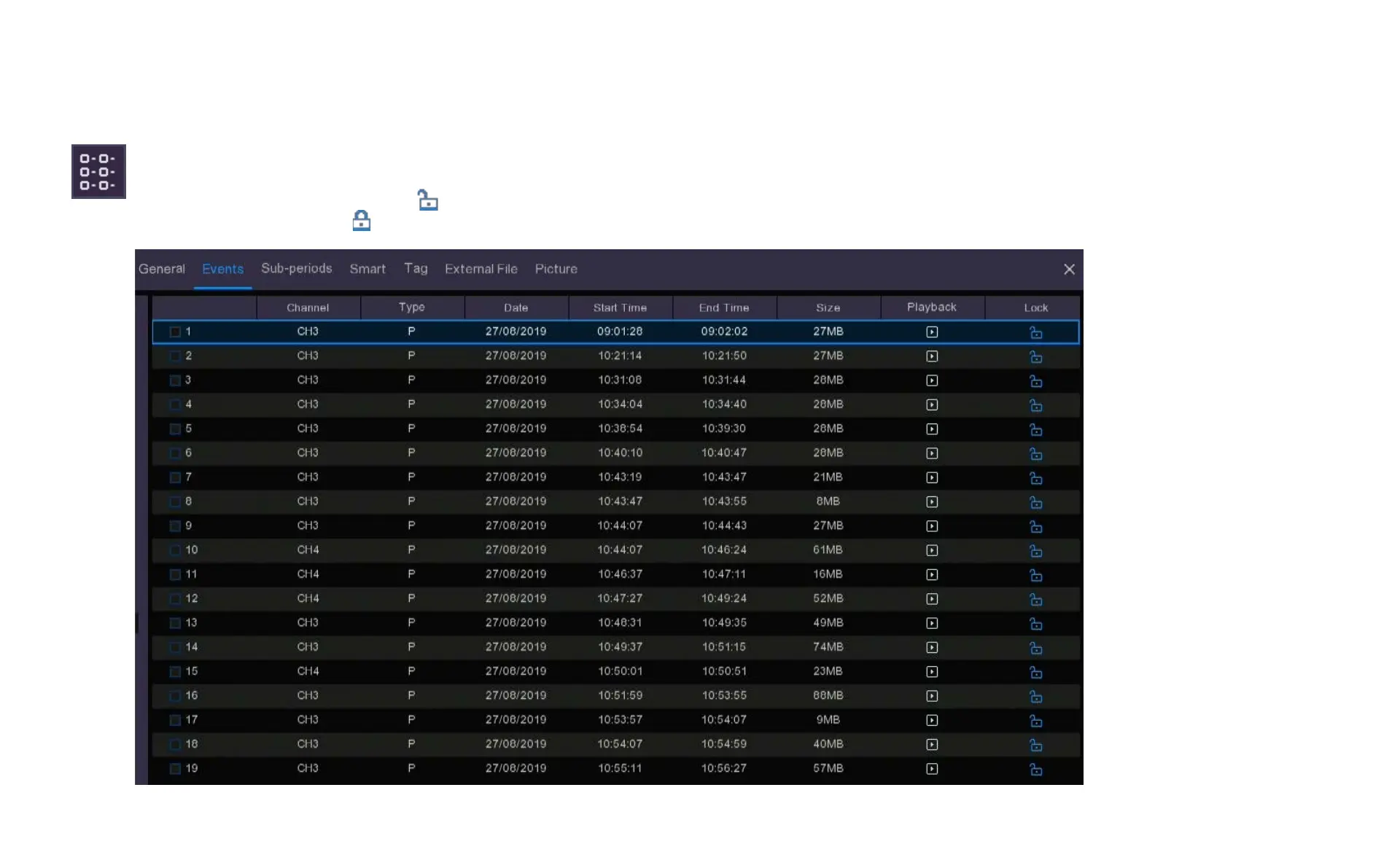
Detailed view. In this view the Events will be listed lineally and include the date, start time, end time, file
size and a playback button. In this view you can lock the video events to keep events from being
overwritten in the hard drive. The icon indicates the file is unlocked, if you click on this icon it will
change to the locked icon and the file will be locked from erasure.



 To Next Page