Chapter 8 Playback & Search
8.3 Tag Search and View
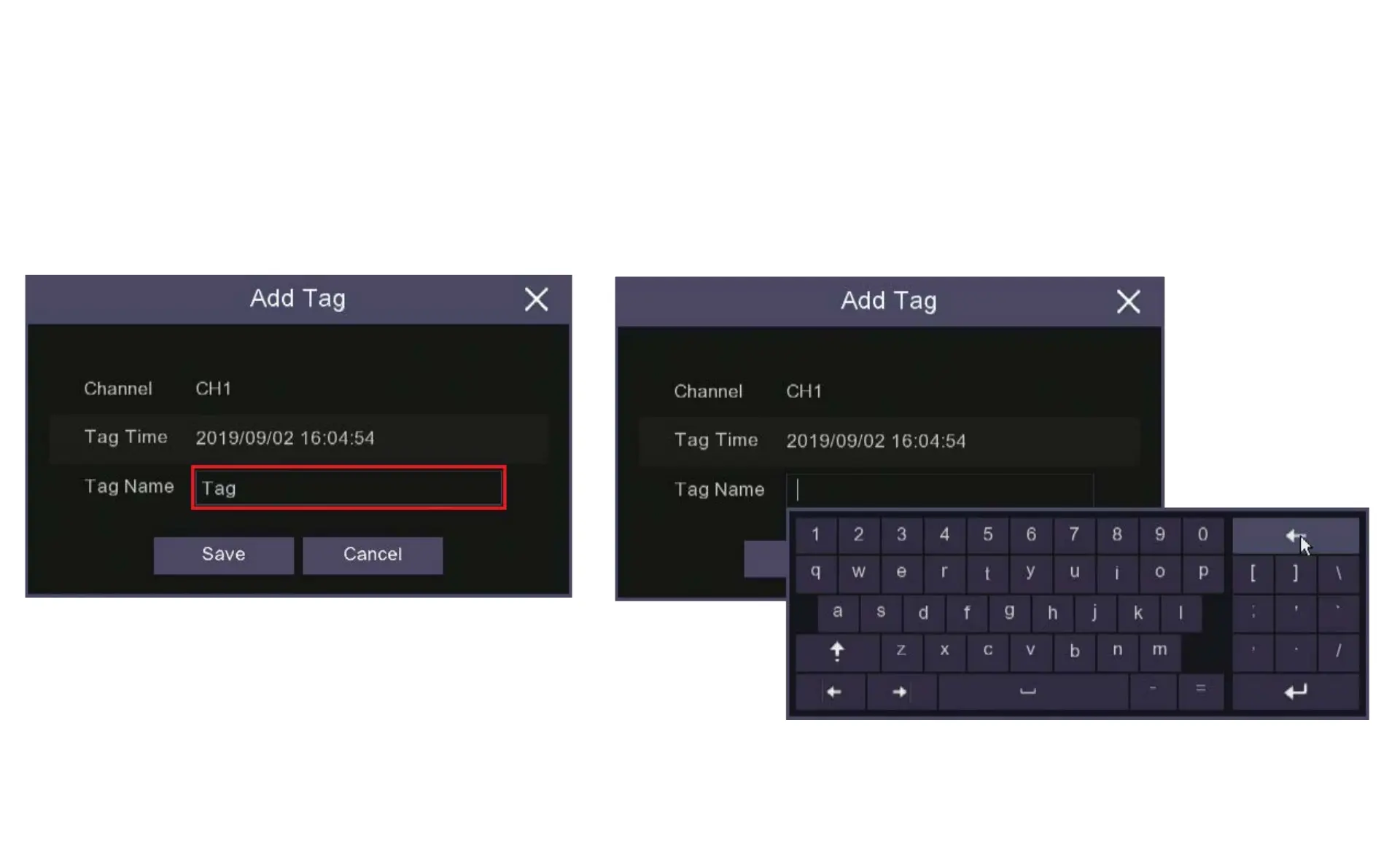
4. If you choose to create a Customized Tag this
window will pop up, if you click in the Tag Name
box and the keyboard will appear to let give the
Tag a name.
5. Use the keyboard backspace button to clear the space then you
can start writing in the name you want use.



 To Next Page