Maintenance 40
Camera Alignment and Calibration
Scanners: HD5450, HD4250, HD4230, HD3650, HD3630, HD2530
Scanner calibration is very easy to perform with the Scanner Maintenance program you installed with your drivers. After manually cleaning the scan area, you
just insert a calibration sheet, start the Scanner Maintenance program and let the wizard take over.
NOTE: Cleaning and calibration are tied together. Cleaning the scanner creates the need for renewed calibration and correct calibration will always require
a clean scan area.
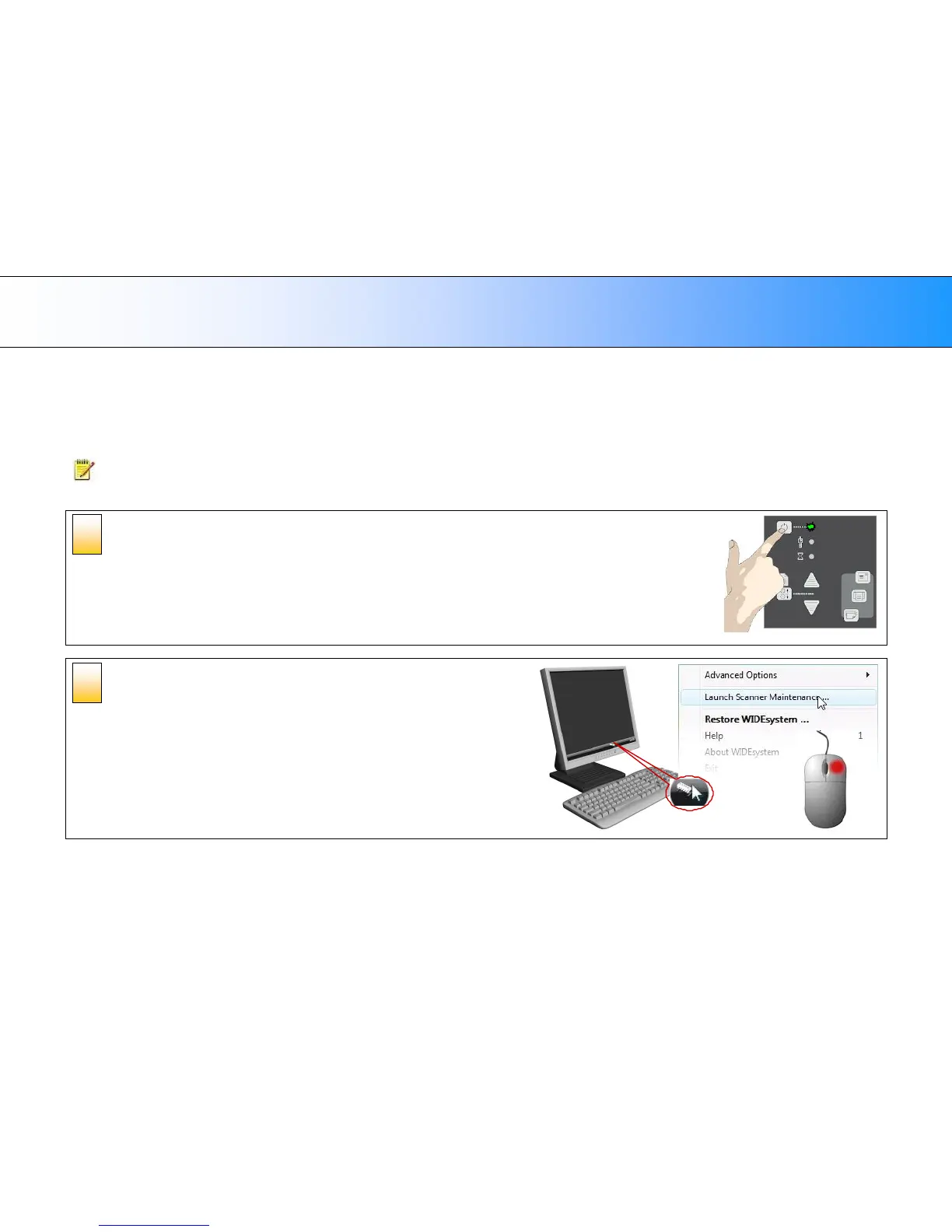
Turn the scanner power ON
Make sure that the scanner has been turned ON for at least 5 minutes prior
to camera alignment and calibration. The short warm-up time will ensure
that light conditions and camera heights have stabilized.
Launch the scanner maintenance
program
1. On your PC - Right click on the WIDEsystem scanner icon.
2. Select Launch Scanner Maintenance to open the program’s
welcome dialog.
2













 To Next Page