Maintenance 54
Downloading New Firmware
Scanners: HD5450, HD4250, HD4230, HD3650,
HD3630, HD2530
What is Firmware?
Like a computer, your scanner needs an operating system in order to work.
This operating system is called "Firmware”. Firmware runs inside the
scanner and links its processors with the PC applications running the
scanner.
When do I need new firmware?
Your scanner is shipped with the latest firmware available. You can
afterwards upgrade your original firmware with newer firmware and
continue to do so as they are released. Firmware upgrades can be
downloaded from your manufacture’s website or obtained through your
dealer.
Upgrade your firmware when:
1. One or more new features are released or other improvements are
made to the scanner though its firmware.
2. An error is discovered in the firmware version you have in the scanner
and your manufacturer recommends installation of new firmware in
which the error is corrected.
NOTE: Your manufacture’s website specifies improvements for every
new firmware release.
How to identify the firmware version running in the
scanner?
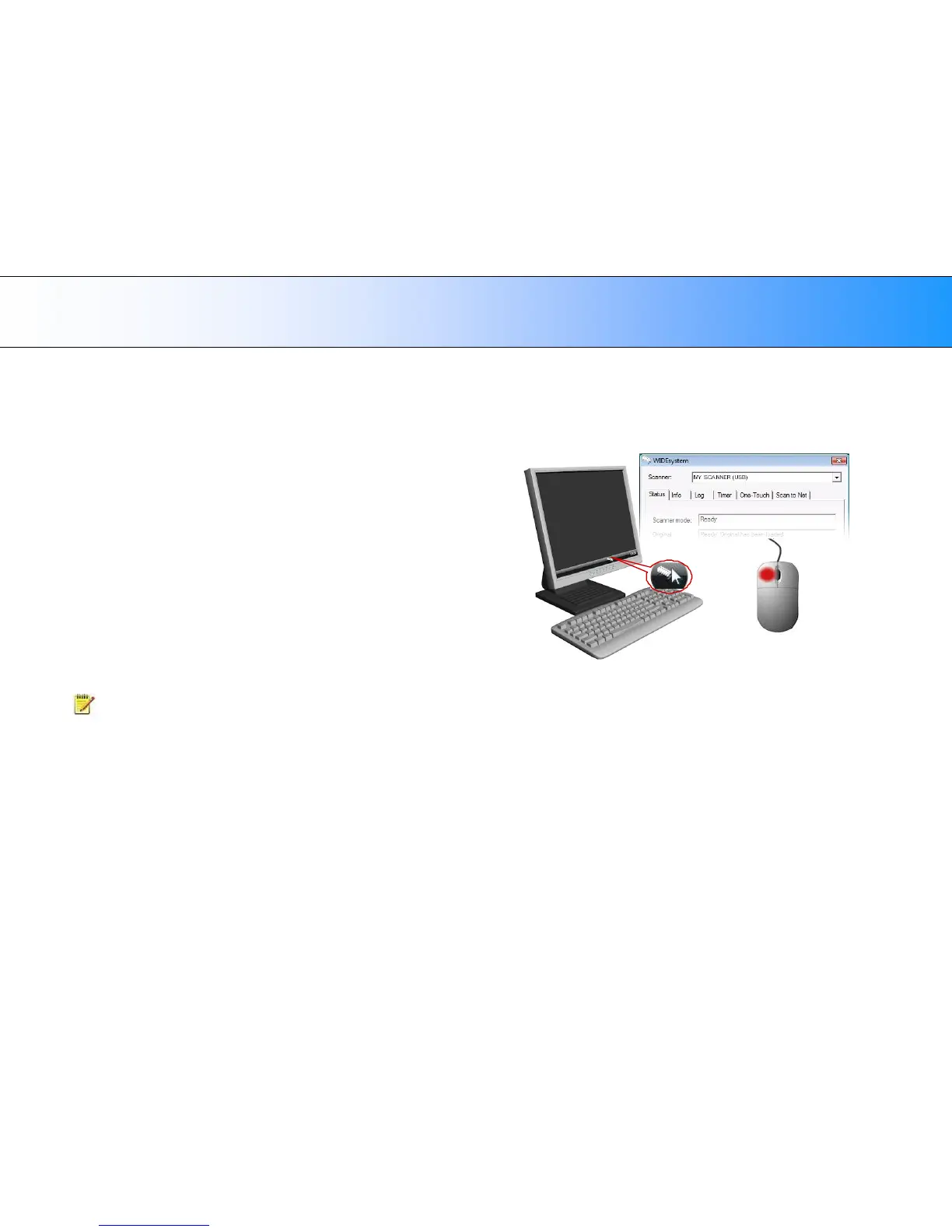
1. Start WIDEsystem –Left-click on the system tray’s scanner icon.
2. Select the Info tab.
3. The Info tab displays useful data about your scanner firmware.
4. Firmware release - Upgradeable firmware version.
5. Firmware download time - The date/time the current firmware was
downloaded.
You can upgrade your firmware if the Firmware Release number is lower
than the newest firmware version number on your manufacture’s website.













 To Next Page