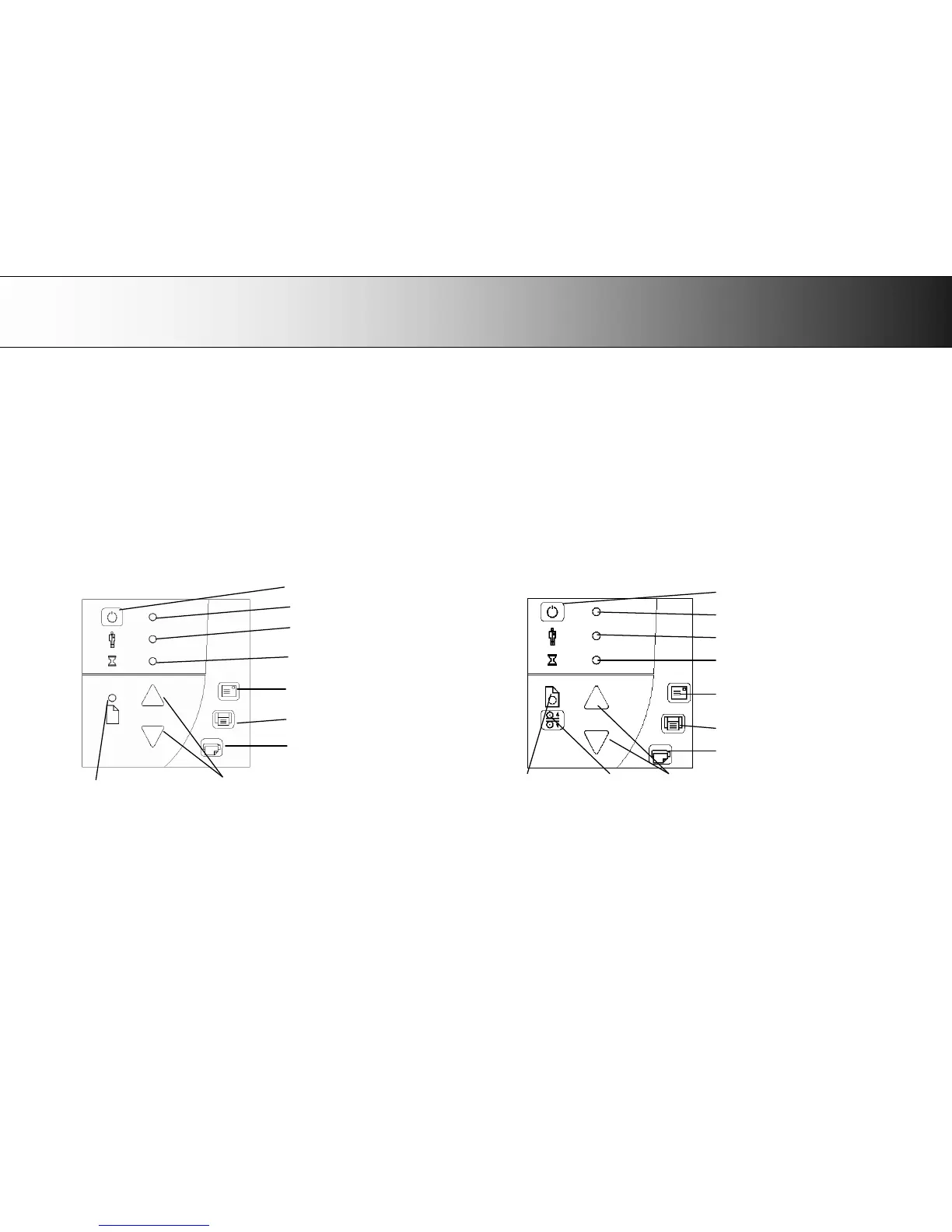
A: Overview – Operator’s Panel
66
Appendix A: Quick Overview of the Operator’s Panel
The Panel and LED Indicators
The panel consists of operation buttons and LED indicators. There are buttons for power ON/OFF, paper feeding, and triggering applications (one-touch). The
LED indicator’s function is to display scanner status in relation to its basic operations such as self-testing and media readiness. Operation of the buttons and
interpretation of the LED indicator light patterns are described in this section.
Scanner Models: HD2530
Scanner Models: HD5450, HD4250, HD4230,
HD3650, HD3630
with ATAC (Automatic Thickness Adjustment Control) key













 To Next Page