Maintenance 47
Replacing the White-Background-Platen
Scanner Models: HD5450, HD4250, HD4230, HD3650,
HD3630
Your white-background-platen can become worn and discolored after long
periods of use and in such cases; replacement with a fresh white-
background-platen is recommended. WIDEsystem monitors scanner usage
and will warn you when it is time for a replacement.
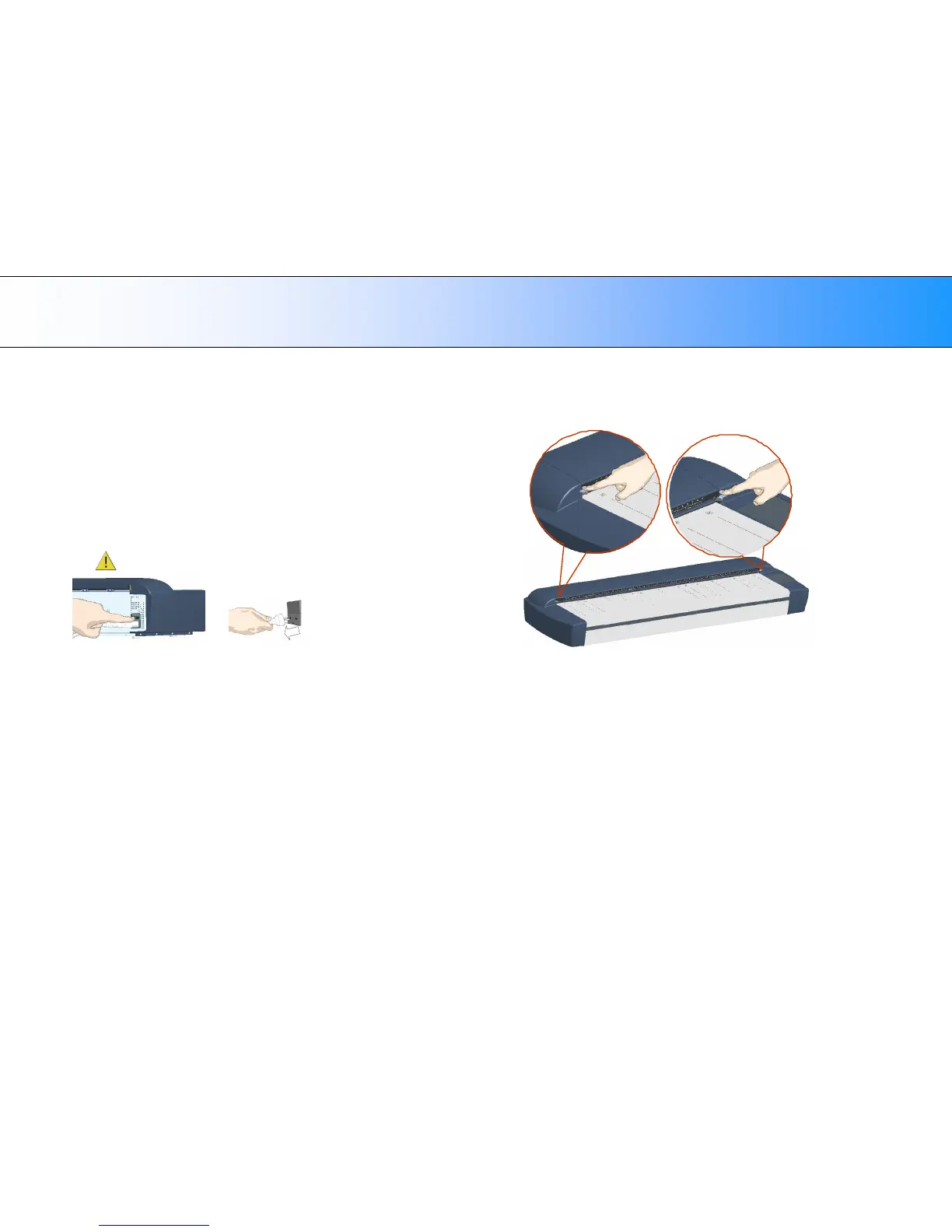
1. Turn the scanner power off and disconnect the power plug.
2. Open the scan area lid - Push down on the two lever buttons found
near the insertion slot on each side of the lid.
3. The scanning area lid locking mechanism should now be disengaged.













 To Next Page