Installation 5
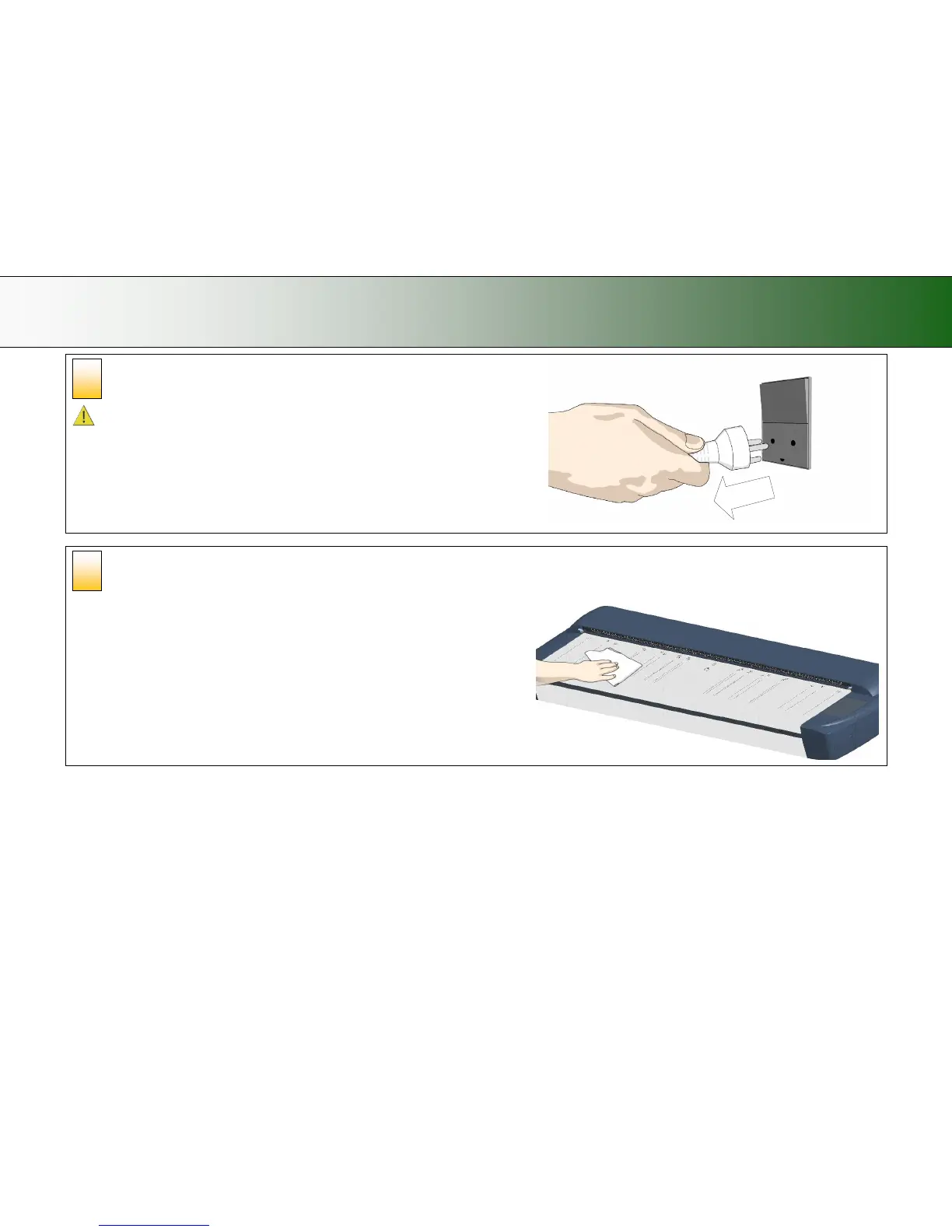
Disconnect the PC power plug
Caution: This step is to ensure your own personal safety and to help protect your
device from potential damage.
Clean the scanner feeding bed
This is the flat surface in front of the insertion slot. Wipe with a dry cloth so dirt and
dust are not dragged into the scan area with the original.
4













 To Next Page