A: Overview – Operator’s Panel
72
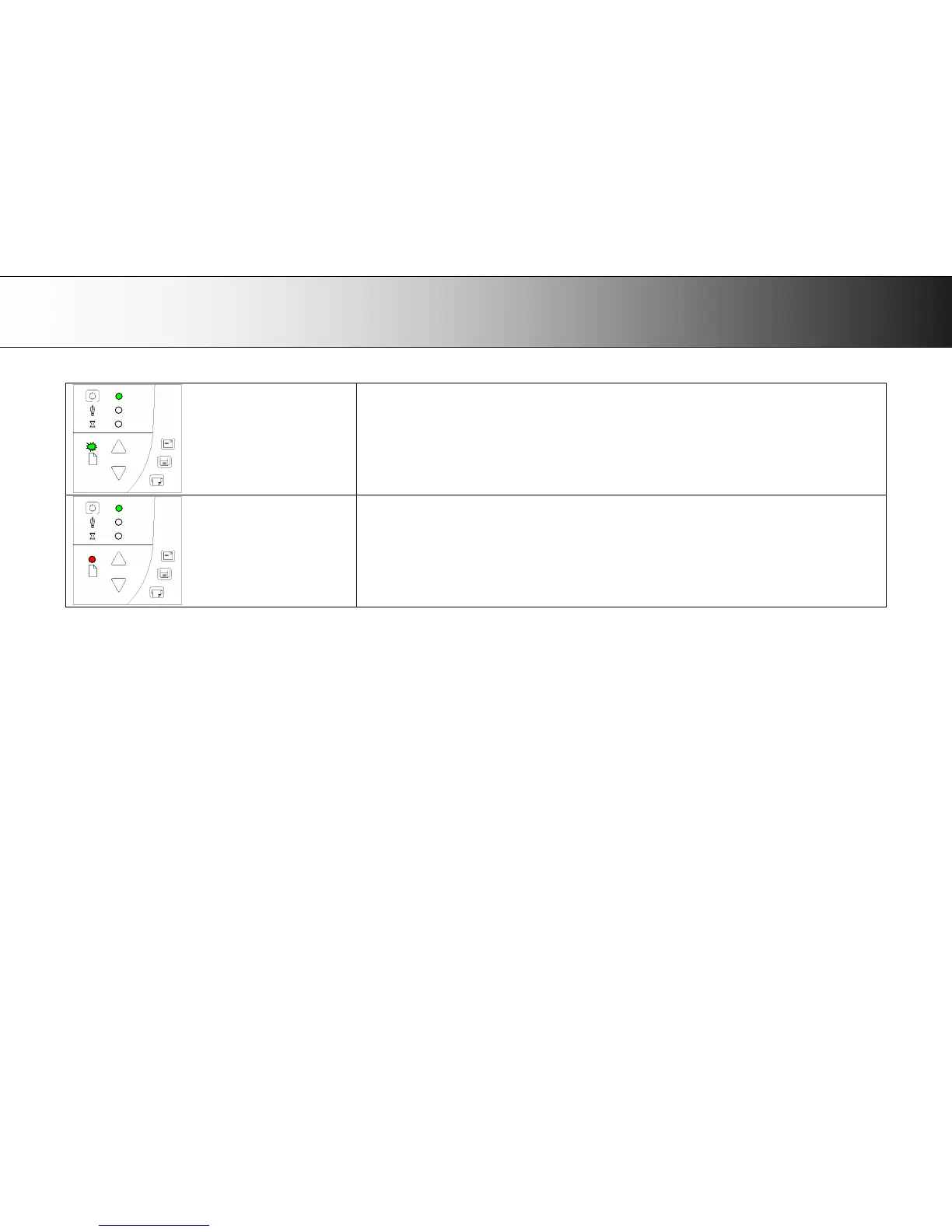
Paper Ready LED Blinks – (green or yellow) – Document is being scanned
The Paper Ready LED blinks during scanning.
On completion of the scan, the Paper Ready LED will stop blinking. Scanning can then be repeated from the
computer or terminated by ejecting the document from the scanner.
The above behavior applies for both thin media scanning (green blinking) and thick media scanning (yellow
blinking).
Paper Ready LED Red – No Thick media detected
The paper ready indicator will light red if the scanner is in a thick media setting (a raised pressure-platen) but the
scanner does not detect the document.













 To Next Page