Genus G1 MARK II Users Manual
UM3010-2
NETWORK SETUP
Network Setup provides the ability to configure the terminal’s network parameters, including
DHCP, IP address, gateway, subnet mask, DNS servers, and telnet menu.
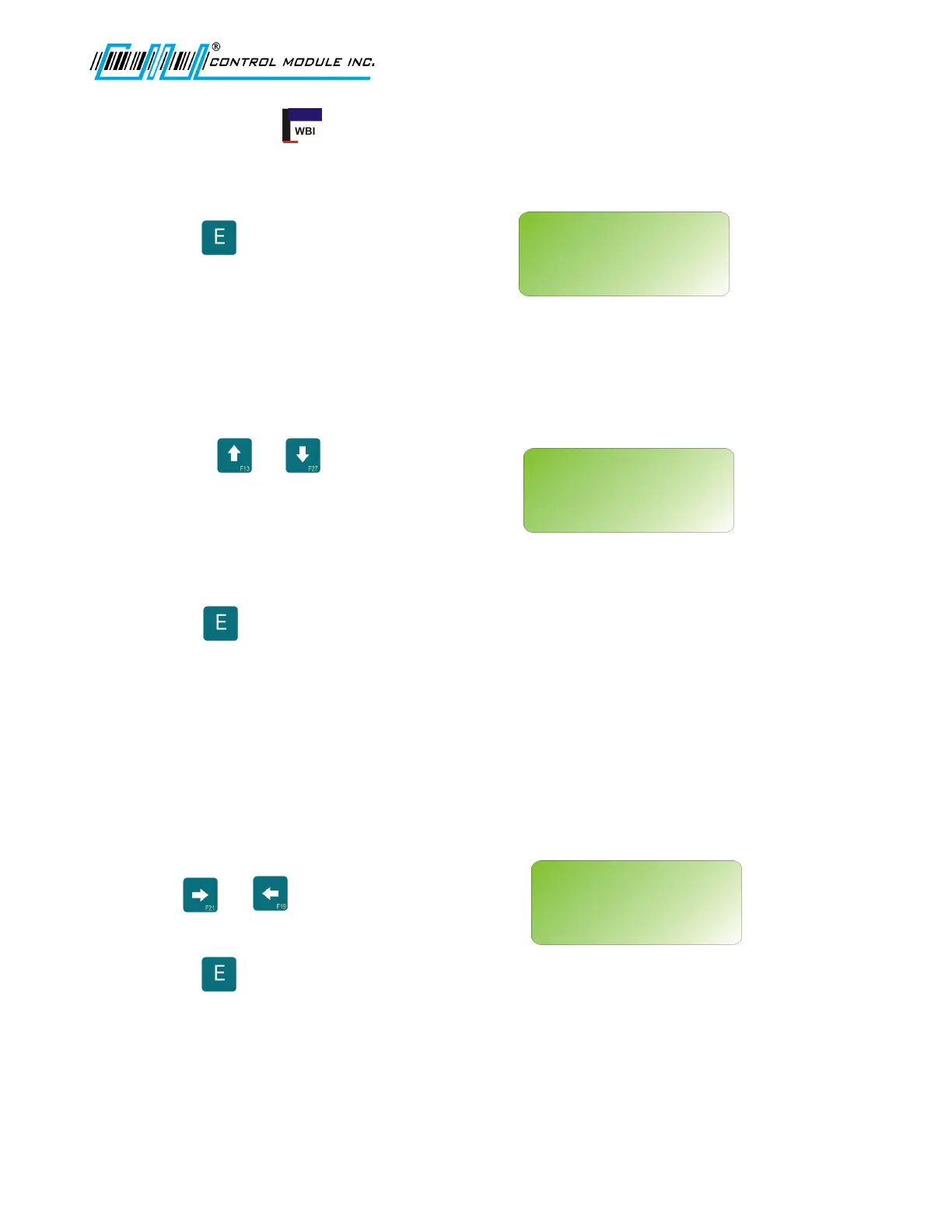
Press to select.
ENABLE DHCP
This turns on the terminal’s ability to obtain an
IP address automatically from a DHCP server
on the local network.
Use the or key to set to Yes
or No.
Note: Set to N to specify a static IP.
Otherwise if Y is selected, the network setup
will advance to ENABLE TELNET.
Press to enter choice and advance to
next network setup option.
TERMINAL IP
Specify a static IP address. This screen will not appear if DHCP is enabled.
If DHCP is not enabled, then, use 0-9 and
the or keys to advance or return
through fields.
Press to enter choice and advance to
next network setup option.
Revision B 10-30-07 21
NETWORK SETUP
<UP><DWN><E><H>
ENABLE DHCP
N
NETWORK SETUP
<0-9><E><H>
TERMINAL IP:
192.168.000.064
NETWORK SETUP?
<UP><DWN><E>



 To Next Page