Genus G1 MARK II Users Manual
UM3010-2
SUBNET MASK
Specify a subnet mask for the terminal. This screen will not appear if DHCP is
enabled.
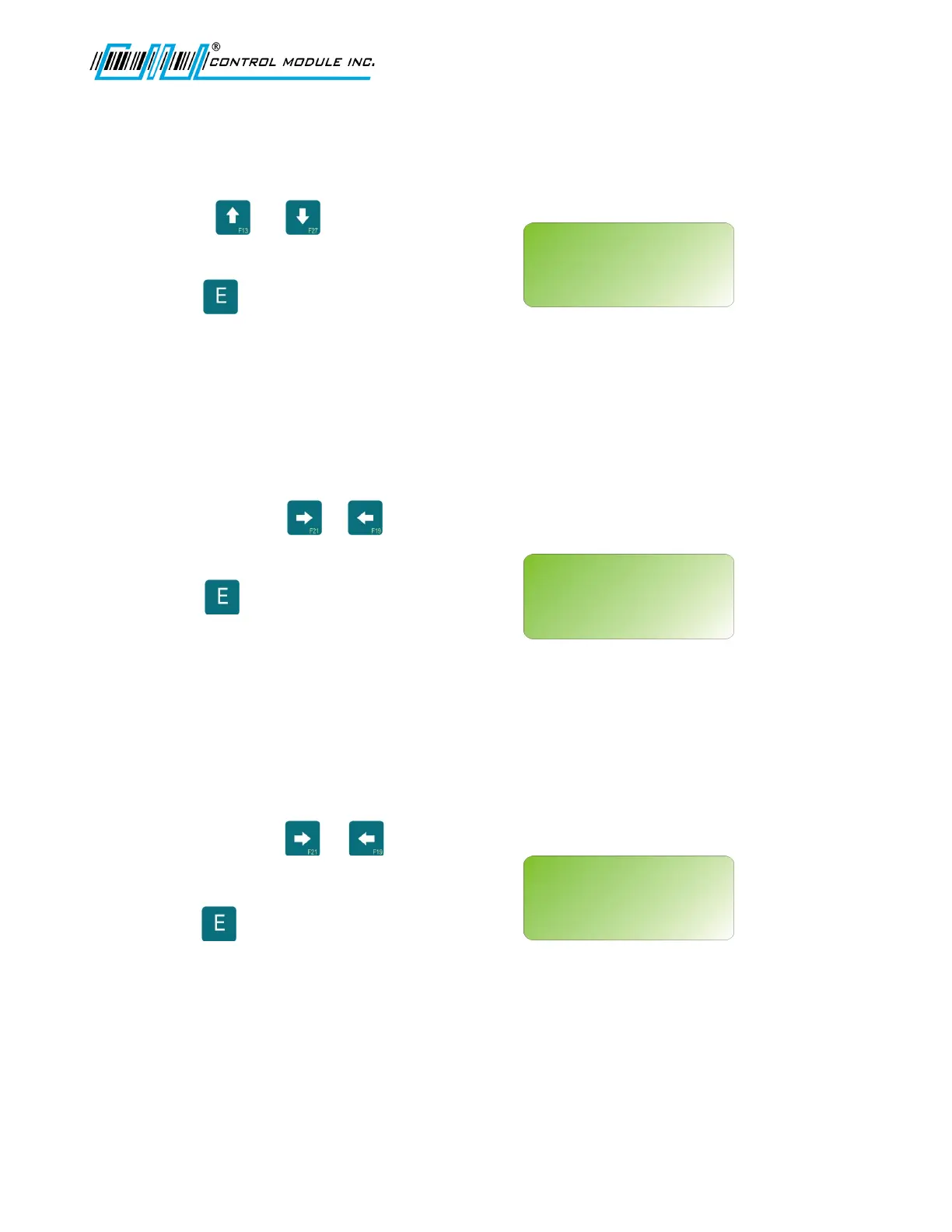
Use the or to scroll up or down
through valid subnet mask numbers.
Press to enter choice and advance to
next network set-up option.
GATEWAY IP
Specify a gateway address for the terminal. This entry is optional if the terminal does
not need to communicate with devices outside the immediate subnet. This screen will
not appear if DHCP is enabled.
Use 0-9 and the or keys to advance
or return through fields.
Press to enter choice and advance to
next network setup option.
PRIMARY DNS
Specify a primary Domain Name Server (DNS). This entry is optional if the terminal
does not need access to DNS services. This screen will not appear if DHCP is
enabled.
Use 0-9 and the or keys to advance
or return through fields.
Press to enter choice and advance to
next network setup option.
Revision B 10-30-07 22
NETWORK SETUP
<UP><DWN><E><H>
SUBNET MASK
255.255.255.000
NETWORK SETUP
<0-9><E><H>
GATEWAY IP:
000.000.000.000
NETWORK SETUP
<0-9><E><H>
PRIMARY DNS:
000.000.000.000



 To Next Page