Genus G1 MARK II Users Manual
UM3010-2
WiFi Module Security Settings
The WiFi Module provides security setting options. The WiFi Module default for the security
settings is set to disabled. This provides the user with the option to choose a security type
and allows corresponding fields to be available to enter settings for that security type.
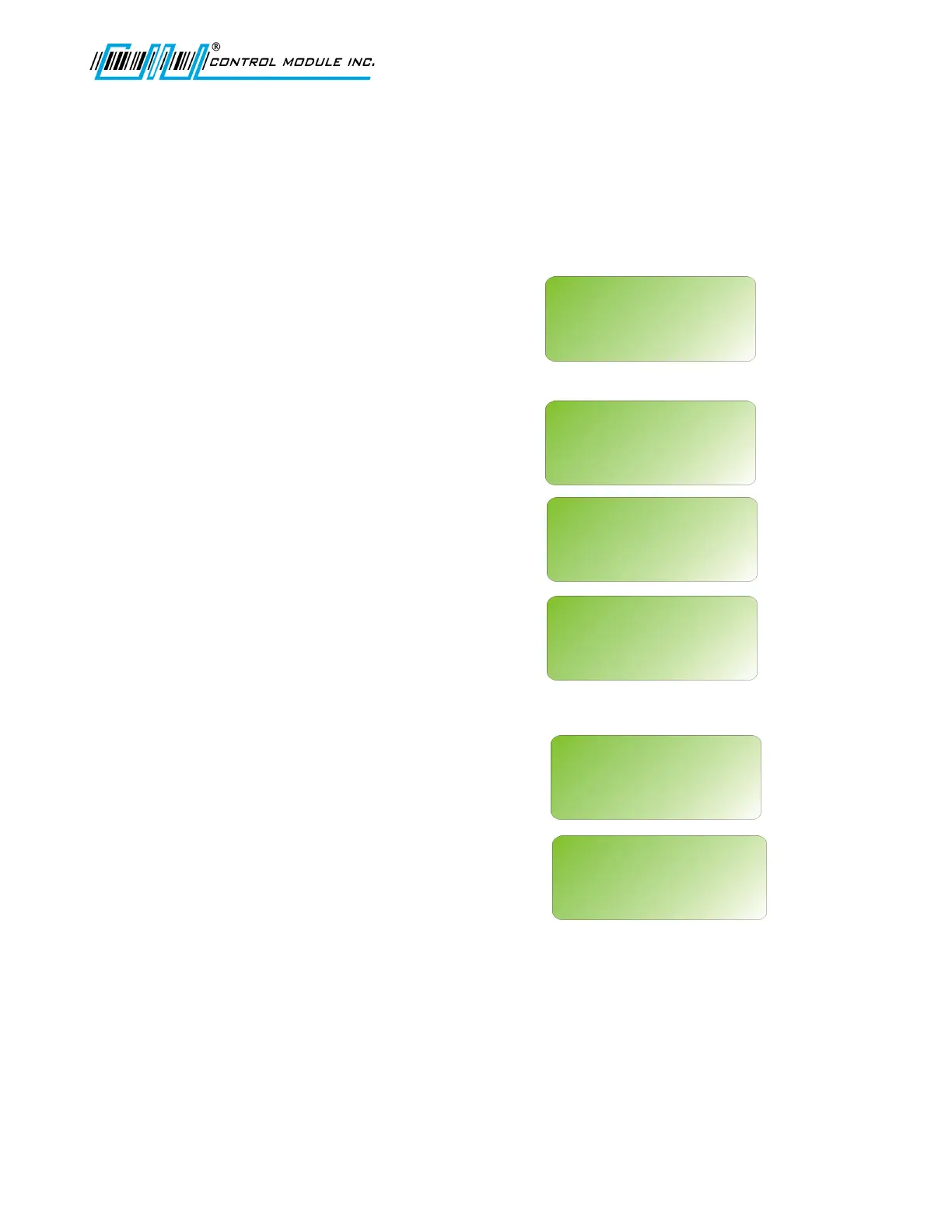
Scroll through the security types, wep64,
wep128, wpa-psk, and disable. Press ‘E’
to choose.
WPA-PSK refers to Pre-Shared Key
used in Authentication.
This is a shared key between the station
and the access point (AP) and is entered
as a passphrase. Input is 8 to 63 ASCII
characters or 64 hex characters that cannot
contain spaces. The passphrase must
match the passphrase on the AP.
When the passphrase has been entered use
either ‘E’ to Save or ‘H’ to Abort.
If using a digital wand, refer to the Code
39 Programming Table in this document.
Note: The G1 Terminal requires the exact number of hex characters for WEP key
values to advance to the next parameter setting.
Revision B 10-30-07 40
WIFI NETWORK SETUP
<UP><DWN><E>
SECURITY TYPE:
disable
WIFI NETWORK SETUP
<UP><DWN><E>
SECURITY TYPE:
wep64
WIFI NETWORK SETUP
<UP><DWN><E>
SECURITY TYPE:
wep128
WIFI NETWORK SETUP
<UP><DWN><E>
SECURITY TYPE:
wpa-psk
WIFI NETWORK SETUP
<UP><DWN><0-9><E>
WPA PASSPHRASE
WIFI NETWORK SETUP
<E><H>
SAVE CHANGES?
‘E’=SAVE ‘H’=ABORT



 To Next Page